



viaSocket is a no-code automation platform that moves data between apps using visual workflows or plain-English instructions.
Connect viaSocket to WhatConverts to automatically send leads to the CRMs, spreadsheets, and messaging apps your team already uses.
Send WhatConverts Leads to Any App with the viaSocket Integration
WhatConverts captures every lead along with the marketing data behind it. But your team may still need to copy that information into a CRM, help desk, spreadsheet, or messaging app. That manual process takes time, creates opportunities for errors, and can delay follow-up.
viaSocket removes those manual steps. When a lead arrives in WhatConverts, viaSocket can automatically create a CRM contact, open a help desk ticket, add a spreadsheet row, or send a Slack alert. The lead's marketing attribution stays attached, so your team can see which campaign generated it.
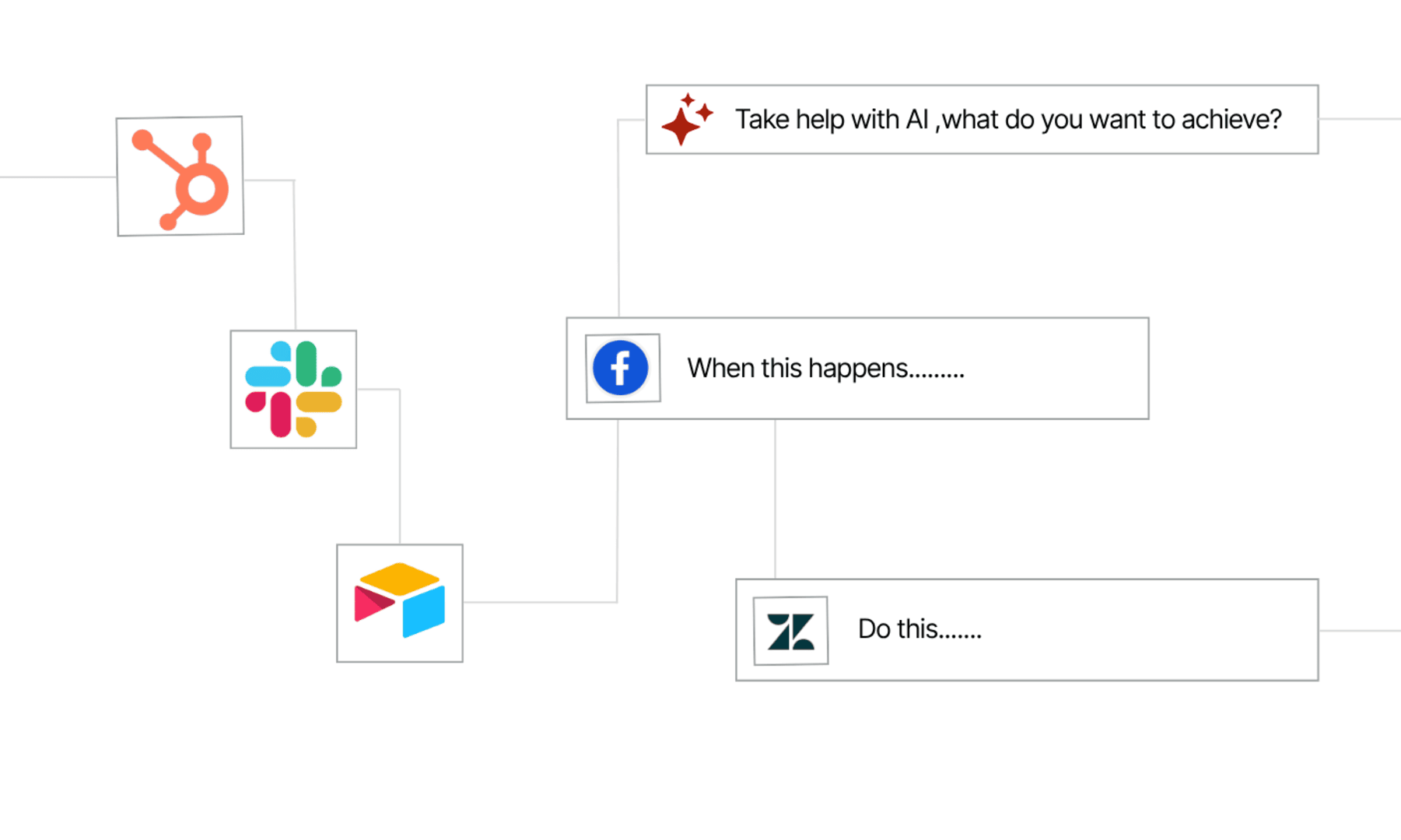
The integration uses a WhatConverts webhook. When a lead is created or updated, WhatConverts sends the data to viaSocket. viaSocket then runs the workflow you configured, such as creating a contact, sending an alert, or assigning a task. It can also send data from other apps back to WhatConverts, allowing information to flow in both directions.
Why This Integration Matters
- Send every lead to the right tools: Automatically route new WhatConverts leads to your CRM, help desk, spreadsheet, or other apps as soon as they arrive.
- Preserve marketing attribution: Send each lead's source and campaign data to connected apps so downstream reports remain accurate.
- Build workflows without a developer: Use viaSocket's visual builder or describe the workflow you want and let its AI assemble it. No coding or engineering support is required.
Who It’s For
- Agencies managing different client systems: Route each client's WhatConverts leads to the CRM and reporting tools they use.
- Home service and field service teams: Alert the right dispatcher or technician as soon as a call lead arrives, helping your team respond quickly.
- Lean marketing teams without developer support: Build and update app connections as your needs change, without waiting for engineering resources.
Connect in Minutes
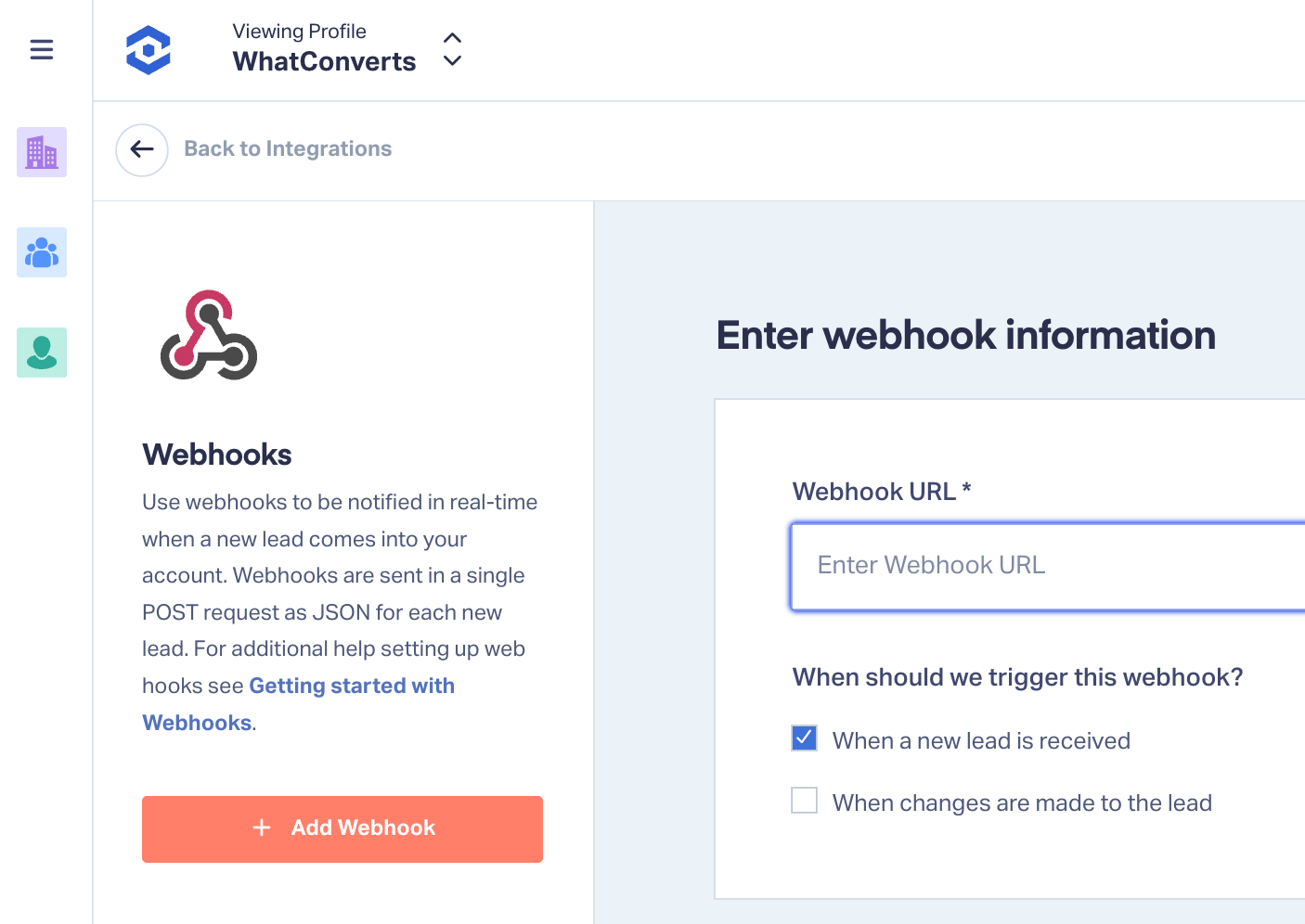
Setup uses the webhook settings in your WhatConverts account. A single webhook URL connects the two platforms, with nothing to install in WhatConverts.
- Create a workflow in viaSocket: Start a new workflow, select the webhook trigger, and copy the unique URL that viaSocket provides.
- Add the webhook to WhatConverts: Open the Webhooks settings in WhatConverts and paste the viaSocket URL.
- Select the trigger events: Choose whether the workflow runs for new leads, updated leads, or both.
- Map, test, and activate the workflow: Match the lead fields to their destinations, send a test lead, confirm that it arrives in viaSocket, and turn on the workflow.
Not a WhatConverts User?
WhatConverts captures your leads and the marketing data behind them, then sends that information to the tools your team uses. This helps you identify which campaigns generate leads and invest more in the ones that perform.
Start your free 14-day trial of WhatConverts today, or book a demo with a product expert to see how WhatConverts can help you prove and grow your marketing ROI.
Get a FREE presentation of WhatConverts
One of our marketing experts will give you a full presentation of how WhatConverts can help you grow your business.
Schedule a Demo






