


 Amanda Pell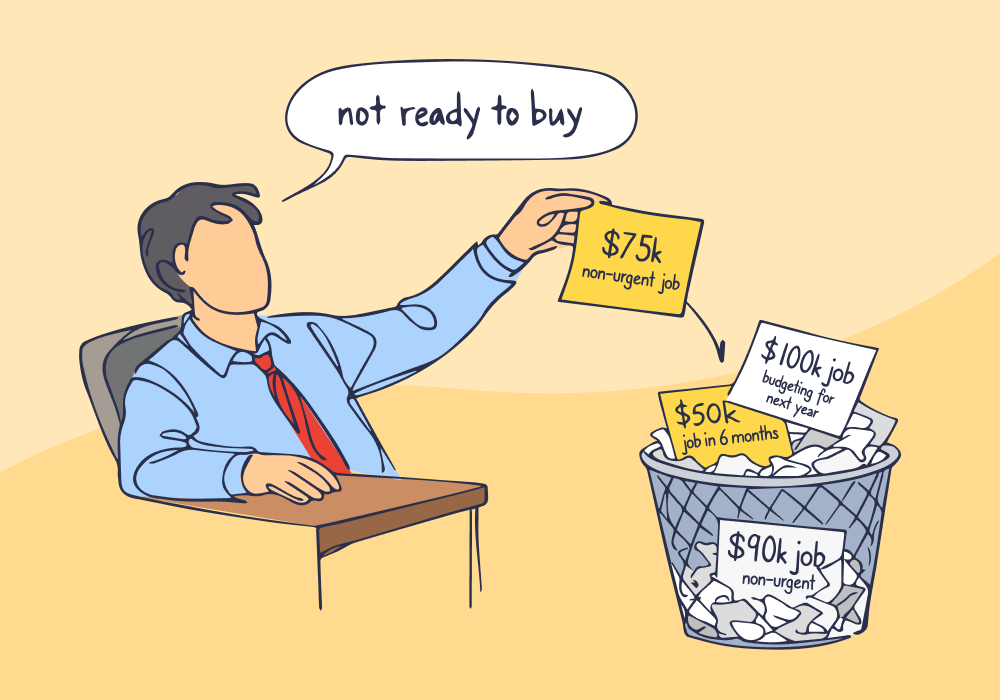
You launched emergency plumbing campaigns six months ago. ROI looked great: 18% conversion rate, $95 cost per lead.
Then you added planned renovation campaigns: $12,000 average jobs with 45% close rates when handled right.
Three months in, the emergency campaigns still convert at 18%, while the renovation campaigns drag at 4%.
You're about to kill it. Then you run a report on quotable leads by sales agent: five of the client's reps convert renovation leads at 40-50%. One rep—the top closer—converts them at 2%.
That rep handles 60% of renovation leads because they're "the best."
Except they're not. Not for this lead type.
This article shows how good campaigns get killed, not because marketing failed, but because the wrong sales reps handled the wrong leads.
Note: Not a WhatConverts user yet? Start your free 14-day trial of WhatConverts today or book a demo with a product expert to see how we help prove and grow your ROI.
When Emergency Closers Handle Long-Term Deals
The client's top salesperson built their reputation closing emergency calls.
Someone's basement is flooding. The water heater died. They need a plumber today.
This rep is fast, direct, and closes 65% of emergency leads. They're legitimately excellent at what they do.
But when a lead calls asking for a bathroom repiping quote or wants to discuss a renovation timeline, the rep marks them "unqualified."
Why?
- No immediate urgency
- Lead wants to "think about it"
- Prospect asks about timelines instead of availability
- They're gathering quotes, not booking same-day service
To a rep trained to win on urgency, these signals look like disqualification, even when they aren’t.
In reality, these are $8,000-$15,000 jobs with excellent close rates—when handled by reps who understand consultative sales.
Your attribution data now shows your renovation campaign underperforming. But the campaign isn't the problem. The lead routing is.
Without this insight, you kill a campaign that could've been a winner. The client questions your judgment. Future budget requests get harder. And the ROI you could've proven? Gone.
Read More: How to: Give Sales Reps Instant Context on Every Caller's Journey
How to See if This Is Happening to Your Campaigns
Pull up your campaign reports. You're probably looking at something like this:
| Leads | Sales | Conversion Rate | |
| Emergency campaign | 150 | 27 | 18% |
| Renovation campaign | 80 | 3 | 4% |
Here's what to do instead: break it down by rep.
Ask your client for rep-level data on who handled which leads. Export it into a spreadsheet. Calculate conversion rates for each rep, for each campaign.
You might see this:
| Emergency campaign | Renovation campaign | |||||
| Leads | Sales | Conversion Rate | Leads | Sales | Conversion Rate | |
| Rep A | 90 | 59 | 65% | 48 | 1 | 2% |
| Reps B-F | 60 | 18 | 30% | 32 | 14 | 44% |
Now the problem is obvious: Rep A crushes emergencies and destroys renovations.
Because Rep A gets first pick of leads—they're the top performer—they handle 60% of renovation inquiries. That tanks the campaign's aggregate performance.
Your data says the campaign is broken. The real problem is lead distribution.
Read More: The Sales Accountability Problem: Why Marketers Get Blamed (and How to Fix It)
Spotting the Problem Before You Kill Good Campaigns
Without rep-level visibility, this problem is invisible.
You see underperforming channels and assume the marketing isn't working. In reality, your best leads are being routed to reps whose strengths don't match the lead type.
The fix isn't telling the client's sales team how to do their job. It's showing your client the data and letting them make the call.
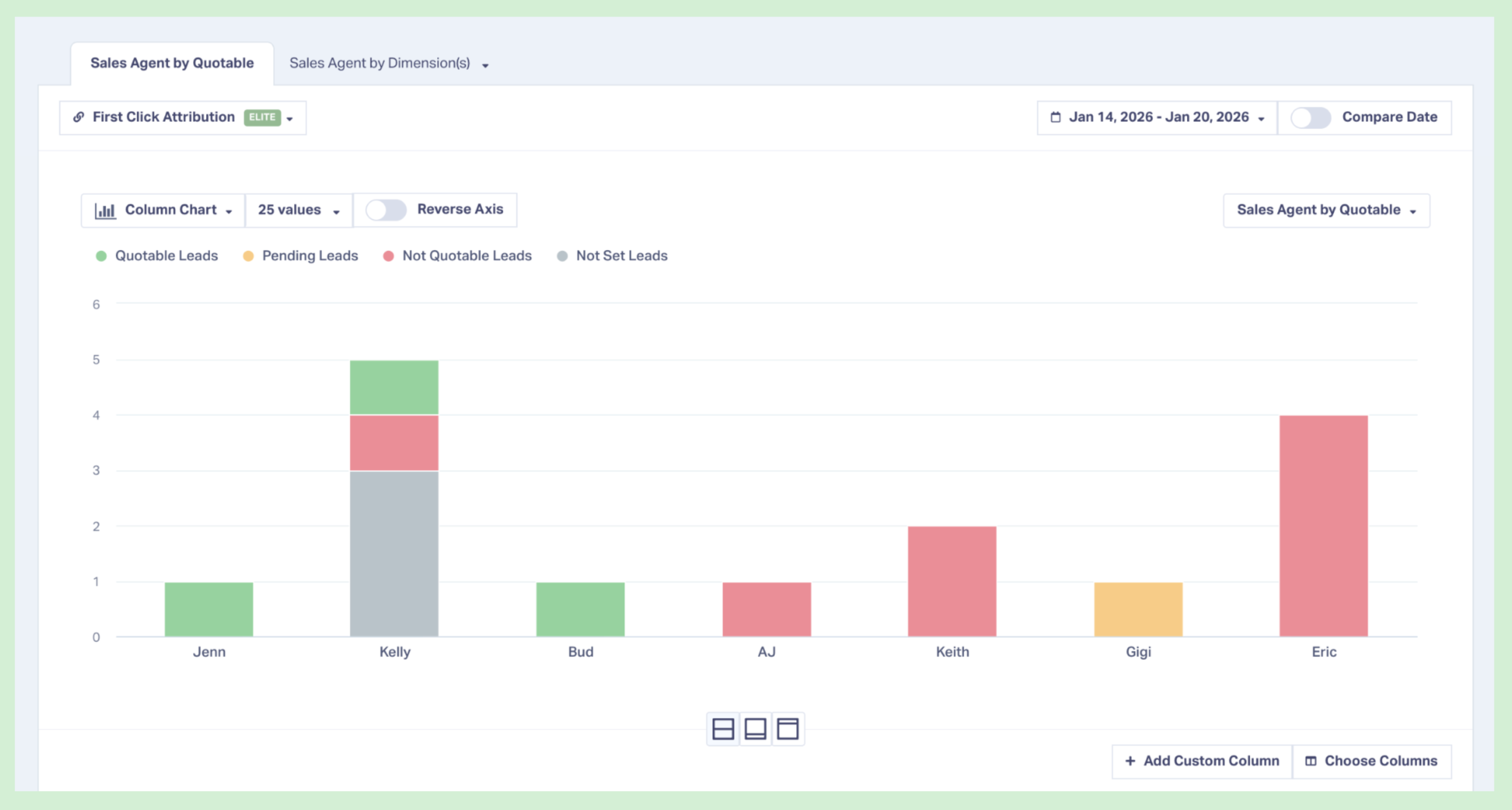
WhatConverts's Quotable Leads by Sales Agent report surfaces these patterns automatically:
- Filter leads by campaign and rep
- Compare conversion rates across the team
- Identify which reps excel with which lead types
- Show clients exactly where leads are getting mishandled
When you bring this to your client, the conversation shifts from "your campaign isn't working" to "here's where leads are falling through—and who's converting them best."
Stop Optimizing Campaigns When Sales Routing Is the Problem
Most agencies don't have visibility past "lead delivered."
If the campaign underperforms, you tweak targeting, adjust messaging, or shift budget.
But when the real issue is who's handling the leads, no amount of marketing optimization will fix it.
Rep-level performance data changes the conversation:
- You spot qualification patterns that don't match lead type
- You show clients where leads succeed and where they fail
- Clients adjust routing based on rep strengths
- Campaign performance improves without touching ad spend
That's the unlock. You're not telling sales how to sell. You're surfacing the data that shows which reps match which leads.
Before you kill another campaign, check who's handling the leads—it might be your client's best rep for the wrong lead type.
See which reps convert which lead types best. Start your free 14-day WhatConverts trial and surface rep-level patterns that most agencies never see—or book a demo to see how top agencies use sales accountability data to prove campaign value.
Start your free 14-day trial of WhatConverts today or book a demo with a product expert to see how we help prove and grow your ROI.
Get a FREE presentation of WhatConverts
One of our marketing experts will give you a full presentation of how WhatConverts can help you grow your business.
Schedule a DemoGrow your business with WhatConverts







