


 Amanda Pell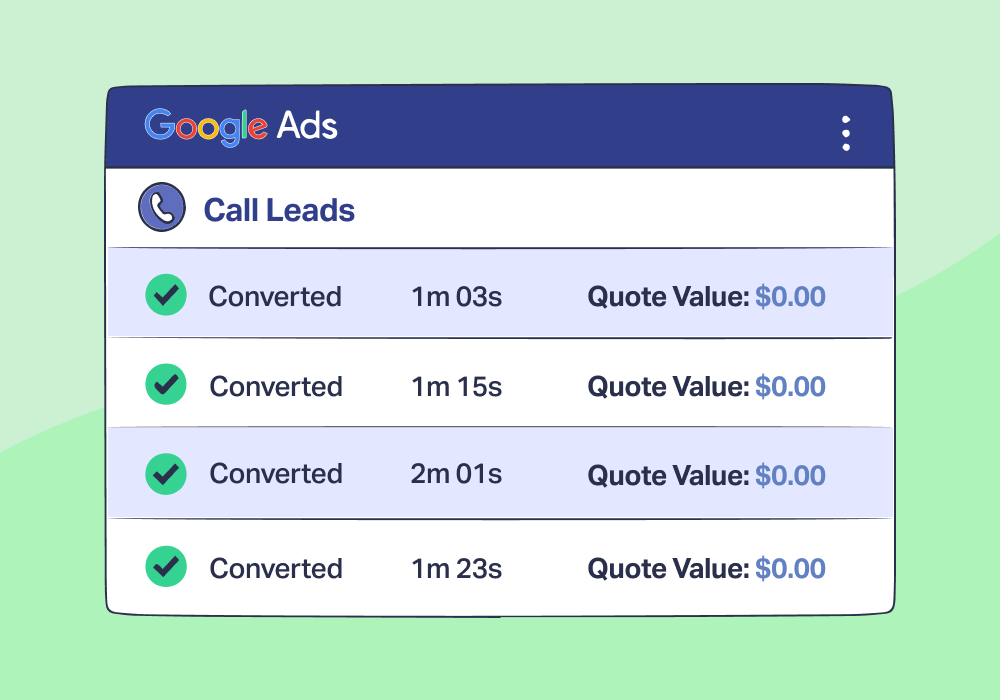
Google Ads says you generated 87 call conversions last month. Cost per conversion looks solid at $42. Campaign performance is green across the board.
Then your client mentions that half those calls never turned into business.
That's when you realize: Google Ads doesn't count conversions the way you think it does, and what Google counts as a “conversion” isn’t always valuable to your client at all.
Once you understand how Google counts calls, you’ll also understand how easy it is to accidentally optimize yourself into chasing worse leads—and why it’s so important to stop it before your optimization machine runs away from you.
Note: Not a WhatConverts user yet? Start your free 14-day trial of WhatConverts today or book a demo with a product expert to see how we help prove and grow your ROI.
Google Ads Is Doing Exactly What You Told It To
If your Google Ads account looks profitable but the calls aren't closing, Google Ads probably isn't broken.
It's a rules-based system doing exactly what it's configured to do. The problem is that most marketers misunderstand what those rules actually measure.
Google Ads counts call conversions based on mechanics, not outcomes. A call lasting 61 seconds gets counted the same as a call lasting 15 minutes—even if one was a price objection and the other was a booked appointment.
This isn't Google being deceptive. It's just how the system works.
What Google Ads Actually Considers a "Call Conversion"
Google Ads call tracking operates on three basic triggers. A call conversion gets counted when:
A user clicks:
- A call extension
- A call-only ad
- A call asset
AND the call lasts longer than a defined duration threshold.
That's it.
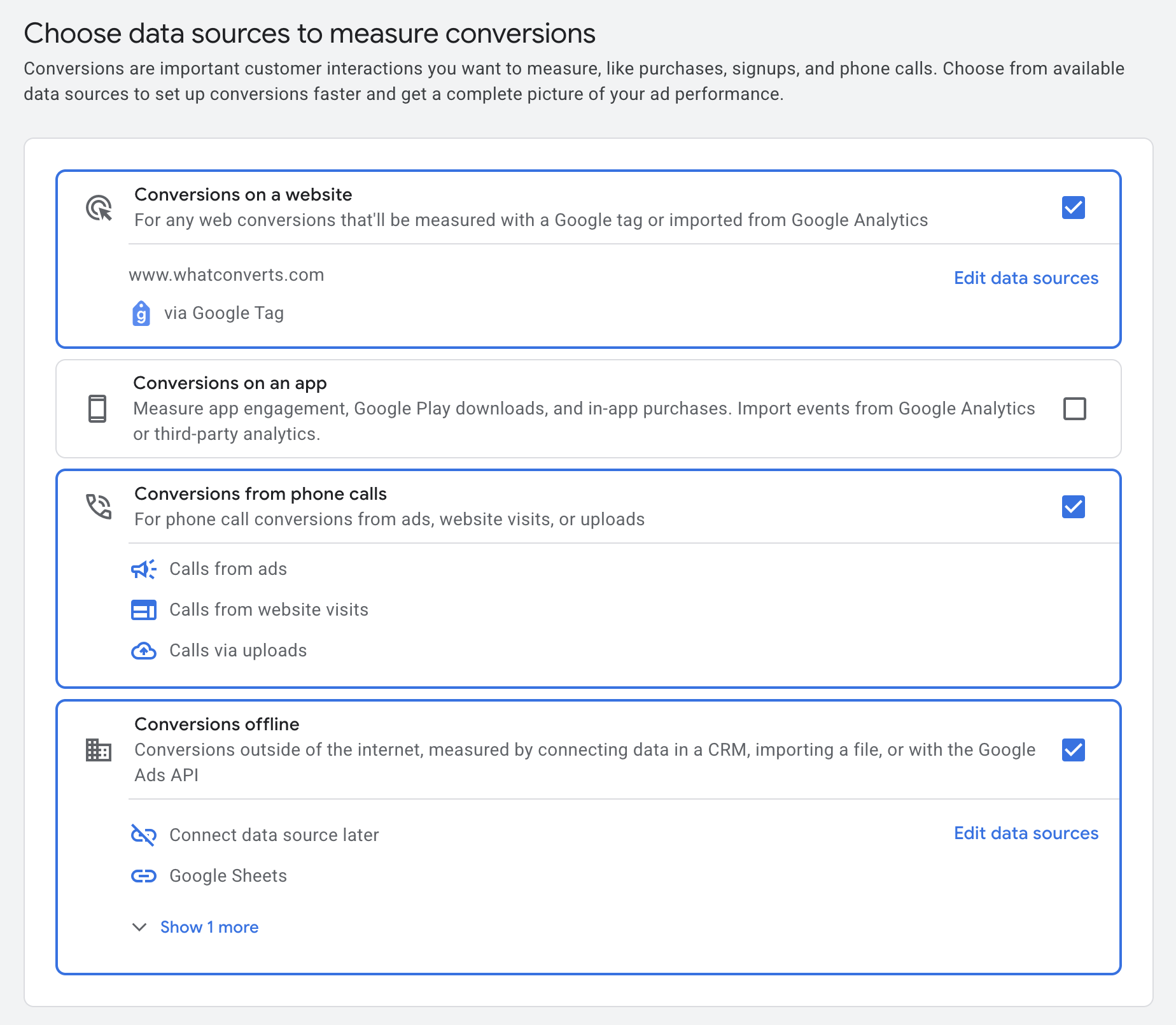
The default threshold is typically 60 seconds (unless you customize it). If someone calls and stays on the line for 61 seconds, Google Ads records a conversion—regardless of what actually happened during that call.
But here’s the problem:
Duration Does Not Always Equal Intent
Long calls aren’t always good calls, and short calls aren’t always bad ones.
A 90-second call could be:
- Price objections that stretch conversations while going nowhere
- Service mismatches that require lengthy explanations before the prospect realizes you can't help
- Wrong geography that leads to extended back-and-forth before the caller realizes you're in the wrong state
- Solicitors that pitch their services for minutes before you can get them off the line
Meanwhile, a 30-second call could be:
- A repeat customer who knows exactly what they need and books fast
- A high-intent prospect that’s done their research and just wants to confirm availability
- Clear service requests that get handled in under a minute
If your call conversion threshold is 60 seconds, Google Ads counts the first group and ignores the second.
For the complete breakdown of:
- How Google Ads call tracking actually works
- What it can and can't measure,
- What agencies need to think about when phone calls drive real revenue
Check out the full guide:
Related Reading: The Best Way to Track Calls from Google Ads
How This Quietly Skews Google Ads Optimization Over Time
The real damage isn't immediate. It compounds.
Here's the feedback loop:
- Google Ads sees more "conversions" from keywords and campaigns that generate longer calls
- Smart Bidding algorithms push spend toward those call-heavy queries
- Campaigns become more efficient on paper
- Lead quality degrades invisibly
Nothing breaks immediately. In fact, things often look better—lower cost per conversion, higher conversion volume, greener dashboards.
The problem surfaces weeks later, usually in sales conversations, when closing rates drop and clients start mentioning “a lot of price shoppers lately.”
At that point, the algorithm isn’t just misinformed—it’s been trained on the wrong definition of success.
Example:
A plumbing company runs two campaigns with a 60-second call conversion threshold:
| Calls | Average Call Length | Calls Counted by Google | |
| Campaign A | 40 | 90 | 40 |
| Campaign B | 15 | 45 | 0 |
Based on this data, Smart Bidding shifts budget toward Campaign A because it's "performing better."
But what if Campaign A's calls are mostly price shoppers, and Campaign B's short calls are repeat customers booking emergency repairs?
The data says Campaign A wins. Reality says Campaign B drives revenue.
Once that feedback loop is in motion, Google doesn’t just report the wrong story—it actively optimizes toward it.
Why Dashboards Don't Reveal This Problem
Google Ads reports look clean. You see conversion counts, cost per conversion, and conversion rates. Everything appears optimized.
But Google Ads has no visibility into what happens after the call ends:
- Did the lead qualify?
- Did they book an appointment?
- Did the call result in revenue?
GA4 doesn't help either. It can track that a call happened, but it can't tell you whether that call mattered.
Sales feedback is anecdotal and delayed. By the time your client mentions "a lot of tire-kickers lately," you've already spent weeks optimizing toward the wrong signal. Budgets have been shifted. Keywords have been favored. Entire campaigns have been deprioritized based on incomplete information.
This isn’t a competence issue. You’re not making bad decisions.
You’re making rational decisions based on data that only tells half the story.
And because the dashboards never show what happens after the call, the system gives you no warning that optimization is drifting away from revenue.
The Limitation Isn't Calls—It's Outcome Blindness
Google Ads call tracking answers one question: Did a call happen?
But agencies need answers to different questions:
- Did the call matter?
- Did it lead to a quote?
- Did it generate revenue?
The duration threshold is Google's attempt to infer quality. But it's just a guess.
A 60-second call tells you the phone rang for 60 seconds. Nothing more.
To optimize campaigns toward real business results, you need to replace guesses with outcomes. That means understanding what happened during the call and what happened after it, then feeding that information back into your optimization process.
What Agencies Need Beyond Google Ads Call Tracking
Google Ads call tracking is excellent at counting calls. But counting isn't enough when phone calls drive real revenue.
The next layer requires:
- Call recordings and transcriptions to understand what leads actually said
- Lead qualification to separate viable prospects from spam
- Revenue attribution to tie calls back to actual business outcomes
Without those, you're optimizing campaigns based on volume and duration—not value.
For the complete breakdown of how Google Ads call tracking actually works, what it can and can't measure, and what agencies need to think about when phone calls drive real revenue, check out the full guide:
Google Ads Call Tracking: What Agencies Need to Know
Ready to see what's really happening on your Google Ads call conversions?
Start your free 14-day trial of WhatConverts today or book a demo with a product expert to see how we help prove and grow your ROI.
Get a FREE presentation of WhatConverts
One of our marketing experts will give you a full presentation of how WhatConverts can help you grow your business.
Schedule a DemoGrow your business with WhatConverts







