


 Amanda Pell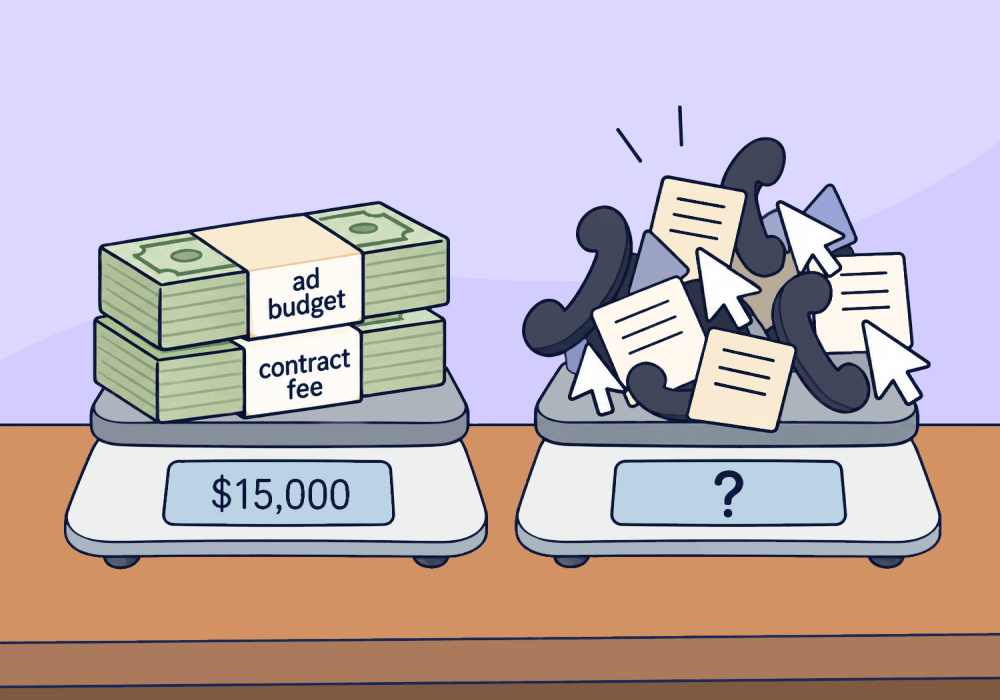
Your client knows exactly what your marketing costs, because it comes out of their bank account every month.
But when they ask what that spend was worth, the answer gets vague: number of leads delivered, cost per lead, total traffic, but you can’t give them a concrete dollar value. Your client knows exactly how much they spent, but they have no idea what they got in return.
Making a client some money isn’t the same as making them enough money to justify your fee. And if you want them to renew your contract, you need to prove that your work is worth what it costs.
This article shows how to do the real math behind what your marketing generated, what it cost, and whether that ratio holds up, so you can price your work against value you can prove.
Note: Not a WhatConverts user yet? Start your free 14-day trial of WhatConverts today or book a demo with a product expert to see how we help prove and grow your ROI.
The Problem: Lead Counts and CPL Can't Answer "Was It Worth It?"
Most PPC reports are built around the numbers Google Ads hands you:
- Calls and form fills
- Cost per lead
- Conversion rate
Those numbers show the client you were busy, but they don't show what the client got back for their money.
A $60 cost per lead sounds great. But if those leads are $150 drain cleanings and the client is paying $20,000 a month, it's a bad deal.
On the other hand, a $300 cost per lead sounds expensive. But if half those leads turn into $12,000 AC replacements, it's the best money the client spends.
Until you can put a dollar amount next to what the client got from your work and prove that it’s higher than the dollar amount they paid, you’re asking them to keep renewing your contract on a guess.
Related Reading: Revenue Attribution: How to Prove Your Marketing Pays for Itself
Why Cost Per Lead Doesn’t Tell Clients What They’re Getting
Cost per lead is the closest thing most PPC reports have to a "what did the client get for their money" number. It feels like a measure of value, but it isn’t.
Cost per lead tells you what each lead cost, not what any of those leads were worth. A low CPL might look like a good deal, but a good deal on a piece of junk is still junk.
For example, let’s look at two months of work for one of an agency’s clients:
| Month 1 | Month 2 | |
| Ad spend | $10,000 | $10,000 |
| Your fee | $5,000 | $5,000 |
| Total client paid | $15,000 | $15,000 |
| Leads | 200 | 40 |
| Cost per lead | $50 | $250 |
After receiving the second month’s report, the client puts the agency on notice that they’re planning to cancel the contract. It makes sense: they received just 20% of the leads for 5x the cost.
Here’s the information the agency couldn’t provide:
| Month 1 | Month 2 | |
| Revenue from booked jobs | $7,500 | $60,000 |
| Back for every $1 spent | $0.50 | $4.00 |
The 200 leads from Month 1 brought in just $37.50 in revenue each. So even though that $50 CPL looked like a reasonable deal, the client was actually losing money on that month’s campaigns. Meanwhile, the second month’s “expensive” leads delivered $1,500 in revenue each: a skyrocketing improvement that looked like a CPL failure.
When all they can show is CPL, the agency delivers a 6x return on their client’s investment and still loses the contract. When they can prove value per lead, not only do they retain the client, but they successfully renegotiate their monthly fee to double their price.
Read the Article – Introducing the Revenue Retainer: A New Way to Price Agency Work
How to Calculate What Your Client Gets Back for Every Dollar
The math itself is simple division: value generated divided by price paid. The hard part is figuring out how much revenue your leads are generating.
Here’s how to do it:
- Track revenue back to the campaign. Tie every call, form, and chat to the campaign and keyword that drove it.
- Follow the lead to the outcome. When a lead turns into a customer, document the value of the requested job.
- Add up what your leads were worth. Calculate the total value of all of your leads.
- Add up what the client paid. Include your agency fee and their total ad spend.
- Divide total lead value by what they paid. That's how many dollars came back for every dollar that went in.
That’s the proof you need to show your client that your work is worth paying for.
Why WhatConverts
The math only works if the lead value number is real. If it uses an average job value or estimated close rate, it’s just an educated guess.
WhatConverts tracks every call, form, and chat back to the campaign, keyword, and channel that produced it. Then it records what each lead actually turned into and what that job was worth.
What’s more: WhatConverts makes it easy to show the true ROI for your entire contract by pulling together ad spend from Google, Bing, and Facebook Ads, plus your contract fee and other costs like website work and SEO. Then the Marketing Spend report automatically crunches the numbers to show total spend and overall cost per lead.
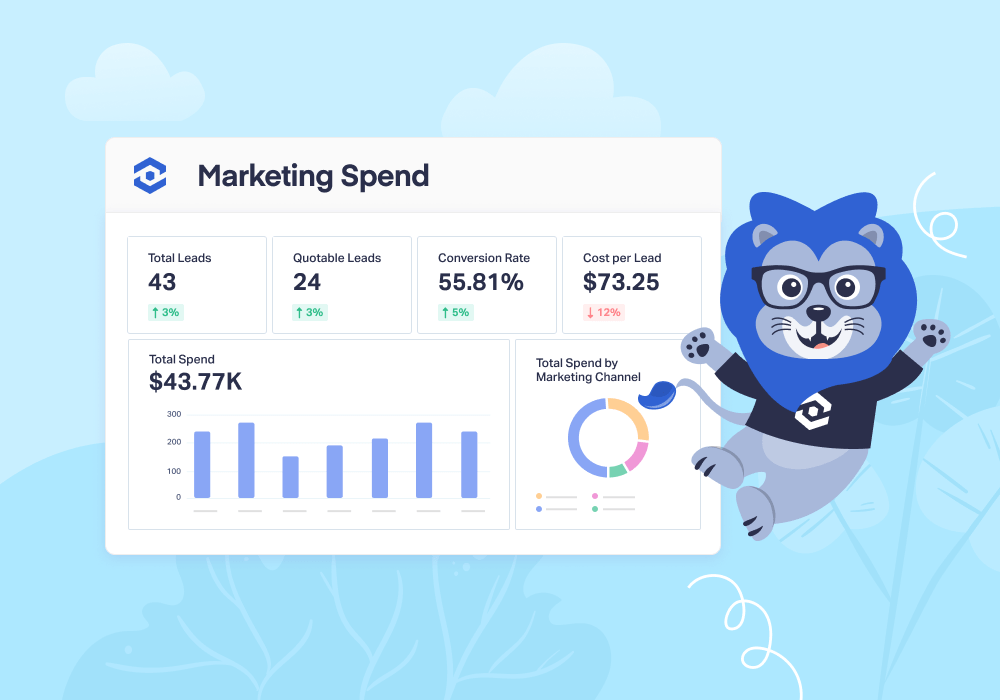
When can you tell a client they got $4 back for every dollar they spent with you (including fees) and they can look up the proof themselves, that's what lets you charge based on the revenue you bring in, not the hours you put in.
Feature Highlight: Prove your marketing ROI with Attribution and Reporting.
The Unlock
Your client already knows what you cost. Show them what they got for it, and the renewal conversation gets a lot simpler.
Clients don't renew because you were busy. They renew because it was worth the money.
Ready to charge for your work based on revenue your client can verify?
Start your free 14-day trial of WhatConverts today or book a demo with a product expert to see how we help prove and grow your ROI.
Get a FREE presentation of WhatConverts
One of our marketing experts will give you a full presentation of how WhatConverts can help you grow your business.
Schedule a DemoGrow your business with WhatConverts







