


 Alex Thompson
Marketers are expected to prove results. Not just leads, but real business outcomes. Most reporting stops short, and when it does catch up, it's usually too late to matter.
You can see which campaigns generated calls and form fills. What you can't see is what happened next. Did that lead turn into a quoted job? Did it generate revenue? And even when you can answer those questions, the data often arrives weeks or months after the lead came in, long after the window to optimize has closed.
The JobNimbus integration in WhatConverts closes both gaps. By syncing jobs, quote values, and invoices directly into your lead tracking, you can follow every lead from first click to estimate to paid invoice. Quote value flows back as soon as an estimate is created, so you can send revenue signals to ad platforms like Google Ads in days, not months.
Now, instead of reporting on leads alone, you can report on outcomes, and optimize toward them while the campaign is still running.
Integration: JobNimbus + WhatConverts
What's New
- JobNimbus Integration: Sync jobs and invoices directly into WhatConverts
- Main benefit: Connect leads to real revenue outcomes like quoted jobs and paid invoices
- Flexible tracking: Choose to track jobs, invoices, or both
- Quote value sync: Automatically mark leads as quotable and pass quote value back to WhatConverts the moment an estimate is created in JobNimbus
- Richer data: Capture job name and job type alongside lead and transaction data
Why This Matters
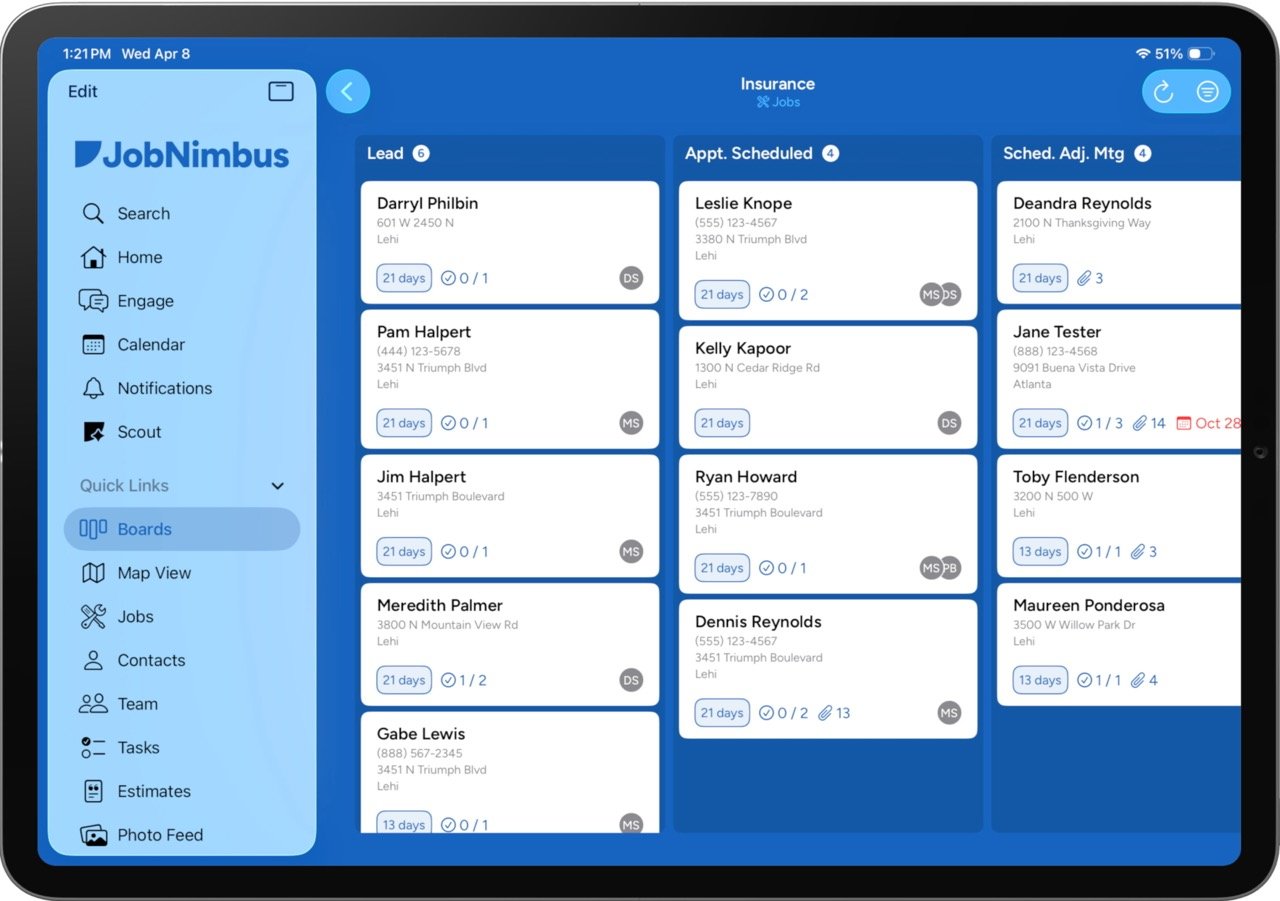
Leads don't prove ROI. Revenue does.
CRMs like JobNimbus show what happens after the lead, but they can't tie that back to marketing. WhatConverts connects both sides, linking every job and invoice to the campaign that generated it. That means you can finally see the full picture from click to lead to job to revenue and make decisions based on what actually drives business growth.
With that visibility, you can:
- Prove which campaigns generate real revenue
- Focus budget on high-value jobs, not just lead volume
- Cut spend on leads that never turn into customers
- Send quote value back to ad platforms like Google Ads as soon as estimates are created, without waiting weeks or months for jobs to close
- Show clients clear, revenue-backed performance
Not using JobNimbus? Learn more about it here.
What's New (Feature Breakdown)
JobNimbus Integration Setup
What it does
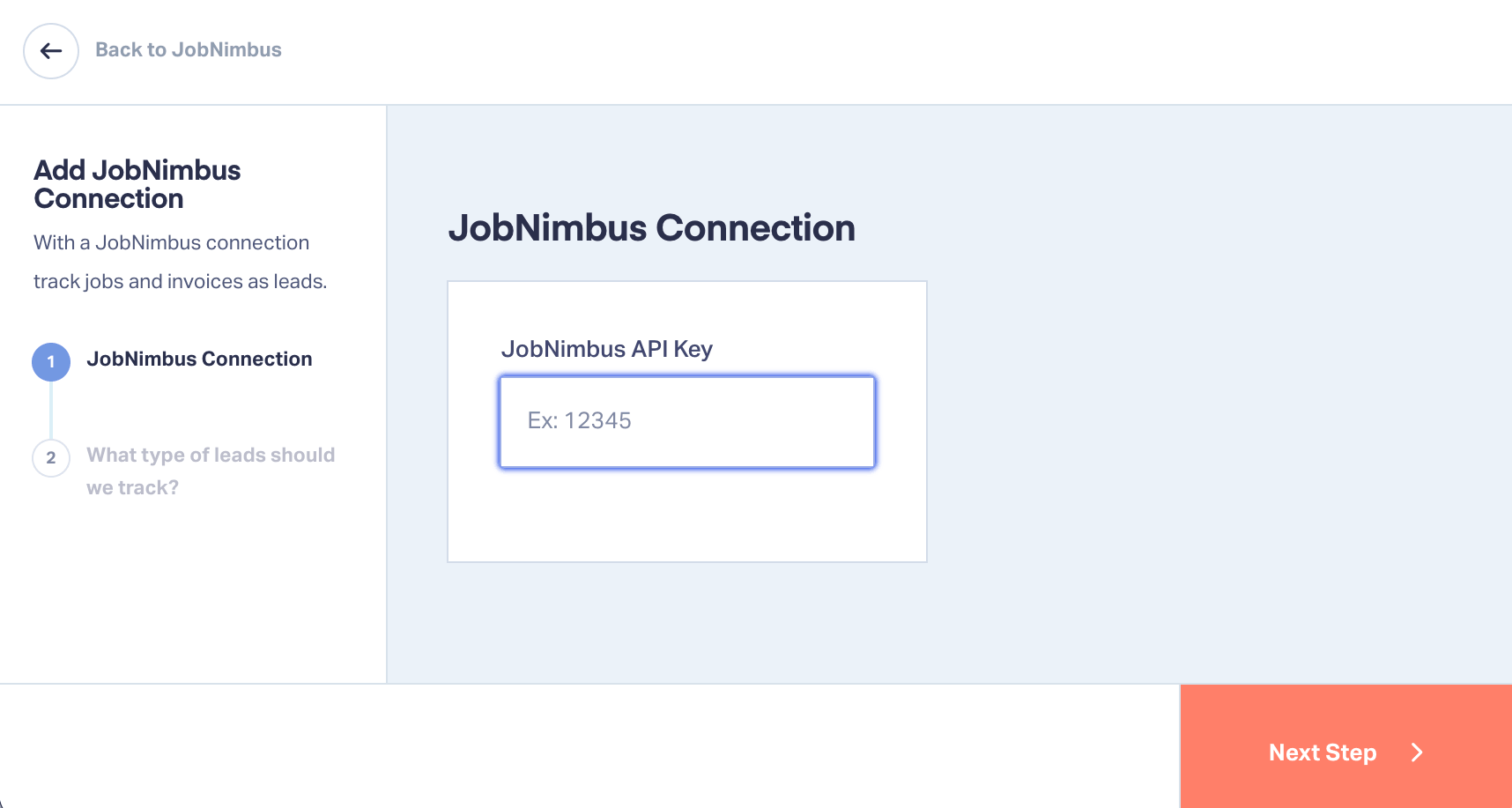
Connects your JobNimbus account to WhatConverts using an API key.
How it works
- Navigate to Tracking → Integrations → CRM
- Enter your JobNimbus API key
- Assign the integration at the profile level
- Generate the API key in JobNimbus under Settings → Integrations API
Key benefit
A direct connection between your CRM and marketing data without manual work.
Flexible Data Tracking (Jobs, Invoices, or Both)
What it does
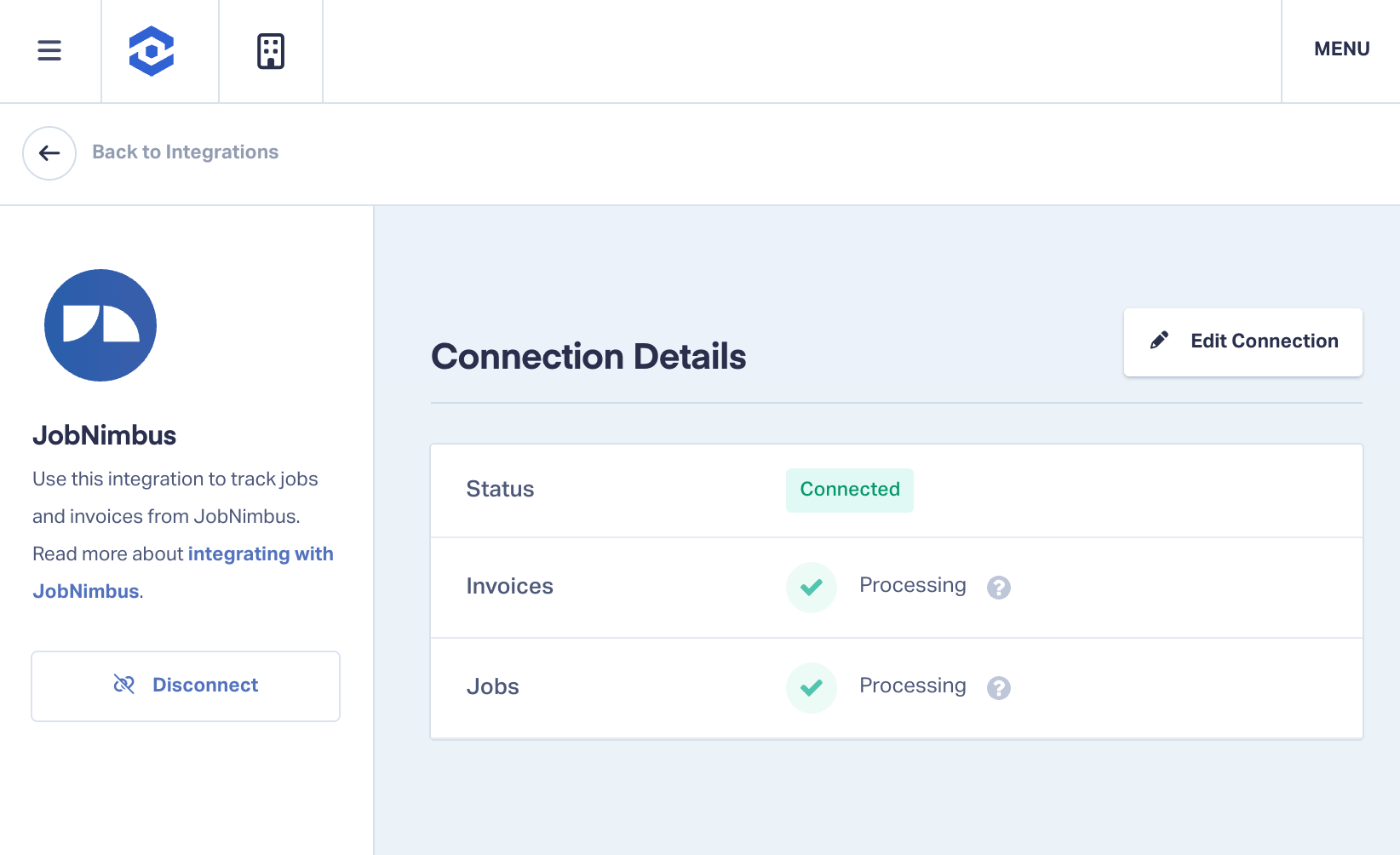
Lets you choose exactly what data to sync from JobNimbus.
How it works
When activating the integration, select:
- Jobs tracked as appointments in WhatConverts
- Invoices tracked as transactions tied to revenue
- Or both for full funnel visibility
Key benefit
Track the parts of the customer journey that matter most to your business.
Quote Value and Estimate Tracking
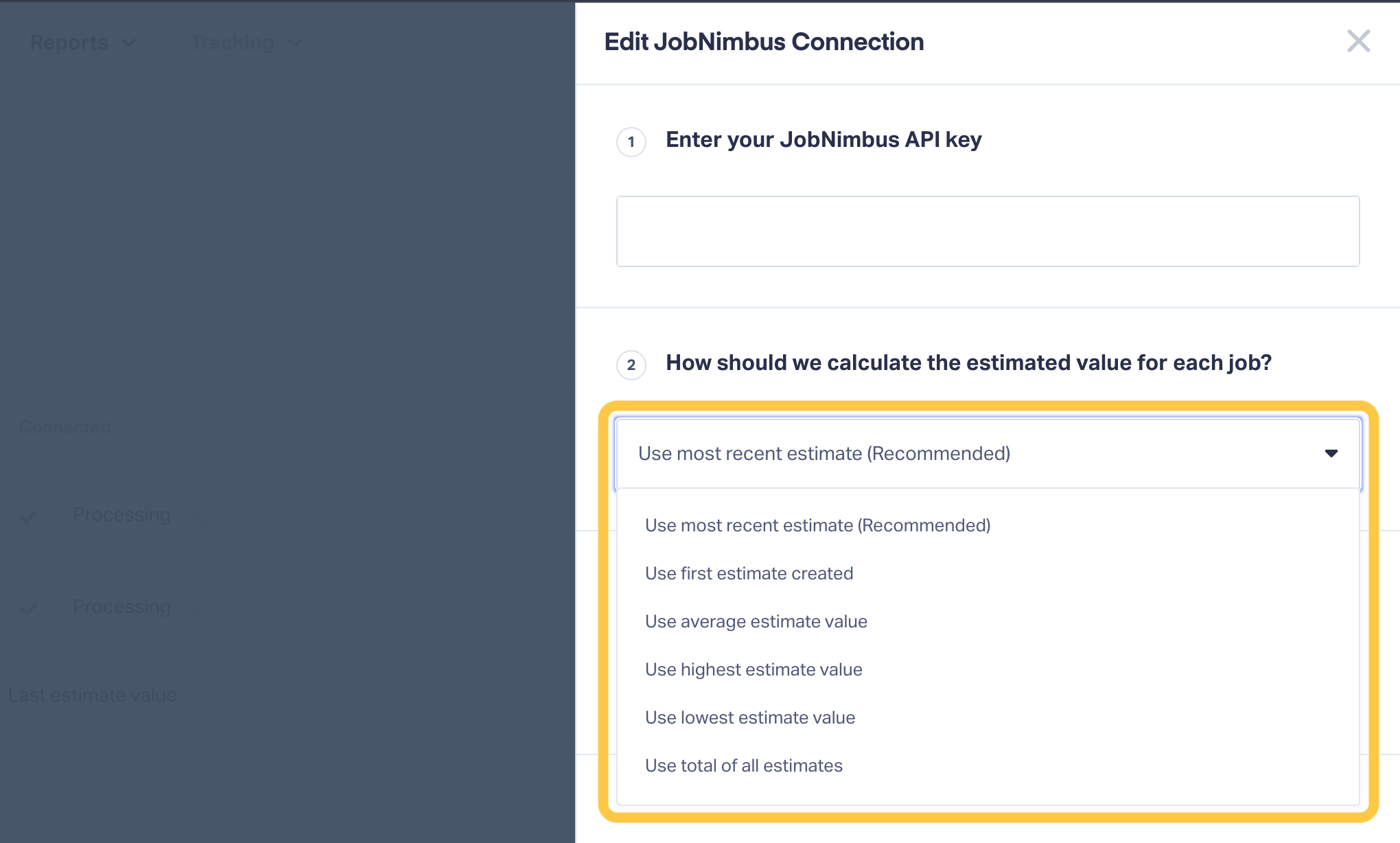
Automatically marks leads as quotable and passes quote value into WhatConverts the moment an estimate is created in JobNimbus.
How it works
- When an estimate is created in JobNimbus, the associated lead is automatically marked as quotable in WhatConverts
- Quote value syncs as it's generated, not when the job closes (6 options for determining quote value)
- Quote value can be sent to Google Ads and other ad platforms as a conversion value for bid optimization
Key benefit
Faster value signals mean faster optimization. Most attribution workflows wait until an invoice is paid before feeding value back to ad platforms, a process that can take weeks or months depending on the project. Passing quote value back at the estimate stage gives platforms like Google Ads stronger signal, sooner, which accelerates learning and strengthens ROI.
Job Data in Lead Tracking
What it does
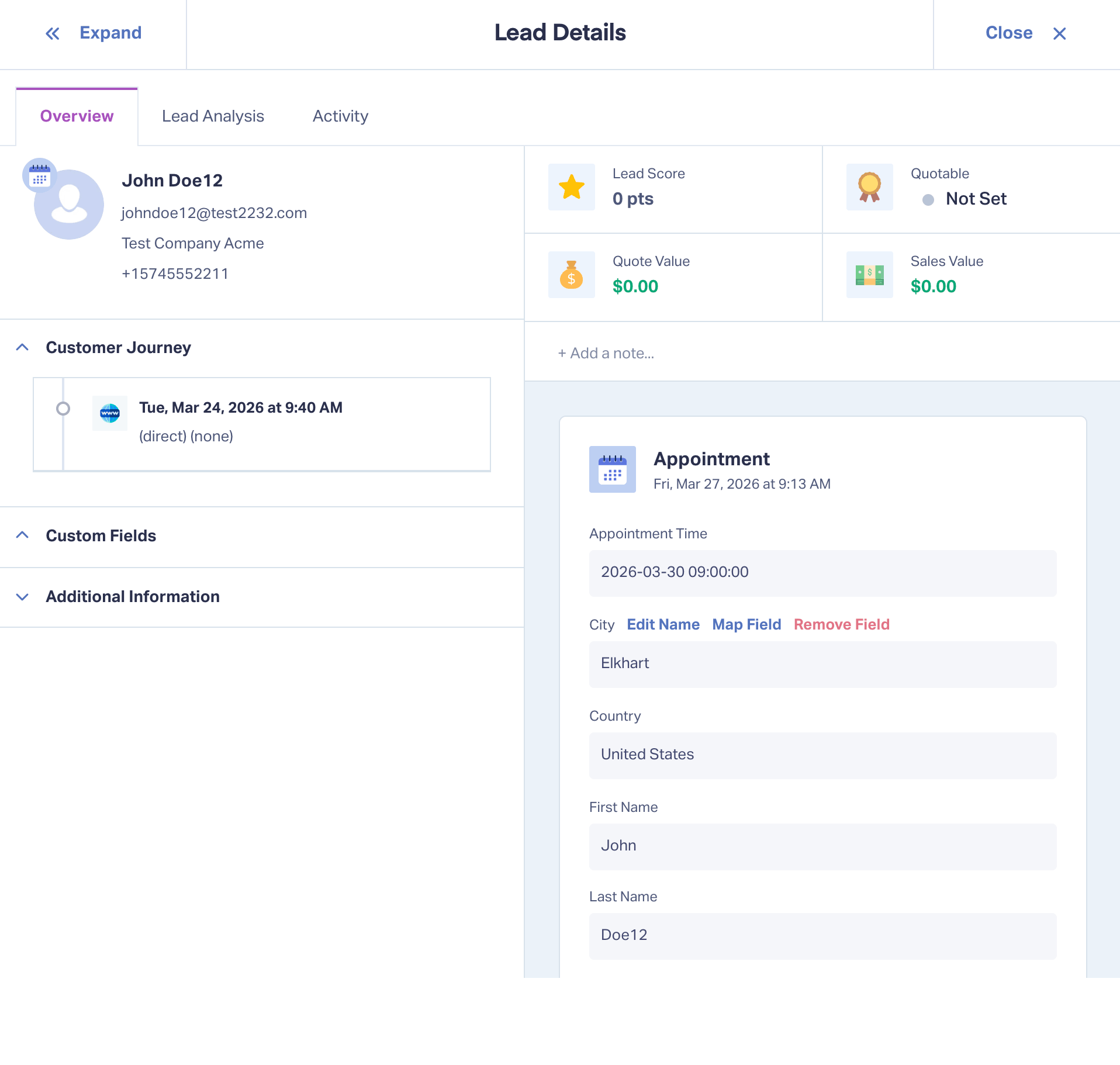
Brings JobNimbus job data directly into WhatConverts lead records.
How it works
Tracked fields include:
- Appointment time
- Location including city and country
- Job type as a custom field
- Job name for clearer reporting
Key benefit
Understand not just where leads came from, but what type of work they represent.
Invoice and Revenue Tracking
What it does
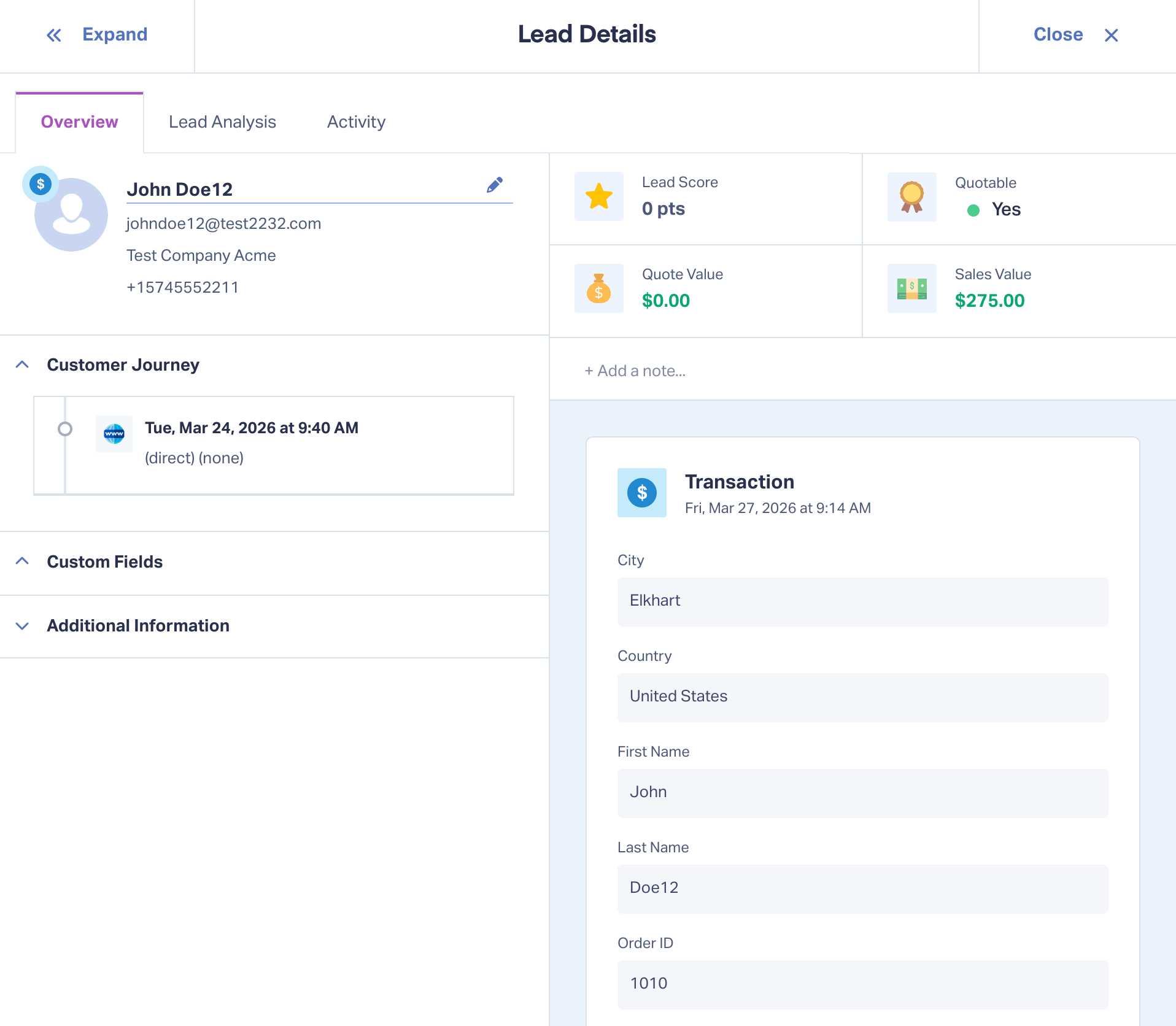
Tracks invoice data as revenue tied to leads.
How it works
- Invoice value is recorded as sales value in WhatConverts
- Transactions update the associated lead record with revenue data
- Data syncs automatically
Key benefit
See exactly which leads turn into paying customers and how much they are worth.
Real-World Example
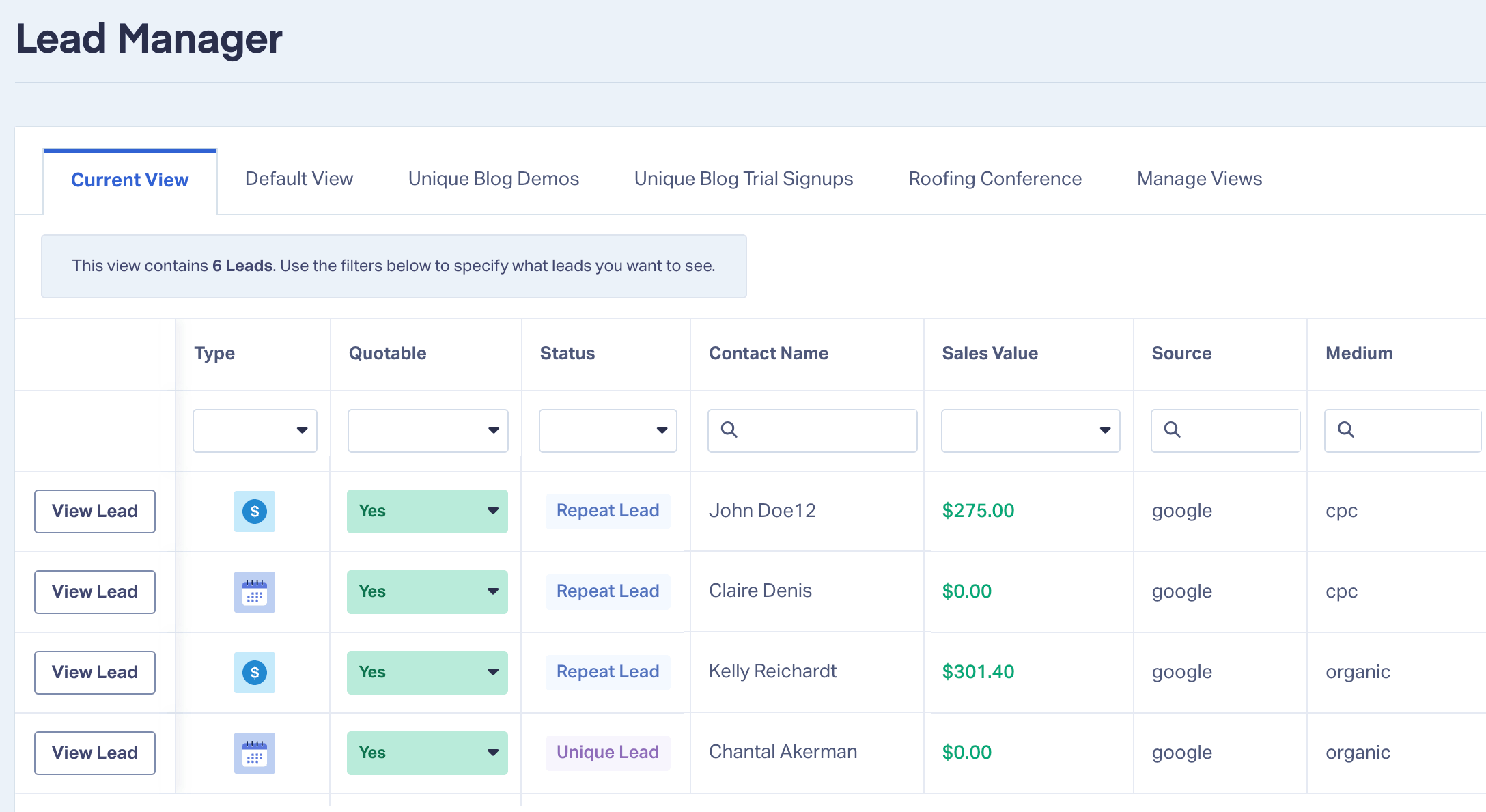
An HVAC company is running Google Ads to generate service calls. Their campaigns are producing a steady flow of leads, and on the surface, performance looks strong. But when the agency reports results, they can only show lead volume, not revenue.
After connecting JobNimbus to WhatConverts, that changes. Jobs begin appearing as appointments tied to each lead, and invoices bring in real revenue data. Because estimates now sync automatically, the agency can feed quote value back into Google Ads within days of the initial lead, rather than waiting weeks for the job to close and the invoice to be paid. That gives Smart Bidding richer signal earlier in the cycle.
The agency quickly sees that while several campaigns generate leads, only a few consistently produce high-value jobs like full system replacements.
With that insight, the strategy shifts. Budget is reallocated toward campaigns that drive revenue, not just volume. Lower-value campaigns are reduced, and reporting becomes far more impactful. Instead of saying "we generated leads," the agency can now say "these campaigns produced jobs and revenue."
Integration: JobNimbus + WhatConverts
How to Get Started
- Log in to WhatConverts
- Go to Tracking → Integrations → CRM
- Select JobNimbus
- Generate your API key in JobNimbus under Settings → Integrations API
- Paste the key into WhatConverts
- Choose to track jobs, invoices, or both
- Click Update
Once connected, your data will begin syncing automatically.
Tips & Best Practices
- Track both jobs and invoices for full visibility into performance
- Use job type to identify your most profitable services
- Feed quote value back to Google Ads and other ad platforms as soon as it syncs. Earlier value signals accelerate bid optimization compared to waiting for paid invoices
- Review revenue by channel regularly to guide budget decisions
- Use this data in client reporting to clearly show business impact
What's Next
We are continuing to expand integrations that connect marketing data to real business outcomes, giving you deeper visibility into lead quality and revenue performance.
Conclusion
The JobNimbus integration gives you what most marketing reports are missing: revenue clarity, and the speed to act on it.
By connecting jobs, quote values, invoices, and marketing attribution in one place, you can move beyond lead tracking and prove real business impact while campaigns are still running.
You are no longer guessing which campaigns work. You know, and you know in time to do something about it.
Integration: JobNimbus + WhatConverts
If you're already a WhatConverts user, you can log in now to connect to JobNimbus.
Not a WhatConverts user?
Start your free 14-day trial of WhatConverts today or book a demo with a product expert to see how we help prove and grow your ROI.
Get a FREE presentation of WhatConverts
One of our marketing experts will give you a full presentation of how WhatConverts can help you grow your business.
Schedule a DemoGrow your business with WhatConverts







