















































 Amanda Pell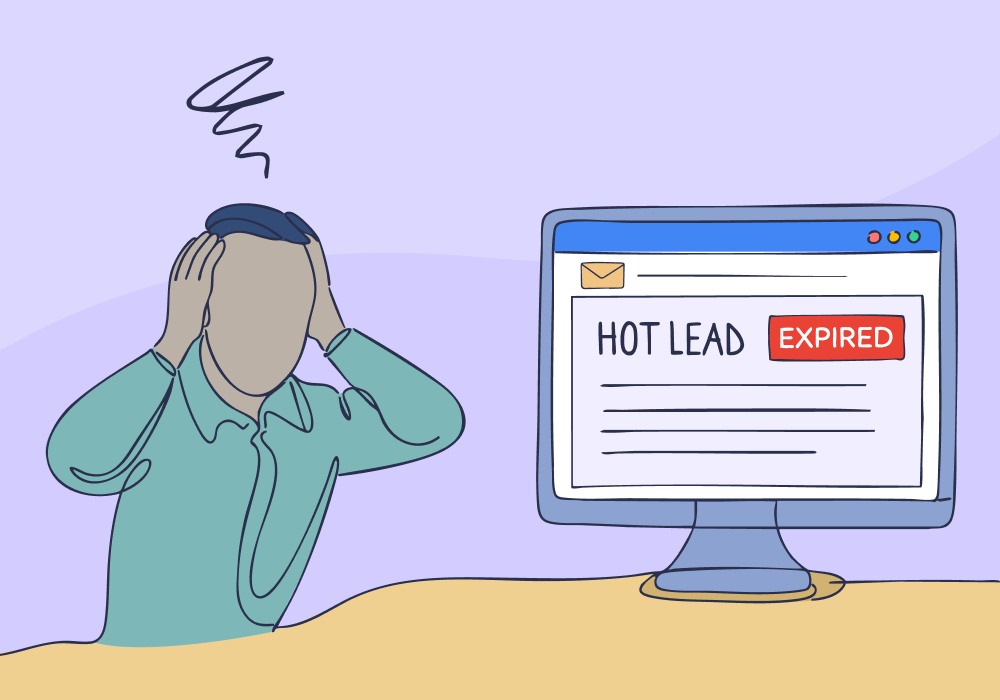
Lead notifications were supposed to make follow-up faster. Instead, they created a new problem.
Every form fill, chat, and phone call triggers an identical alert. Spam submissions arrive with the same urgency as $15,000 opportunities.
As a result, sales teams develop notification blindness. When 95% of alerts are noise, nobody checks them in real time.
That’s how genuinely hot leads—the ones asking for quotes, mentioning budgets, or signaling urgency—sit untouched for hours or days.
WhatConverts solves this by sending all of the information you need to evaluate a lead in the notification email. This allows you to evaluate and qualify leads at a glance.
Note: Not a WhatConverts user yet? Start your free 14-day trial today or book a demo with a product expert to see how we help prove and grow your ROI.
The Problem: When Every Lead Gets Equal Billing
Lead notification emails treat every conversion the same. A spam form submission, a low-value service request, a high-margin quote opportunity—they all get prioritized as equals.
They all generate the same alert, land in the same inbox, and compete for the same attention. Your inbox becomes a graveyard where urgent opportunities go to die.
Here's what that looks like in practice:
- 200+ lead notifications per week flooding your team's inbox
- Spam form submissions mixed with legitimate prospects
- Existing customer inquiries that don't need immediate sales follow-up
- Low-value service requests getting the same alert as high-ticket jobs
- Actually urgent leads invisible among the noise
The result? Your team develops notification blindness. They learn that most alerts don’t matter and stop reacting immediately. And when reaction slows down, opportunity disappears.
Your lead capture works. It’s your notification system that makes prioritization impossible.
Resource: How To Make Bad Leads Disappear
Why "Check Everything" Doesn't Scale
Some teams try to solve this by religiously evaluating every lead as its notification arrives. That approach breaks down fast.
A salesperson spending 30 seconds per alert across 200 weekly notifications wastes 100 minutes reviewing noise—before any real follow-up even begins.
And those minutes matter. A Harvard study showed response time dramatically impacts close rates:
- Businesses that contacted leads within an hour of conversion were 7x more likely to be successful than those who reached out after an hour
- Those that reached out within an hour were 60x more likely to succeed than those who reached out after a day
When hot leads look exactly like cold ones, speed becomes impossible. Not because teams don’t care, but because the system gives them no signal to act on.
The Fix: Smart Notifications That Surface Urgency
Instead of the same alert for every lead, send alerts that contain all the information you need to immediately understand the urgency of the lead.
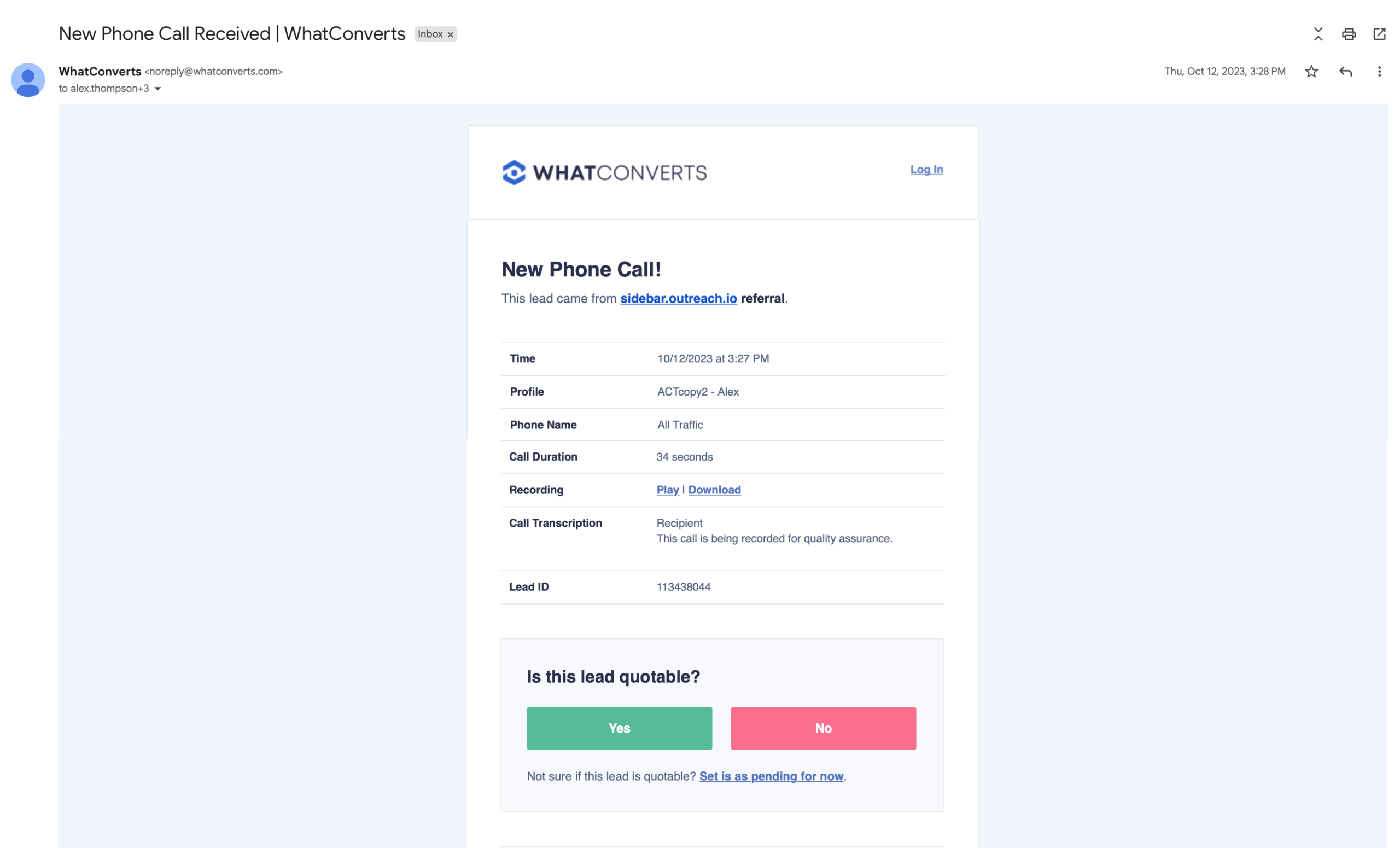
That's what Email Notification Qualification does. It attaches key contextual information like marketing attribution data, form submission fields, call transcripts, and other data in the body of the notification email.
This allows marketers to immediately see whether a lead is real, qualified, and urgent as soon as the notification arrives in their inbox.
What This Looks Like in Practice
Generic lead notification: Your inbox gets 200 emails that say "New lead received." You check sporadically because you can't tell what's urgent. High-value leads wait.
WhatConverts notification: Your inbox still gets 200 emails, but each highlights valuable context like what was said on the call, where they came from, and what they were interested in. You spot the $8,000 emergency repair instantly. You respond within minutes. Close rates climb.
The difference isn't volume reduction. It's instant visibility.
When an alert arrives, your team sees immediately whether it matters. They don't need to open WhatConverts, find the lead, scan details, and evaluate priority. They just call the prospect.
The Bottom Line
You'll still get notifications for every lead. But with full lead intelligence in each email, you'll know immediately which ones need a five-minute response.
Lead details in every notification eliminate the guessing. Quote value, lead score, and service type surface automatically, giving your team the clarity to act decisively when opportunities arrive.
That $15,000 lead sitting in your inbox for three days? With lead intelligence visible in the notification itself, you would've spotted it immediately and called in 11 minutes.
And they wouldn't be talking to your competitor.
Ready to see exactly what every lead is worth the moment they convert?
Start your free 14-day trial of WhatConverts today or book a demo with a product expert to see how we help prove and grow your ROI.
Get a FREE presentation of WhatConverts
One of our marketing experts will give you a full presentation of how WhatConverts can help you grow your business.
Schedule a Demo
Grow your business with WhatConverts







