


 Amanda Pell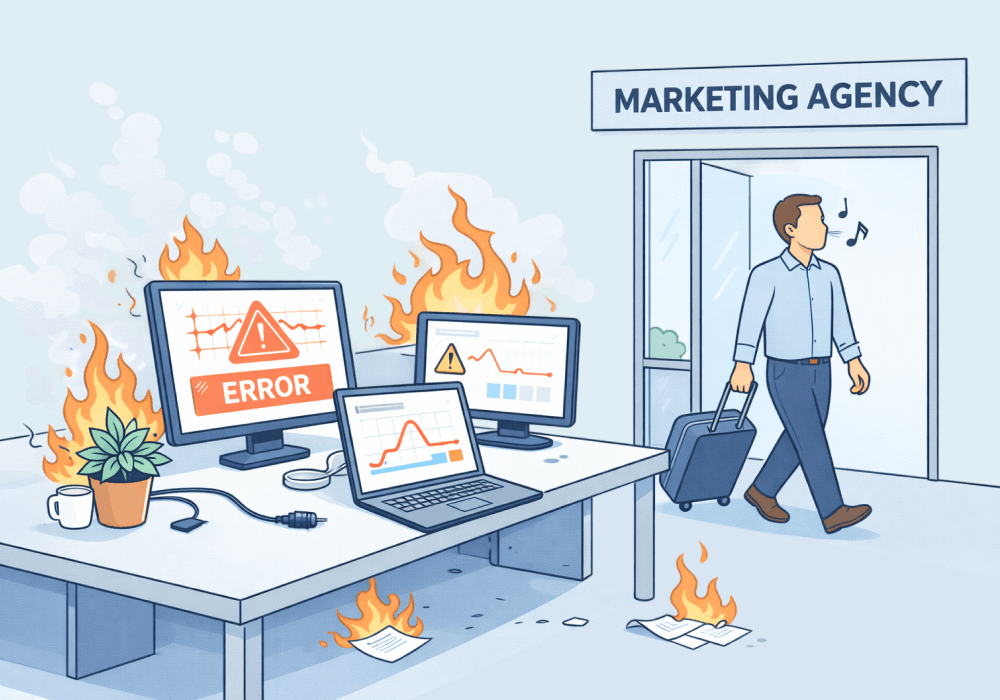
When a senior account manager leaves, they take something with them that doesn't show up in any offboarding checklist: the knowledge of how the tracking actually holds together.
Everything looks functional at first: reports still populate, numbers still come in. But underneath, it's a chain of manual dependencies—exports pasted into spreadsheets, formulas referencing formulas, data synced by hand—and that means the whole system is one wrong keystroke away from collapse.
When tracking lives in someone's head, it leaves when they do. This article covers what that looks like in practice and how to build a setup that any team member can own.
Note: Not a WhatConverts user yet? Start your free 14-day trial of WhatConverts today or book a demo with a product expert to see how we help prove and grow your ROI.
What "Patched-Together" Tracking Actually Looks Like
Fragile tracking setups rarely look fragile. They look fine—until they don't.
A new account manager logs in and sees a polished reporting system with color-coded tabs, clean dashboards, and everything in place.
What they don't know:
- Column B in the "Leads" tab is referenced by 14 formulas across 3 other tabs. One edit turns the whole sheet into a chain of #REF! errors that wipes out months of calculated data.
- The call tracking export has to be downloaded manually every Monday and pasted into a specific range. If the column order in the export ever changes, the formulas pull the wrong values—wrong numbers, no error message, no warning.
- One tab pulls from a CRM report that a former employee set up with their login. That login no longer exists. The tab hasn't refreshed in six weeks, and so far nobody has noticed.
None of this is visible from the outside. The dashboard still populates. The report still gets sent. The numbers are just wrong.
Why This Gets Worse With Every Handoff
Patched-together systems don't stay the same—they accumulate patches. Each new account manager adds their own layer:
- A new tracking setup in a different tool
- A formula workaround for an edge case
- A manual step documented in a Slack message no one can find
By the time the third account manager inherits it, they're no longer managing a tracking setup. They're managing an archaeology project. But unlike an archaeologist, they have a client call on Friday.
The most dangerous outcome isn't that they break something visibly. It's that something was already broken before they arrived—and now they own the reporting that's built on top of it.
The Fix: Tracking That Lives in a System, Not a Spreadsheet
A system that survives turnover doesn’t rely on manual exports, spreadsheet logic, or undocumented steps. It runs on its own.
- Data is captured automatically
- Attribution happens at the point of conversion
- Lead information lives in one place
- Reports are reproducible by anyone on the team
No dependencies, no hidden steps, no guesswork. Anyone can log in and understand what’s happening.
That's what WhatConverts is built to do.
Every lead—calls, forms, chats, transactions—is captured, attributed, and stored in one place automatically. The data doesn't move through a person. It doesn't depend on a spreadsheet someone built. It doesn't break when a column header changes or an export format shifts.
A new account manager logs in and sees:
- Every lead tied to its source, campaign, and keyword
- Lead qualification and value already attached
- Reports that don’t need to be rebuilt
The system doesn’t depend on the person; the person depends on the system.
Building Tracking That Survives Turnover
The agencies that handle personnel changes without disruption aren't better at documenting spreadsheets. They've eliminated the spreadsheet dependency entirely.
Here’s how to do it:
- Consolidate all lead types into one platform. Calls, forms, and chats tracked in one system means no fragile import chains to maintain or inherit.
- Let the platform handle attribution. Automated source tracking doesn't break when a formula gets edited or an export format changes.
- Qualify and value leads inside the system. When lead quality data lives in the platform, it survives the handoff. When it lives in a tab someone built, it usually doesn't.
- Run reports from the platform directly. If a report requires a person to build it from raw exports, it's a liability. If it's reproducible in two clicks by anyone on the team, it's infrastructure.
Marketing teams change: people leave, roles, shift, accounts get handed off.
Your tracking shouldn’t reset every time it happens.
If your system depends on a person, it’s a liability. If it runs on its own, it’s an asset.
WhatConverts helps you build tracking that survives the handoff so your data stays accurate, your reporting stays defensible, and your team stays confident.
Stop rebuilding your tracking every time someone leaves, and start building a system that lasts.
Start your free 14-day trial of WhatConverts today or book a demo with a product expert to see how we help prove and grow your ROI.
Get a FREE presentation of WhatConverts
One of our marketing experts will give you a full presentation of how WhatConverts can help you grow your business.
Schedule a DemoGrow your business with WhatConverts







