


 Amanda Pell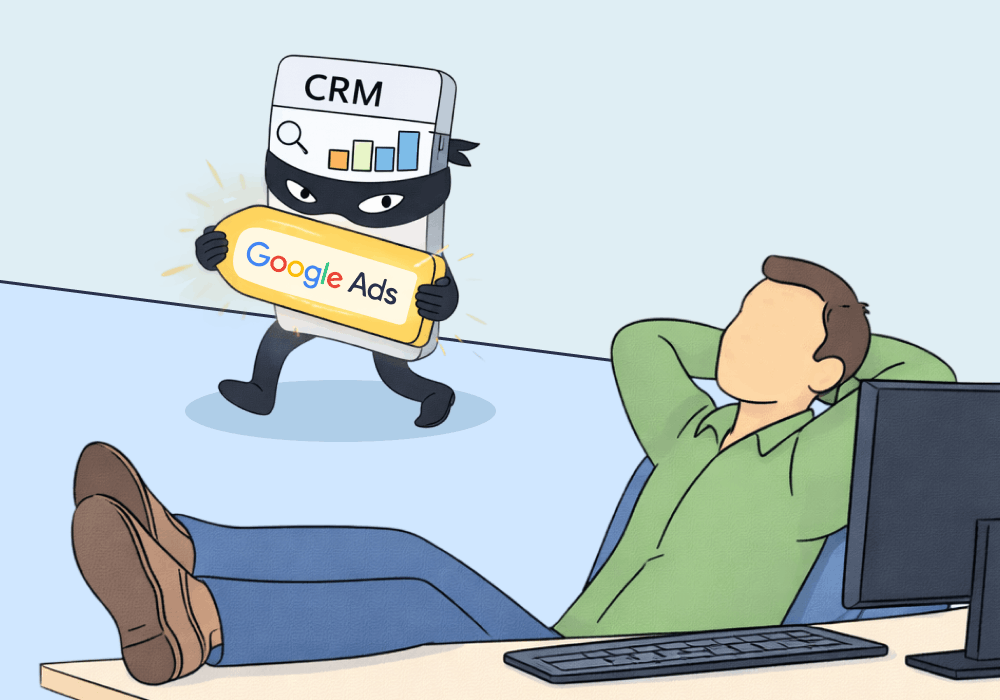
CRMs are built to track sales. They're not built to protect marketing credit.
When a lead moves through a sales pipeline, the CRM records its touchpoints—and often, it’s those late-funnel sales touchpoints that take precedence in reporting. The chatbot conversation, the rep’s follow-up call, and the deal stage change are what surface. By the time a deal closes, Google Ads is gone from the record. The chatbot or sales rep who followed up gets the credit.
Your marketing didn't fail. It got overshadowed.
This article shows how CRM attribution works against agencies, why it's so hard to catch, and how closed-loop attribution puts the original source back in the picture.
Note: Not a WhatConverts user yet? Start your free 14-day trial of WhatConverts today or book a demo with a product expert to see how we help prove and grow your ROI.
The Problem: Last-Touch Wins Inside the CRM
CRMs aren't built to answer "which campaign drove this revenue?" They're built to track deals. And when clients pull reports, what they see is sales activity—calls logged, stages moved, deals closed. The marketing that started the lead's journey doesn't show up, for a few reasons:
- Source fields get clobbered by manual edits or mis-configured integrations—a sales rep updates Lead Source after a call, or a chatbot integration writes over the original field on second contact.
- Campaign data never makes it into the CRM—GCLIDs and UTMs get stripped somewhere between form submission and deal close, so the channel might survive but the campaign detail doesn't.
- Dashboards hide origin data even when it exists—because default CRM reports surface recent activity, not the keyword that started the journey months ago.
The CRM isn't lying. It's just recording the last thing it saw. And by design, it doesn't see what happened before the lead entered the pipeline.
So when your client pulls their CRM report and asks which channel is driving revenue, the answer they get is usually the chatbot, the sales team, or direct. It’s rarely the campaign that started the whole thing.
Why This Is an Agency-Killer
The CRM is the source of truth for most clients. Finance, leadership, and sales all trust it.
Which means when the CRM attributes 80% of closed revenue to internal touchpoints, marketing's contribution disappears from the conversation. Agencies get blamed for underperformance they had nothing to do with. Budgets get cut. Accounts get canceled.
And the most frustrating part is: the work was working. The data just didn't survive the handoff.
The DIY Fix: Cross-Reference and Correct
Agencies can manually close the loop without additional tools, but it takes work.
- Export CRM closed-revenue data with contact identifiers (email, phone).
- Match those contacts against your lead tracking data to find the original source (campaign, keyword, ad).
- Flag misattributed records where the CRM shows a chatbot or sales rep but your tracking shows a paid click.
- Build a corrected revenue report that maps closed deals back to the marketing source that originated them.
This works, but it's also tedious, error-prone, and impossible to scale across multiple clients. Every time a deal closes, someone has to do the matching manually.
The Better Fix: Closed-Loop Attribution
Closed-loop attribution keeps the original lead source attached to the contact throughout the entire sales cycle—so when a deal closes, you can trace that revenue back to the exact campaign, keyword, and ad that started it.
WhatConverts does this automatically.
- Captures the marketing source at the moment of the first conversion (call, form, chat)
- Attaches that source data to the lead record and carries it forward
- Cross-references lead data with CRM sales records to connect closed revenue back to the originating campaign
- Produces reports that show revenue by source—not last-touch, but first-touch origin
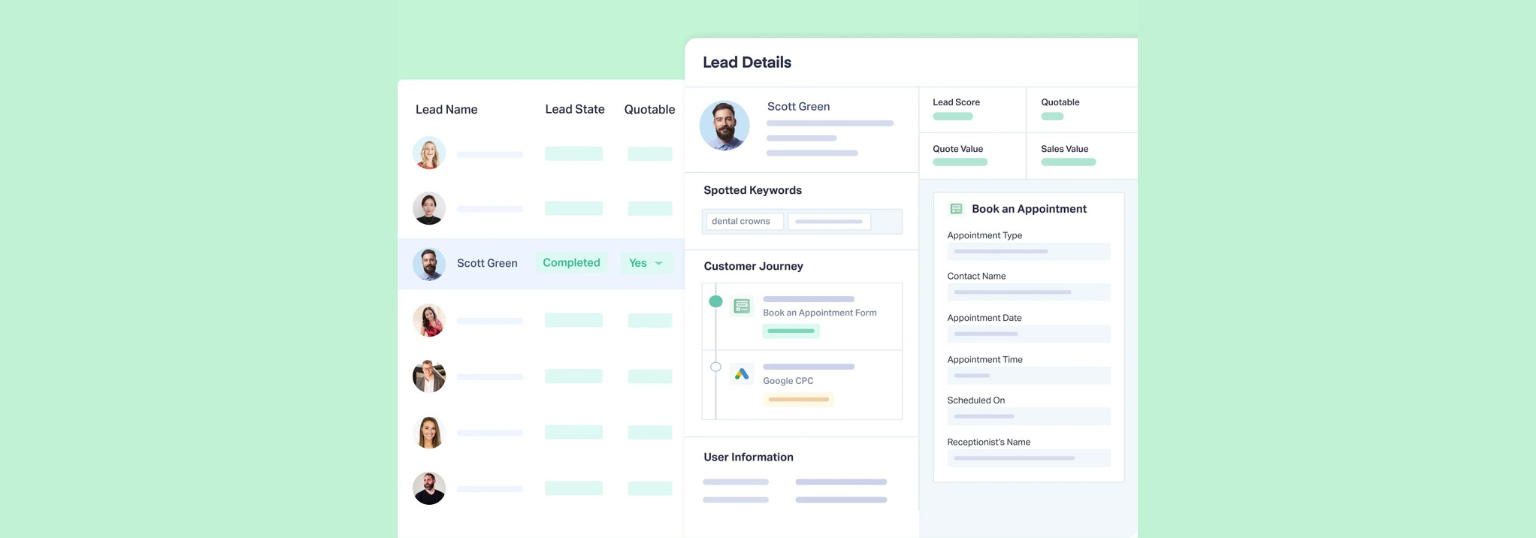
The result: when the CRM says the chatbot drove the sale, WhatConverts can show it was Google Ads keyword "personal injury attorney near me" that drove the original call—and that call became a $12,000 case.
That's the attribution that protects agency accounts.
Proof: Constellation Marketing Saved a 5-Year Client Relationship
Constellation Marketing, an Atlanta-based agency for law firms, had managed a criminal defense client for five years with measurable results: increased traffic, more leads, sustained revenue growth.
Then the client hired a consulting firm that pulled CRM data. According to those records, the agency's work wasn't driving revenue—the chatbot was.
Constellation turned to WhatConverts to rebuild the attribution picture. They cross-referenced lead data with CRM sales records and proved the CRM attribution was wrong.
The results:
- Proved responsibility for 70% of the client's earned revenue
- Demonstrated a 9X return on investment
- Turned a near-cancellation into a 150% budget increase
Read More: 9X ROI Secures Client Retention for Law Firm Marketing Agency [Case Study]
How to Close the Loop
- Capture the original source at first conversion. Every call, form, and chat needs a marketing source attached at the moment it happens—not retroactively.
- Keep that source data with the lead record. Don't rely on CRM integrations to preserve marketing context—they're built for sales activity, not campaign attribution.
- Match leads to closed revenue. Cross-reference WhatConverts lead data with CRM deal records to see which campaigns drove actual sales.
- Report on revenue by originating source. Show clients what marketing actually started—not just what the CRM last touched.
When every dollar of closed revenue has a clear marketing origin, no one can reassign that credit to a chatbot.
Ready to protect your attribution and prove your marketing's true impact?
Start your free 14-day trial of WhatConverts today or book a demo with a product expert to see how we help prove and grow your ROI.
Get a FREE presentation of WhatConverts
One of our marketing experts will give you a full presentation of how WhatConverts can help you grow your business.
Schedule a DemoGrow your business with WhatConverts







