















































 Amanda Pell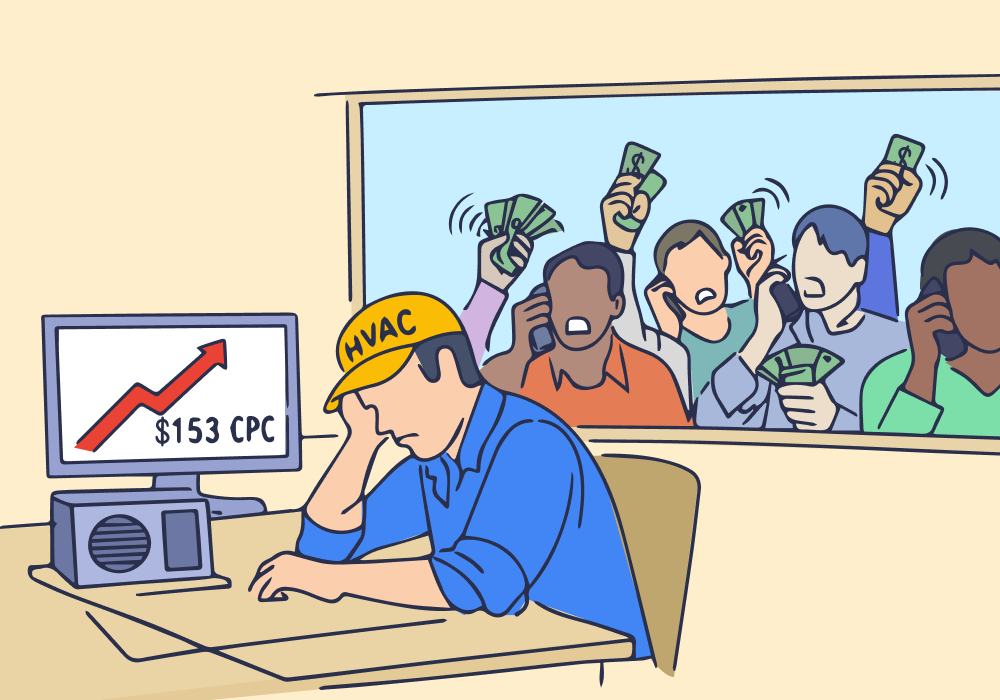
More than one in four calls to HVAC businesses goes unanswered.
Agencies managing HVAC PPC accounts fixate on optimizing click costs and landing page conversion rates, all while 27% of the leads they generate never even make it to “hello.”
Your reports count these calls as successful conversions, but on your client’s end, the leads never materialize. You’re left defending numbers that don’t reflect the client’s reality.
You can’t answer the phone for your client. But you can show them exactly how many calls they’re missing, when it’s happening, and which campaigns are driving those calls.
Here’s how to uncover missed calls inside your HVAC accounts—and use that data to protect performance, recover lost leads, and strengthen your agency’s position as an essential strategic partner.
Note: Not a WhatConverts user yet? Start your free 14-day trial today or book a demo with a product expert to see how we help prove and grow your ROI.
The Real Cost of Missed Calls
WebFX puts the average HVAC cost per lead at $153. So in an average month, your client might spend $5,000 on ads and generate 33 calls.
Here’s the problem:
At a 27% missed call rate, nine of those calls go unanswered. That’s $1,377 in wasted ad spend tied to calls that no one picked up.
Your report says 33 calls generated, but your client only sees 24 leads materialize. You say CPL was $152, but your client’s cost per “real” lead is $208.
| What You See | What Your Client Sees | |
| Monthly ad spend | $5,000 | $5,000 |
| Leads generated | 33 | 24 |
| Cost per lead | $152 | $208 |
In other words: from your client’s perspective, your work was 27% less effective and 37% more expensive than you say it is.
And when your reports don’t match your client’s reality, your credibility as an agency gets called into question.
The Fix: Separate Calls From Conversations
The problem isn’t that you’re inflating your numbers. It’s that 27% of the calls you generate aren’t turning into conversations—and standard call tracking or ad platform reporting doesn’t tell you that.
Most agencies rely on platform call reporting or basic call extensions. Those tools count that a call happened. They don’t tell you whether someone answered it.
If you want to fix missed calls, you need call tracking that logs:
- Whether the call was answered
- Whether it went to voicemail
- How long the conversation lasted
- Which campaign and keyword drove it
You don’t have to sit behind your client with a clipboard counting calls and monitoring conversations. You need a call tracking platform that goes beyond call counts to record outcomes as well as activity.
Once you can see answered vs. missed calls by day, time, and campaign, the problem becomes a lot more manageable.
What Agencies Do With That Information
With complete call tracking, you’re no longer looking at “33 calls generated.” You’re seeing:
- 33 calls generated
- 24 calls answered; 9 calls missed
- 4 missed calls came from highest-spend campaign
- Most missed calls came in between 5 and 7pm on weekdays
This tells you something specific and actionable: your campaigns are generating demand during peak hours that the business isn’t staffed to handle.
This isn’t about telling your client how to run their business. It’s about showing them where paid demand isn’t being captured.
Now you can walk into your reporting meeting and say, “We generated 33 calls. Nine weren’t answered. That’s $1,377 in ad spend tied to calls that never became conversations. Most of those came from this campaign during these hours.”
Instead of defending campaign performance, you’re identifying recoverable revenue.
Clients can test specific adjustments:
- Extending coverage during peak hours
- Improving call routing
- Returning missed calls faster
- Adjusting scheduling during high-volume seasons
Even modest improvements in answer rate can increase booked jobs without increasing ad spend.
That’s a performance gain directly tied to your campaigns.
Where WhatConverts Comes In
Not all call tracking tools capture this level of detail. Many stop at counting calls.
WhatConverts records whether each call was answered or missed and ties that outcome back to the exact campaign and keyword that drove it. That’s what makes this analysis possible.
Instead of reporting call volume alone, you can report:
- Capture rate by campaign
- Cost per answered lead
- Patterns in missed call timing
Now you’re not just generating calls. You’re measuring whether those calls turned into real opportunities.
The Real Optimization Opportunity
High CPCs are easy to see. Missed calls usually aren’t.
But if 27% of the calls your campaigns generate never reach a conversation, improving capture rate will move the needle faster than shaving a few dollars off cost per click.
You can’t control whether a client answers every call. You can control whether missed calls stay hidden inside your reporting.
When you separate calls from conversations and tie both back to campaign data, you stop optimizing for volume and start optimizing for captured opportunity.
Before you adjust another bid, make sure the leads you’re already generating are actually being answered.
That’s where the bigger gains usually are.
Start your free 14-day trial of WhatConverts today or book a demo with a product expert to see how we help prove and grow your ROI.
Get a FREE presentation of WhatConverts
One of our marketing experts will give you a full presentation of how WhatConverts can help you grow your business.
Schedule a Demo
Grow your business with WhatConverts







