


 Amanda Pell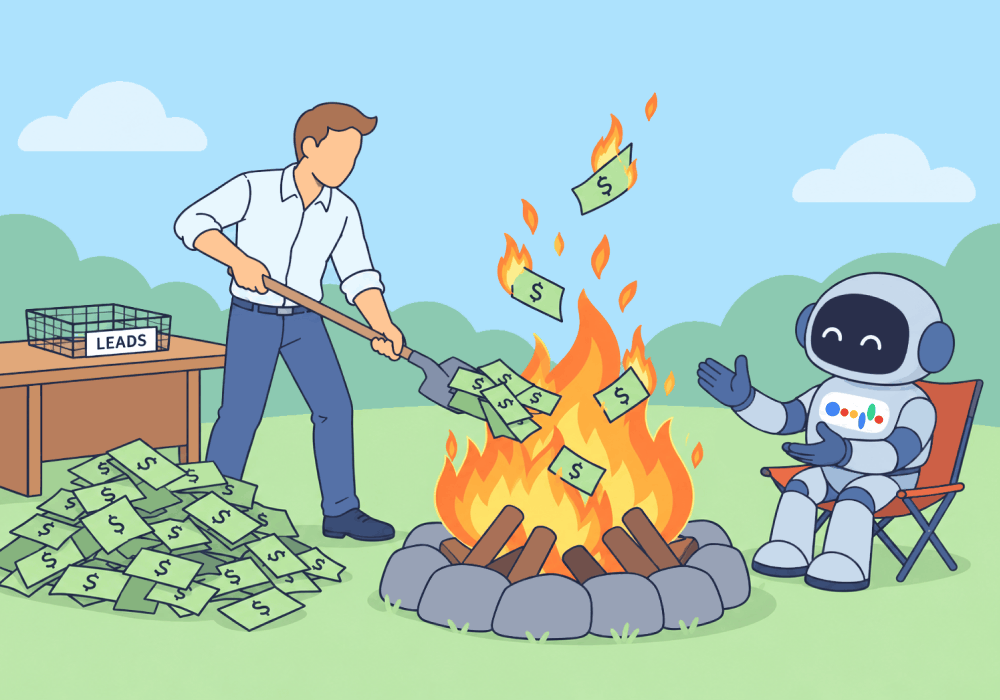
You pay for clicks from Google Ads every month, whether those clicks come from real customers or complete junk.
In months when none of those clicks turn into jobs, it can start to feel like you’re just lighting money on fire. That’s where the “Google Ads is a scam” complaint comes from.
But here’s the thing: Google isn’t trying to waste your money. It’s just bidding on what you tell it to bid on. And you’re telling it to get more clicks for the cheapest cost, whether the click is worth something or not.
If you want Google to start bidding on clicks that turn into revenue, you have to tell it which clicks those are.
This article shows you how to keep track of which clicks your real customers are coming from and give that information to Google, so the algorithm stops buying you junk and starts buying you customers.
Note: Not a WhatConverts user yet? Start your free 14-day trial of WhatConverts today or book a demo with a product expert to see how we help prove and grow your ROI.
Bad Clicks Are a Data Problem, Not a Google Problem
Most PPC accounts run on a very basic setup. Any successful form submission or phone call that lasts at least a few seconds counts as a successful conversion. And every successful conversion tells Google one thing: more of this, please.
So a typical month looks like this:
- $8,000 in spend
- 90 conversions reported
- 22 actual sales opportunities
Only 22 clicks were real leads. The other 68 were spam, solicitors, existing customers asking about invoices, and hang-ups. But Google counted all 90 as wins, so next month, it goes looking for 90 more just like them.
Google can’t see which calls turn into $12,000 roof replacements and which ones were robocalls. The only one who can teach it the difference between good clicks and worthless clicks is you.
The Algorithm Only Learns What You Count
When a Google Ads campaign starts spending tons of money with nothing to show for it, most marketers pause the campaign or set extremely low budget limits to curb the spend. But those solutions treat the symptom, not the cause. The real solution is to change what Google defines as a “win.”
Here’s what changes when you change your setup so that Google only counts qualified conversions as a success:
| When Google counts everything: | When Google only counts qualified conversions: | |
| What Google receives | Every form and every call | Only the leads you mark as quotable |
| The message Smart Bidding receives | “Bid on the keywords that bring in more clicks” | “Bid on the keywords that bring in more of these types of leads” |
| Where budget goes | Uncontrolled mix of qualified leads with spam, hang-ups, price shoppers | Just the clicks that are most likely to produce real jobs |
| What the client sees | High ad budget, high lead volume, very few sales to show for it | Lower volume of more qualified leads that result in more booked jobs |
Same budget, same algorithm, completely different outcome. The only thing that changed was the data.
How to Stop Paying for Bad Clicks
Here's the workflow:
- Decide what counts as “qualified” for your client. Pick the criteria that let you know which opportunities are real, whether that’s a minimum call duration or a requested service.
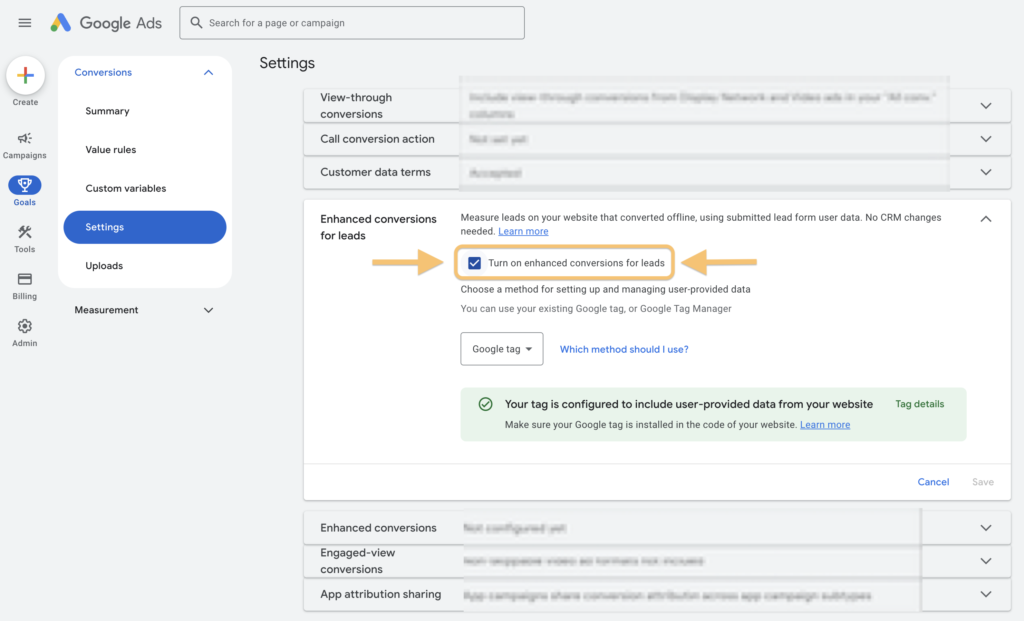
- Send only quotable leads back to Google Ads. Use Google’s Enhanced Conversions feature to send the leads you qualify back to the platform, so that Smart Bidding automatically starts targeting more of those qualified conversions.
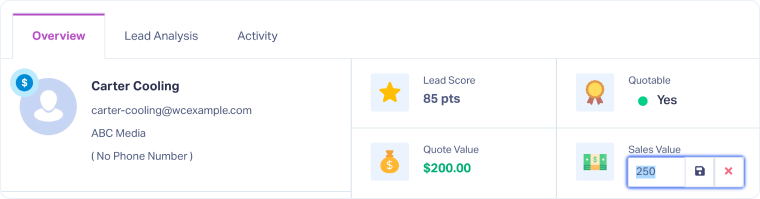
- Add values where you can. When you attach a dollar value to the qualified conversions you send back to Google, it goes a step further to tell the algorithm not just which leads are valuable, but how valuable they are relative to other qualified conversions.
- Automate the process. Build a rule that automatically evaluates leads that come in for your selected criteria, marks them qualified, and adds a quote value based on the value of the service they request.
Once you start sending Enhanced Conversions back to Google with qualified and valued leads, you’ll not only see your conversion quality increase, but you’ll also get valuable information that shows you:
- Which campaigns are attracting qualified leads
- Which were wasting money on spam
- Which bring in the biggest customers
- Which bring in high volumes of low-revenue requests
Using this data, you can adjust your budget allocation to generate more customers and more revenue, all while spending less on waste.
Related Reading: Google Ads Enhanced Conversions: A Complete Marketing Guide
Why WhatConverts
Not everyone has a tracking system that allows them to see which clicks came from which customers. That’s what WhatConverts is built to do: it ties every call, form, and chat back to the Google Ads campaign and keyword, then lets you evaluate and qualify each lead to understand which of your campaigns is generating real value.
- Qualify leads automatically. Even manual lead evaluation is quick in the Lead Manager, but WhatConverts also allows marketers to use Lead Intelligence rules to mark leads quotable based on duration, source, and other lead details.
- Send only the leads that count. Google Ads conversion triggers fire on quotable status, so junk never reaches the algorithm.
- Sync in real time. Qualified conversions flow into Google Ads as they happen, so Smart Bidding learns daily instead of waiting on a weekly upload.
- Prove it in dollars. Reports show cost per qualified lead by campaign, so clients watch waste shrink instead of taking it on faith.
WhatConverts doesn't replace Smart Bidding. It gives Smart Bidding something worth optimizing toward.
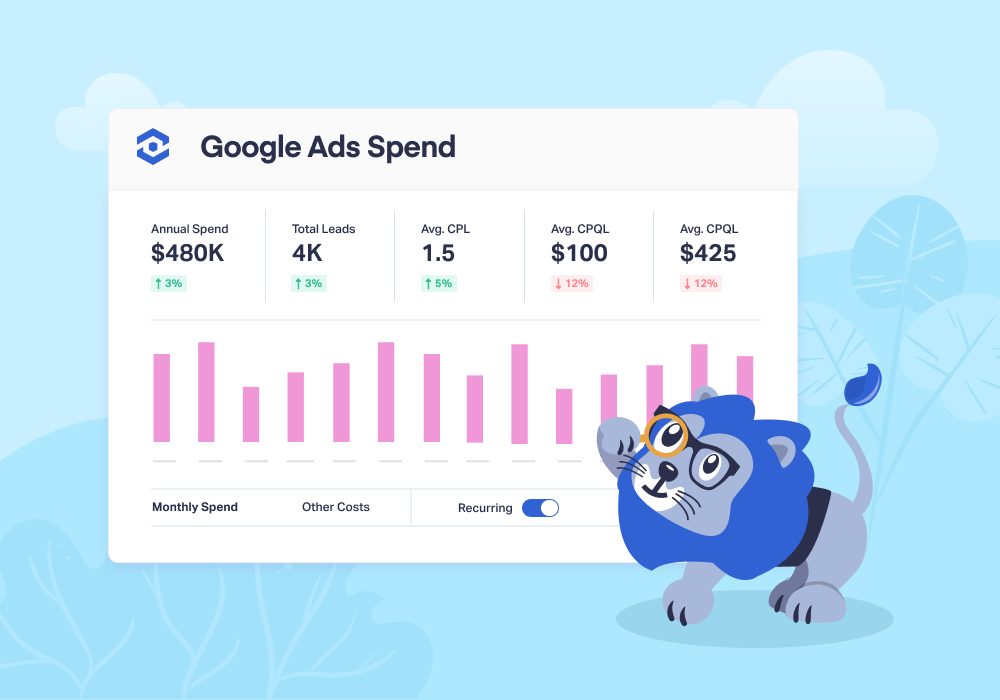
Feature Highlight: Prove your marketing ROI with Attribution and Reporting.
Proof: Collideascope Cut Cost Per Qualified Lead by 61%
Collideascope's client, a $50M home improvement retailer with six showrooms in Metro Detroit, was spending about $10,000 a month on Google Ads with no way to tell which leads became sales.
The agency was already sending conversion data to Google. It just wasn't quality data.
So they configured WhatConverts to automatically send only quotable leads to Google Ads, in real time. Google started learning every day what a good lead looked like.
The results:
- Qualified leads up 250% in four months
- Cost per qualified lead down from $98 to $38
- Monthly ad spend down 8%
The Unlock
Google Ads doesn't waste budget on its own. It just spends on whatever clicks the data tells it to. Stop teaching Google to find junk, and it stops billing you for it.
Ready to see which paid clicks actually generate revenue before Google spends another dollar chasing lookalikes?
Start your free 14-day trial of WhatConverts today or book a demo with a product expert to see how we help prove and grow your ROI.
Get a FREE presentation of WhatConverts
One of our marketing experts will give you a full presentation of how WhatConverts can help you grow your business.
Schedule a DemoGrow your business with WhatConverts







