


 Alex Thompson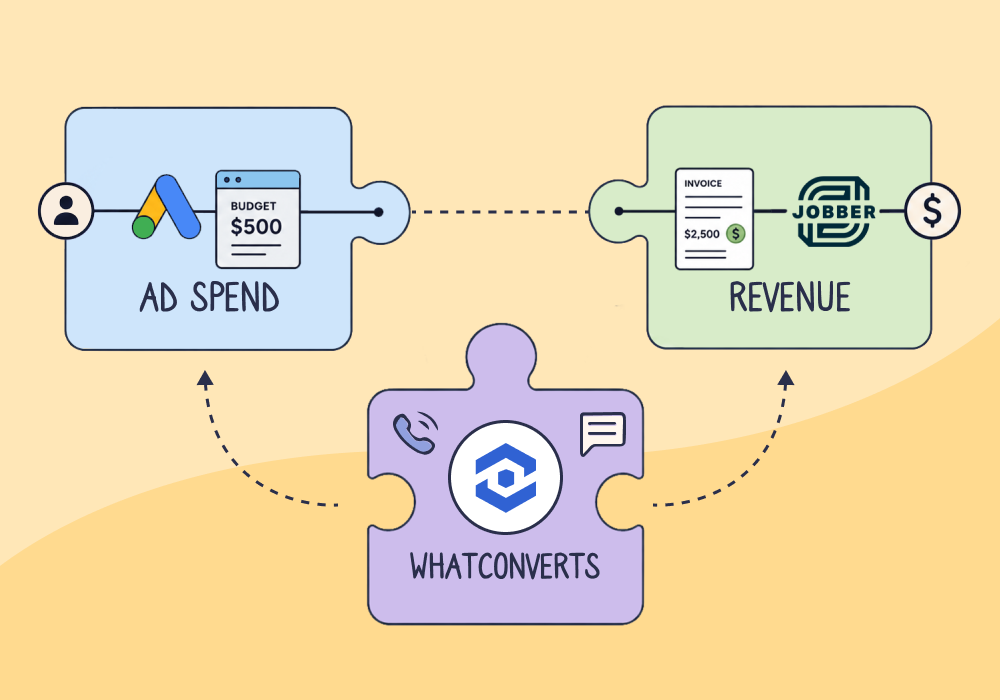
You can tell a client which keyword drove the call. What you can’t tell them is what that call was worth once it became a job, and that’s the number they actually care about.
Imagine this. Your roofing client asks for an update on last month’s campaign. You pull the report: CPL down, “emergency roof repair” a high performer at $38 a click, things looking good. Then they ask, “So how many jobs did that campaign actually bring us?”
You’re speechless. Like most agencies, your visibility stops at the lead. A crew went out and an invoice got paid, but none of that came back to the campaign that started it.
Connecting marketing spend to the revenue it earned is how agencies defend a retainer now. This article shows you how to do it, and where most stacks lose the thread.
Note: Not a WhatConverts user yet? Start your free 14-day trial of WhatConverts today or book a demo with a product expert to see how we help prove and grow your ROI.
Lead Counts Don’t Defend a Retainer. Invoiced Revenue Does.
A lead count can’t tell your clients what they really want to know, which is what revenue your marketing earned. “We got you 47 leads” describes the activity you performed, and a retainer gets judged on what that activity produced.
This isn’t a rare problem either. Proving marketing’s financial impact is the single most-cited challenge marketing leaders name right now. The CMO Survey’s latest wave of 281 senior leaders logged rising pressure to prove that value: from CFOs (63%, up from 52%), CEOs (61%, up from 51%), and boards (50%, up from 33% in one year). Those are VP-level leaders at large firms, and the same pressure rolls downhill to anyone defending a retainer.
When the proof doesn’t show up, budgets get frozen and cut rather than merely questioned. Gartner’s 2026 CMO Spend Survey found budgets stuck flat, with more CMOs now missing their targets than beating them across acquisition, retention, and ROI.
Now picture the same month on two report cards. One reads “Leads: 47.” The other reads “Paid Search: $182,400 in invoiced jobs, across nine campaigns.” Same month, same client, and only the second one survives a budget review. “Attribution” stays a marketing word until it points at a dollar figure a client can see on an invoice.
Your retainer gets judged against the second card, whether or not you can produce it.
Related Reading: Defending Your Results Against Client Doubt
Closing the Loop Carries One Number From Call to Paid Invoice
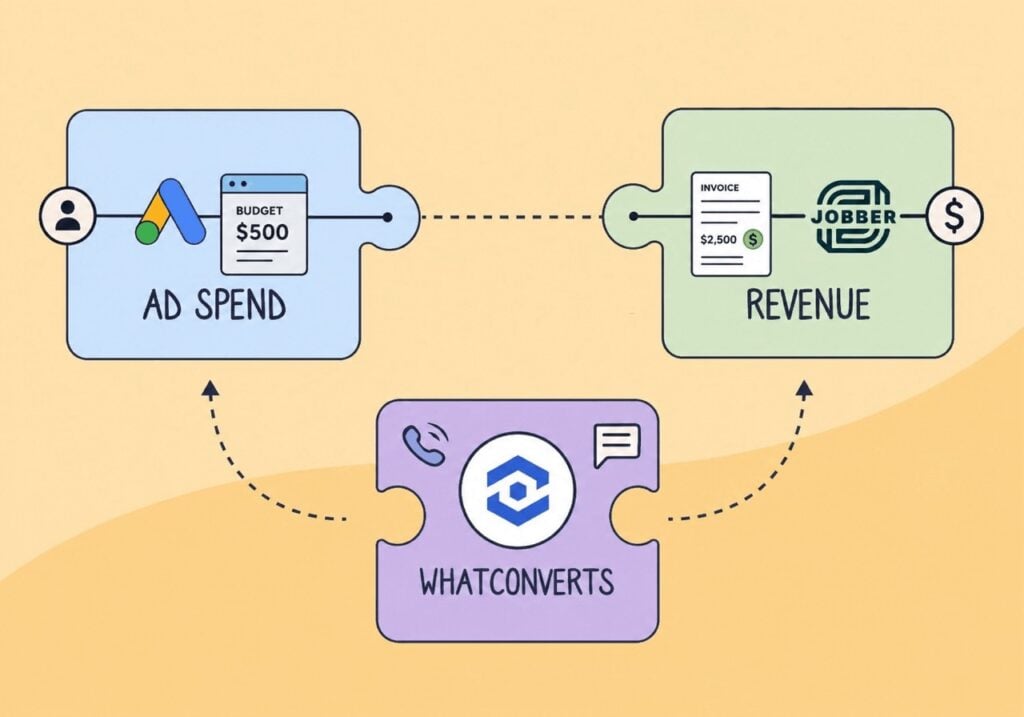
Closing the attribution loop means carrying one lead the whole way. It starts at the call or form that created the lead, picks up the source, campaign and keyword that drove it, then follows the lead through to the quoted and invoiced job it became. The revenue lands back beside its source. The diagram below traces that trip.
This isn’t a WhatConverts idea. Google Ads built offline conversion import to measure what happens after an ad “results in a click or call to your business,” which is what closing the loop means in marketing-software terms.
Feature Highlight: Customer Journey Tracking
Google treats a lead’s trip as three stops rather than one event. The lead arrives, then becomes a qualified lead once someone verifies it after the fact in a CRM or lead system, then becomes a converted lead: the invoiced job, or whatever close you define. Choosing which of those three stops you report as your conversion is, Google says, “critical to making the most of Google AI.”
What do those stages mean for you in practice? Qualified and converted are outcomes coming back to your marketing record as proof. They aren’t a sales rep working a pipeline, and they aren’t you managing the job.
None of it works unless your lead shows up already tagged with where it came from. A call, form or chat that lands without its source, campaign and keyword leaves nothing to carry forward. Catching that stamp on the first touch is the job of lead tracking.
If your leads aren’t tagged the moment they arrive, nothing later in this article will work on your accounts.
See how Lead Tracking stamps every call, form, and chat with its source, campaign, and keyword from the first touch.
Feature Highlight: Lead Tracking
Most Stacks Break Where the Lead Enters the CRM
The loop doesn’t break because your marketing is bad. It breaks at one specific seam, which is the moment the lead crosses from your world into the client’s CRM. It then breaks a second time when Google’s import deadline expires before the job invoices. The broken-loop diagram below is the same path, severed at both points.
A CRM record keeps one lead source, and every fix makes it worse
A CRM record holds one lead source by default. Just one. A Salesforce-style setup leaves you three workarounds, and each one loses something. Ignore every touch after the first, and the record is wrong. Overwrite with the most recent touch, and the original source is gone. Open a new record per touch, and MarTech calls the result “mass confusion and degraded data quality.”
Picture a home-services office. The original paid-search call gets overwritten the day the front desk logs the job as “existing customer” or “phone,” and the campaign that earned the work loses the credit.
The handoff itself has no feedback loop built in
Even when the data survives the CRM, the handoff sends nothing back. MarTech calls this a “marketing-sales handoff abyss”: leads get thrown over the fence with no feedback loop, and what comes back is lost leads and a blame game. It gets worse when you and the client define “a lead” differently, because then even clean data arrives meaning two different things to the two sides.
Even clean data expires before many jobs invoice
Say the data survives intact. There’s still a deadline. Google won’t import an offline conversion uploaded more than 90 days after the click, and for enhanced conversions for leads that window narrows to 63 days. Picture a storm-damage roofing job, quoted in week one through paid search. Insurance approval and scheduling push the invoice out to week seven, or week ten. The lead was high-intent the whole time, but the 90-day link can lapse before the money is confirmed, by default rather than by mistake.
Both breaks happen after the lead leaves your systems, and neither one happens in the campaign or the ad. So the fix is to keep your own record of where each lead came from, held separately from the client’s CRM. A marketing-layer lead record does that, so relabelling the job in their system doesn’t erase the source in yours.
Neither break is something you can fix inside Google Ads or inside the client’s CRM. Both need a record you control.
Open Loops Spend the Client’s Budget on the Wrong Leads
Leave the loop open, and you aim the client’s budget at the wrong leads. Smart Bidding optimizes toward whatever signal you feed it, so if you feed it nothing but “a call happened,” more calls is what it buys.
Smart Bidding can’t tell a $12,000 roof replacement from a price shopper who never books, because nothing in the data you sent marks the difference between them. The two paths below make the split concrete.
Connect that to the pressure from the first section. Spend that can’t prove itself gets pulled rather than merely questioned. Gartner’s 2025 CMO Spend Survey found 39% of CMOs planned to cut agency budgets, led by “eliminating unproductive agency relationships.”
There’s a second cost, and it’s less visible. Platforms over-claim credit, because each one is both the ad seller and its own scorekeeper. Per AdExchanger, a business pays a premium for every sale a platform credits to ads instead of organic search. Without an independent record of what closed, you can’t audit that claim, so you end up paying for outcomes you’d have won anyway.
The counter-move is to feed invoiced outcomes back into Google Ads through the Google Ads integration you already run. Smart Bidding then optimizes using each job’s invoice value, rather than a count of calls.
Until you send those job values back, you’re paying Google to find you more phone calls, not more revenue.
See how the Google Ads integration feeds invoiced job values back into Smart Bidding, not just raw call counts.
Integration Spotlight: Google Ads
Validated Revenue Lands Next to the Campaign That Produced It
Here’s the finished state, in the terms you’d use with a client. You open the report and the invoiced dollars sit next to their source: “Paid Search produced nine invoiced jobs worth $182,400.” The lead record below shows the shape of it.
Getting there takes three moves. First, the lead arrives already tagged with its source, campaign and keyword. Second, the system holding the job and its invoice sends the invoiced amount back. Third, that amount locks onto the original source, so your marketing record carries a revenue figure instead of a count.
For a home-services client, the system in step two is usually a field service or CRM tool like Jobber, which is one reason agencies find Jobber clients easier to prove ROI for. Which tool it is matters less than whether the invoice value makes the return trip.
Closed-loop attributable revenue is the name for that result: the invoiced outcome carried back to the source that produced it. It’s revenue returning to marketing as proof of what marketing made happen.
The storm-damage roof from earlier, the one that vanished into “existing customer,” now reports back to the campaign that won it. You bring that report to the next budget review, and the client can check every figure in it against their own invoices.
| SourceGoogle Ads — Paid Search | CampaignEmergency Roof Repair | Keyword“emergency roof repair” |
| Lead status | Qualified | → | Converted |
| Revenue confirmed · sent back to the campaign$12,000 invoicedTied to the source and campaign above. |
The invoiced job reports back to the campaign that produced it, so “we got you a lead” becomes “we produced this revenue.”
With that number proven, see the pricing model built directly on it.
Read the Article – Introducing the Revenue Retainer: A New Way to Price Agency Work
Find Where Your Own Stack Drops the Thread
You can locate your own break in about the time it takes to pull one report. Pick a job you know closed and got paid, then trace it backward through three checkpoints.
- Did the lead arrive tagged? Open the original lead record. If the source, campaign, and keyword aren’t on it from the first call or form, the loop never started, and nothing downstream can rebuild what was never captured.
- Did the source survive the office? Find how the job got logged after the handoff. If it reads “existing customer” or “phone,” the paid-search origin was overwritten the moment the front desk touched it.
- Did a dollar figure come back in time? Check whether the invoiced value ever landed next to that original source, and whether it got there inside Google’s 90-day (63-day) window. If the number never returns, or returns too late to import, the platform never learns what the job was worth.
Wherever the trail goes cold is your break. Most stacks capture the lead fine and lose it at checkpoint two or three. Fix the first checkpoint that fails and leave the other two alone until it’s working.
Answer the Question a Lead Count Can’t
Go back to the client asking what that call was worth once it became a job. You can now explain how a single lead travels from the call to the source and campaign that drove it, trace it through to the invoiced job it became, and point to the exact checkpoint where your own stack drops it.
The invoice is the proof, and a closed loop makes it point back to the marketing that earned it. Your visibility runs all the way to the paid invoice instead of stopping at the lead. That means the next budget conversation starts from a revenue figure the client already recognises, rather than from a lead count you have to defend.
Ready to keep every lead’s source alive through the CRM handoff?
Get a FREE presentation of WhatConverts
One of our marketing experts will give you a full presentation of how WhatConverts can help you grow your business.
Schedule a DemoGrow your business with WhatConverts







