



Jobber is field service management (FSM) software designed for home service businesses. It also includes customer relationship management (CRM) features.
By integrating Jobber with WhatConverts, marketers and agencies can connect requests, quotes, jobs, and paid invoices to the marketing that generated them, all automatically.
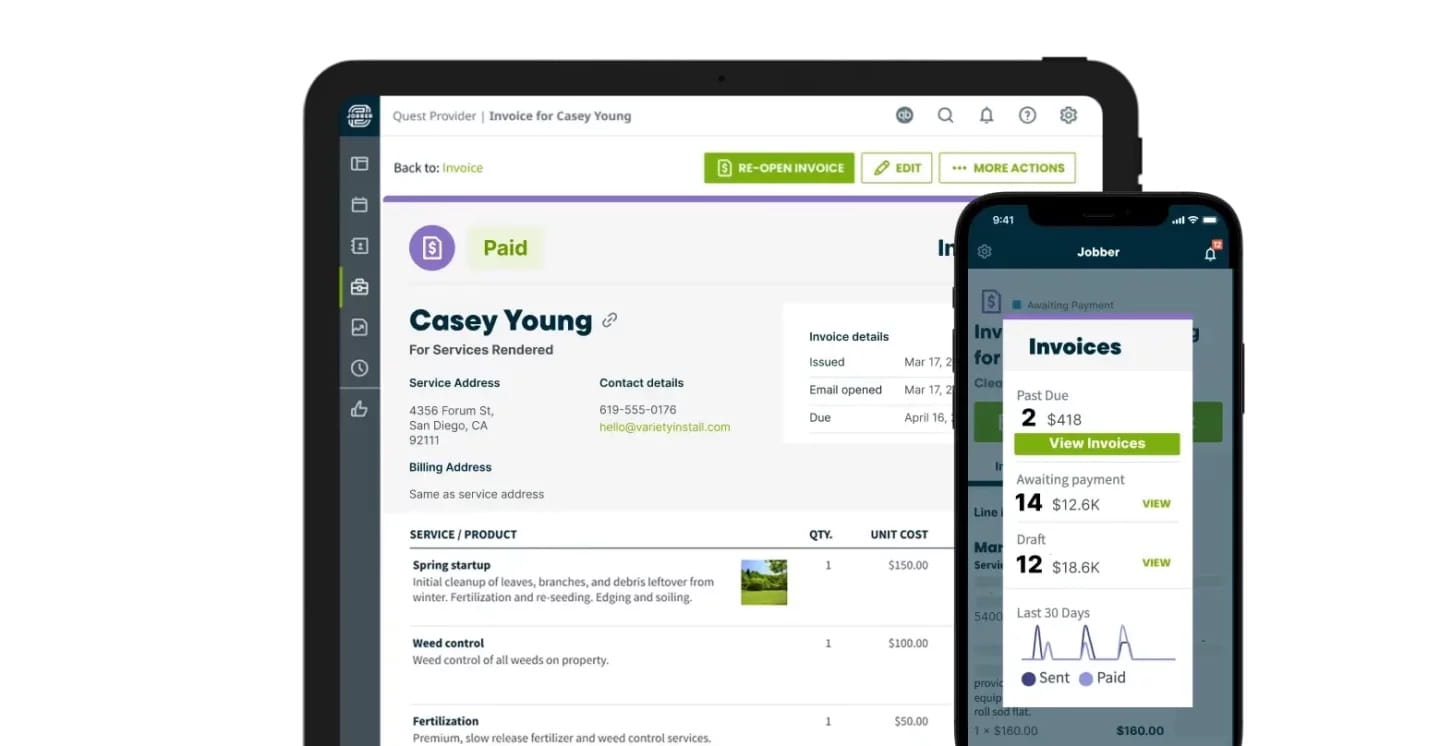
Close the Gap Between Marketing Leads and Revenue
For home service businesses and their agencies, one of the biggest challenges is connecting lead data to revenue. You may know which ad drove a phone call, but not whether that call led to a $5,000 installation or a $50 repair.
The native WhatConverts + Jobber integration closes that gap. It connects activity in Jobber to the lead in WhatConverts that started it, revealing the campaign, keyword, and ad behind each request, quote, job, and paid invoice. Instead of optimizing for lead volume alone, you can make decisions based on the opportunities and revenue your marketing creates.
Turn Jobber Data Into Better Marketing Decisions
- Get Revenue Insights Sooner: See the value of a lead when your client sends a quote instead of waiting for the final invoice to be paid.
- Prove Marketing ROI: Show clients how much quoted, sold, and collected revenue each campaign, keyword, and ad generated.
- Automate Revenue Reporting: Keep marketing and sales data connected without spreadsheets, manual updates, or repeatedly asking clients for sales figures.
- Improve Campaign Performance: Send quote and sales values back to your advertising platforms so bidding strategies can prioritize the searches that generate higher-value jobs.
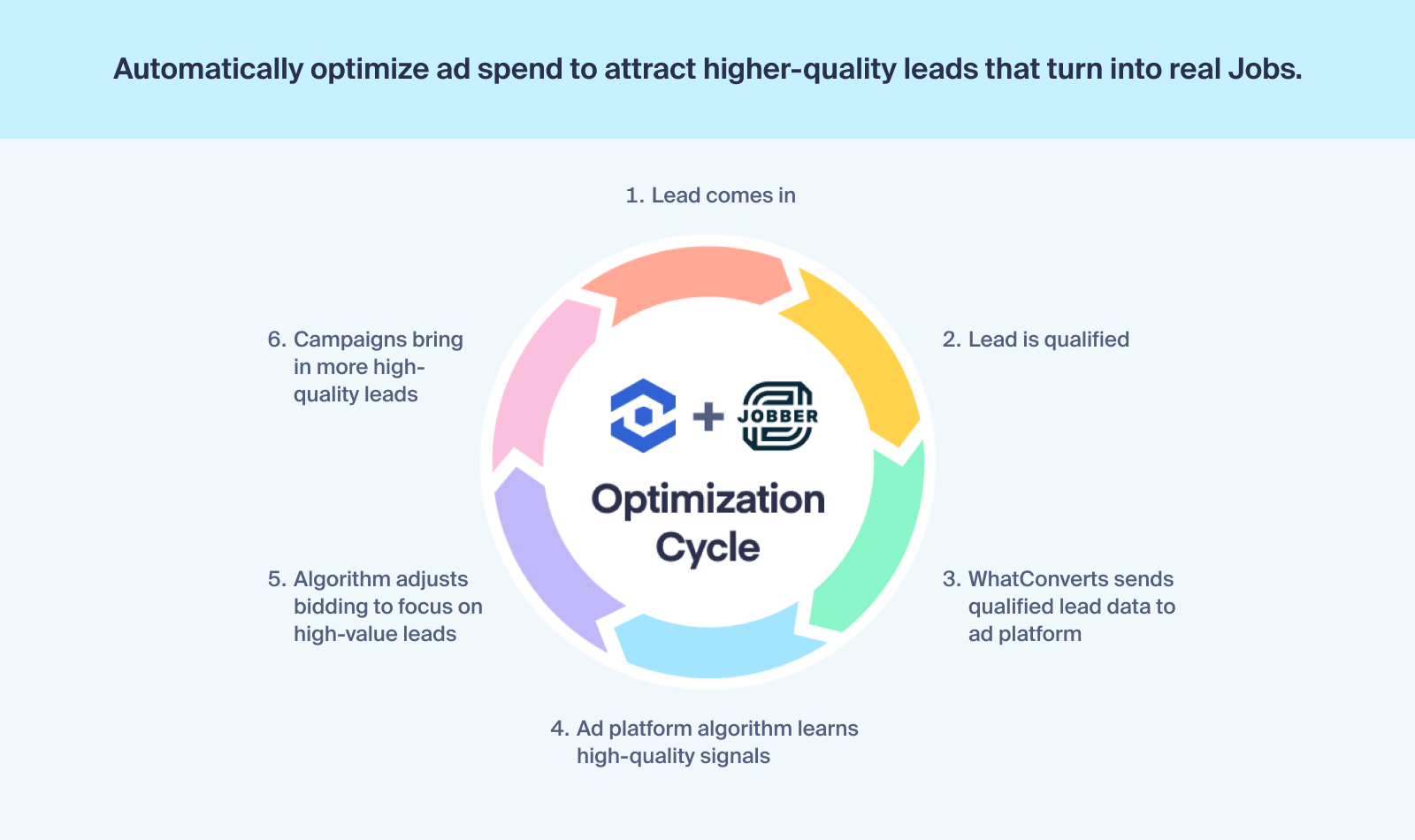
Built for Home Service Businesses
- Roofing: Separate high-value replacement opportunities from smaller repairs, then invest more in the marketing that produces larger jobs.
- HVAC: See which keywords generate system installation quotes and which drive service calls.
- Plumbing: Follow an emergency call from the initial request to the resulting job and paid invoice.
- Electrical and Landscaping: Connect each phone call to the quote, scheduled work, and revenue it produces.
See the Full Journey From Lead to Revenue
The integration connects four important stages of the customer journey, giving you a clear view of how leads become customers and revenue.
| Jobber record | WhatConverts lead type | What it helps you understand |
| Request | Appointment | Which marketing generates new service opportunities |
| Quote | Estimate | The potential value created by each lead |
| Job | Job | Which leads turn into won work and sold revenue |
| Invoice | Transaction | Which campaigns produce collected revenue |
This gives you useful revenue signals throughout the sales cycle. See Quote Value when an estimate is sent, Sold Revenue when a job is won, and Sales Value as invoices are paid. Because values and statuses update as they change in Jobber, your reports stay current without manual data entry.
For a closer look at the integration, read The Jobber Integration Now Tracks Quotes, Jobs, and Revenue.
Don't Have Jobber?
Jobber is one of the most powerful field service management platforms in the industry. And when you combine it with WhatConverts, you can see what marketing is driving real jobs and real revenue.
Connect Jobber to WhatConverts
Jobber connects directly to WhatConverts through a native integration. There are no complex “if-then” workflows to build and no third-party subscription costs from services such as Zapier.
- Open the Jobber integration in your WhatConverts profile.
- Sign in to Jobber and authorize the connection.
- Select the lead types you want to track and finish the setup.
The Jobber integration is available on Pro plans and above. Existing Jobber customers on other plans will retain their access.
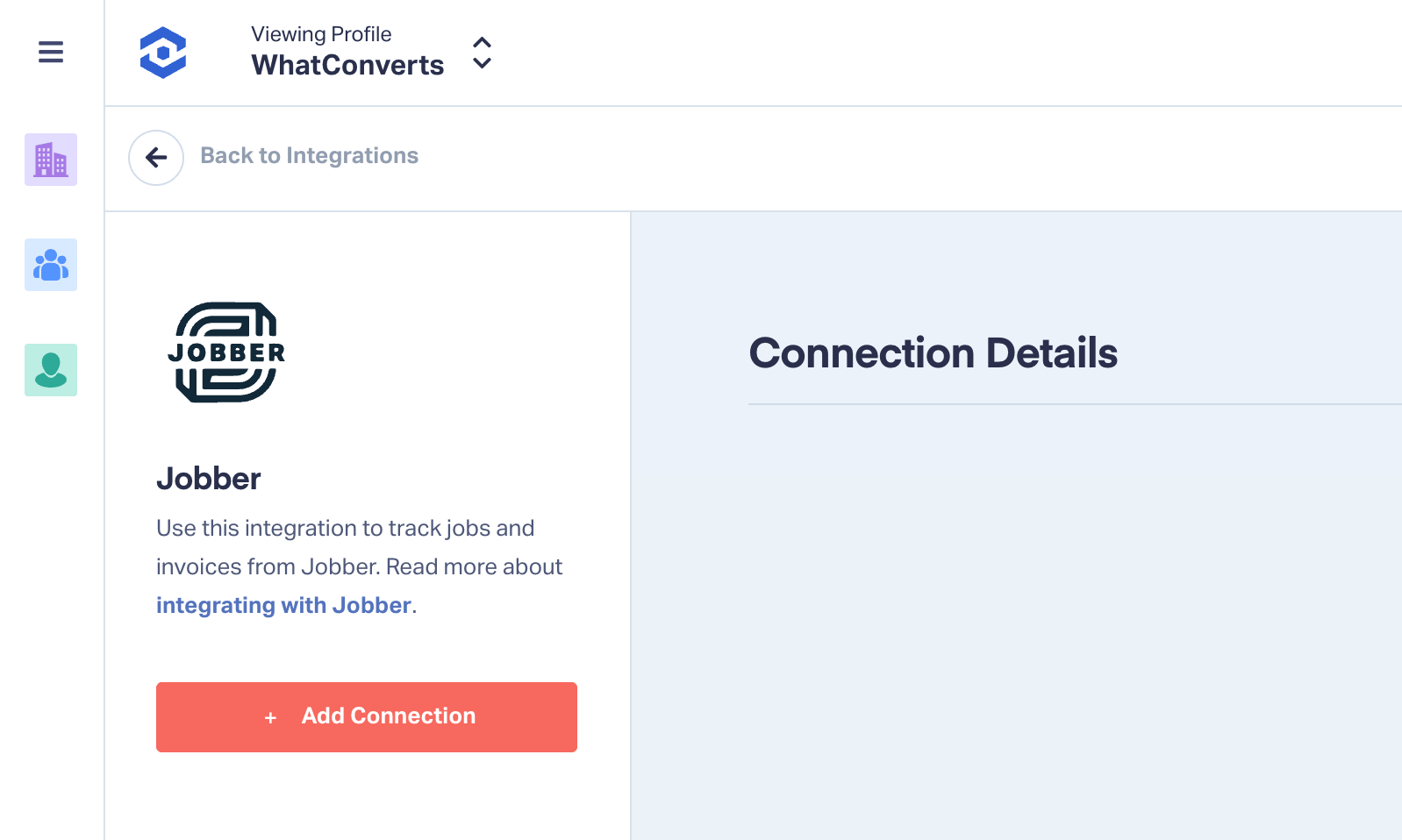
Once connected, requests, quotes, jobs, and invoices created in Jobber appear on the corresponding lead in WhatConverts, along with the original marketing source.
Ready to connect quotes, jobs, and revenue to the marketing that generated them?
Start your free 14-day trial of WhatConverts today or book a demo with a product expert to learn how WhatConverts can help you prove and improve marketing ROI.
Get a FREE presentation of WhatConverts
One of our marketing experts will give you a full presentation of how WhatConverts can help you grow your business.
Schedule a Demo






