


 Amanda Pell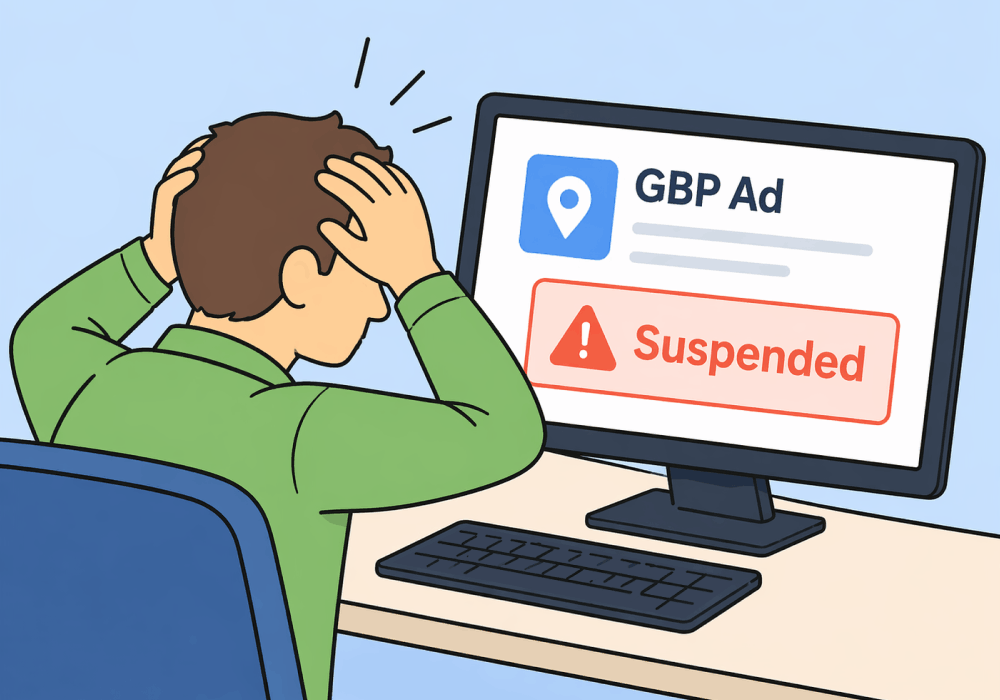
A Google Business Profile suspension doesn't come with a warning. One day you're ranking in the local pack, generating calls, booking jobs. The next, your listing is gone.
For services businesses, that's not a visibility problem. It's a revenue emergency. Roughly 60% of home services leads flow through GBP. When it goes dark, the phone stops ringing—immediately.
This article covers how to get your profile reinstated, and more importantly, what the suspension reveals about your lead generation strategy.
Note: Not a WhatConverts user yet? Start your free 14-day trial of WhatConverts today or book a demo with a product expert to see how we help prove and grow your ROI.
Why Google Business Profile Gets Suspended
Google has two different types of profile suspensions: soft suspensions (your listing remains visible to the public, but you lose the ability to manage it) and hard suspensions (the listing is removed entirely from search).
| Soft Suspension | Hard Suspension | |
| What It Means | Google trusts that the business is real and legitimate, but no longer trusts the user to manage the business’s ad. | Google believes that the business itself is either not real or is unsafe, illegal, or otherwise ineligible to appear on Google Maps. |
| Search and Maps Visibility | Visible: Customers can still find your listing, but information may be outdated. | Hidden: Your listing is completely removed from all public search results. |
| Management Access | Restricted: You can log in, but edits are "pending" and won't go live. | Locked: You generally cannot manage or edit the profile at all. |
| Revenue Impact | Moderate: Calls may continue, but you can't respond to new reviews or post updates. | Critical: This is a "revenue emergency"—the phone stops ringing immediately. |
| Immediate Action | Audit and Sandbox Edit: Fix violations in your dashboard to prepare for review. | Gather Evidence: Prepare documentation to prove the business exists at that location. |
| The Fix | Appeals Tool: Submit evidence to regain management rights. | Reinstatement Request: Formal appeal to bring the listing back from "dead". |
What Causes GBP Suspensions
Common triggers include:
- Policy violations: keyword stuffing in your business name, inaccurate service areas, or categories that don't match your actual business
- Suspicious edits: recent changes to your name, address, phone number, or category can trigger an automated flag
- Duplicate listings: multiple profiles for the same location confuse Google's systems
- Address issues: using a virtual office, P.O. box, or service-area business without a physical address
- Sudden spike in reviews: a burst of new reviews can look manipulative, even when it isn't
The frustrating part: Google rarely tells you which rule was violated. You're left to investigate.
Read More: Home Services' Invisible Crisis: GBP Holds 60% of Leads Hostage
How to Fix a Suspended Google Business Profile
Step 1: Identify the Suspension Type
Log in to your Google Business Profile dashboard. If you see a "Suspended" label but your listing is still appearing to the public on Search and Maps, that is a soft suspension. If it's gone entirely, it's a hard suspension.
Both suspension types require a formal appeal to regain control. For a soft suspension, your listing stays live with its old information while you work to regain management control. For a hard suspension, the listing is gone from search entirely. In both cases, you must fix any profile violations before submitting your appeal.
Step 2: Audit Your Profile for Policy Violations
Before submitting anything to Google, review your profile against Google's guidelines for representing your business. Check:
- Business name (no keywords, no taglines—legal name only)
- Address (must be a staffed physical location)
- Phone number (should match your website)
- Categories (primary category must reflect your core service)
- Website URL (no redirect chains or mismatched domains)
Fix every issue you find in your dashboard before filing a reinstatement request. If you have a soft suspension, your edits will be in “sandbox mode” and won’t appear on the public-facing ad, but Google’s reviewers will see these "pending" changes when they evaluate your appeal. Submitting while violations still exist almost guarantees a rejection.
Step 3: Gather Verification Documents
Google will ask for proof that your business is real and operating at the listed address. Prepare:
- A utility bill or bank statement showing the business name and address
- A copy of your business license
- Photos of your storefront, signage, or service vehicles with the business name visible
Step 4: Submit a Reinstatement Request
Go to the Google Business Profile Help page and submit your reinstatement request with the documentation above. As of 2026, once you open the evidence upload form in Google’s appeals tool, you have exactly 60 minutes to submit your documents or they will not attach to the appeal. You must have your files ready before you click.
Write a clear, factual explanation of your business. Don't argue with Google's decision—just demonstrate legitimacy.
Timeline: Reinstatement typically takes 3–14 business days, though complex cases can stretch to 3-6 weeks or longer. There's no expedited option.
Step 5: Follow Up if You Don't Hear Back
If two weeks pass with no response, post in the Google Business Profile Community forum. Google Product Experts monitor it and can sometimes escalate stuck cases.
The Bigger Problem: When GBP Leads Dry Up Overnight
Reinstating your profile solves the immediate crisis. But the suspension itself is pointing at something more significant.
Any lead source that can disappear overnight without warning is a liability.
GBP is a platform you don't own or control. Google updates its policies, changes its algorithms, and suspends accounts based on automated systems. It happened once. It can happen again.
And while GBP is down, there's no fallback—unless you've already built one.
How to GBP-Proof Your Lead Gen
The answer isn't just getting reinstated faster next time. It's making sure a GBP outage doesn't crater your pipeline.
That means two things:
1. Diversify Your Lead Sources
GBP is powerful—keep it optimized. But it shouldn't be the only channel generating leads. Google Ads, Local Services Ads, organic search, and even direct traffic can all absorb volume when one source goes down.
The challenge: most businesses don't invest in backup channels because they can't prove those channels are cost-efficient. Which brings us to the second thing.
2. Track Every Lead Across Every Channel
The reason paid and organic channels feel "expensive" compared to GBP is that most businesses can't see what those leads are actually worth. A Google Ads call that turns into a $6,000 job doesn't look like much in a dashboard that only shows cost-per-click.
When you can tie every call, form, and chat to its marketing source—and see what each lead was worth—other channels stop feeling like overhead and start looking like insurance.
That's exactly what WhatConverts does. Every lead, regardless of source, gets tracked back to the campaign, keyword, or channel that drove it. You can see which campaigns generate qualified leads, which produce junk, and which are quietly driving your best jobs while GBP gets all the credit.
The Lead Tracking Foundation You Need
Here's what protecting your pipeline actually looks like:
- Fix and reinstate your GBP. Follow the steps above. Don't skip the audit.
- Track every lead source, not just GBP. Calls, forms, and chats from every channel need attribution.
- Assign value to your leads. Know which channels drive qualified prospects—not just volume.
- Optimize paid and organic channels using real lead data. Make alternatives cost-efficient enough to carry the load if GBP goes dark again.
- Build a diversified lead mix before you need it. Backup channels take time to mature. Start now.
A GBP suspension hurts because the business wasn't built to survive without it.
Ready to build a lead tracking foundation that doesn't depend on any single source?
Start your free 14-day trial of WhatConverts today or book a demo with a product expert to see how we help prove and grow your ROI.
Get a FREE presentation of WhatConverts
One of our marketing experts will give you a full presentation of how WhatConverts can help you grow your business.
Schedule a DemoGrow your business with WhatConverts







