
WooCommerce is an open source ecommerce plugin that turns any WordPress site into an online store.
Connecting WooCommerce to WhatConverts ties every online order to the marketing source that produced it, so each sale reports the campaign and keyword behind it.
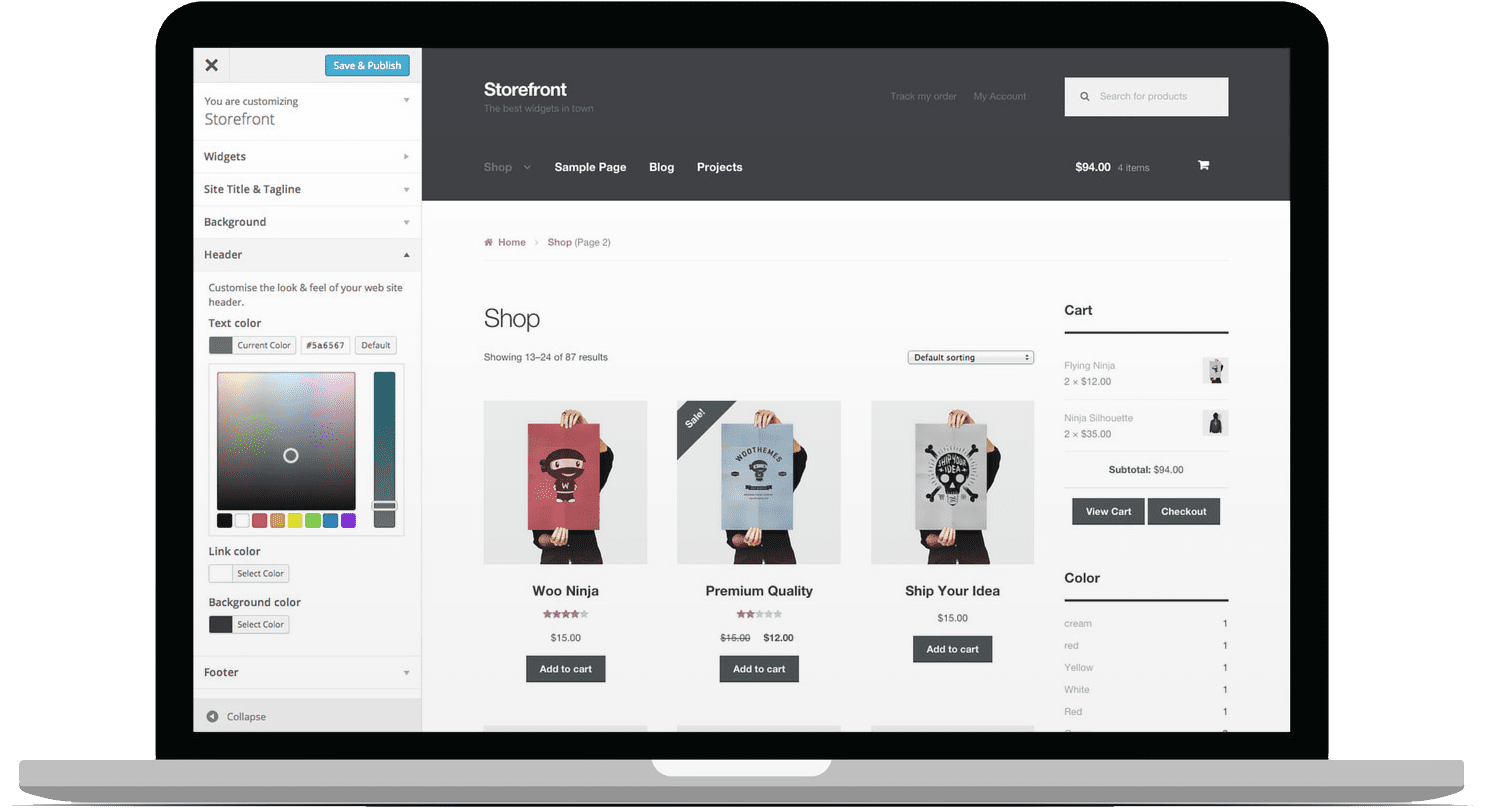
What WooCommerce Integrations Show That Your Store Dashboard Can't
Your WooCommerce dashboard shows the order total and the customer. It stays silent on what drove the sale. A shopper clicks a Google ad, browses for a week, then comes back and buys a $600 order, while another finds you through organic search and spends $90. You see the revenue land in WooCommerce.
The WooCommerce integration ends that silence. That $600 order now arrives carrying the Google ad that generated it, and the $90 order carries the organic search that produced it, each tied to its keyword. For the marketer, the order total and its campaign finally sit in the same report.
WhatConverts tracks WooCommerce through its own tracking script, with no separate API connection. When a shopper completes an order, the script sends that transaction to WhatConverts as a lead carrying the order value, the customer contact details, and the source, medium, campaign, content, and term behind the visit. Your call, chat, and form tracking keeps running as before, and the Help Center walks through each step.
Why This Integration Matters
- Revenue Reported Without Manual Exports: Your revenue reports build themselves. Each WooCommerce order lands in WhatConverts tied to its campaign and keyword, with no spreadsheet work.
- ROI Proven in Real Dollars: Show how much WooCommerce revenue each channel produced. Report sales value by campaign, keyword, and channel in real dollars.
- Ad Spend Steered Toward High-Value Orders: Aim ad budget at the orders that pay. Feed WooCommerce order value to Google Ads and Facebook Ads so bidding favors the clicks that become your largest sales.
Built for Online Stores
- Ecommerce Marketers Running Paid Search: See which keywords and campaigns drive real order revenue. Move budget to the ones that pay back.
- Agencies Managing Online Stores: Report to each client on the exact campaigns producing WooCommerce sales. Pair it with AgencyAnalytics to put that revenue in the dashboard clients already read.
- Stores Blending Online and Offline Sales: Track online orders next to the calls, chats, and forms WhatConverts already captures. If you also run Shopify or BigCommerce stores, WhatConverts tracks those the same way.
Connect in Minutes
Setup runs through your WordPress site and your WhatConverts profile. No middleware, no new subscription.
- Add the tracking script: Place the WhatConverts tracking script in the header of your WordPress site.
- Enable transaction tracking: Set up WooCommerce transaction tracking in your WhatConverts profile.
- Place a test order: Complete a live order on your store to fire the tracking script.
- Confirm the lead: Open the Lead Manager and check that the order value and marketing source appear.
Common Questions About the WooCommerce Integration
How does WhatConverts track WooCommerce orders?
The WhatConverts tracking script sits in the header of your WordPress site. When a shopper completes a purchase, the script records the order as a transaction lead with its value and attribution. No separate API connection is required.
Does the integration track more than online orders?
Yes. Alongside WooCommerce transactions, WhatConverts captures the calls, chats, and forms on your site, each tied to its marketing source.
What if I use the WhatConverts WordPress plugin or Google Tag Manager?
Deactivate that method first. Place the HTML tracking code in the header of your site. A plugin such as Insert Headers and Footers puts the code where the transaction tracking needs it.
For step-by-step setup, see the Help Center article below:
Not a WhatConverts User?
If you run a WooCommerce store and still can't say which campaigns turn clicks into orders, WhatConverts ties every sale to its source, so you can prove which channels grow revenue and scale them.
Start your free 14-day trial of WhatConverts today or book a demo with a product expert to see how we help measure and improve your marketing ROI.
Get a FREE presentation of WhatConverts
One of our marketing experts will give you a full presentation of how WhatConverts can help you grow your business.
Schedule a Demo