


 Amanda Pell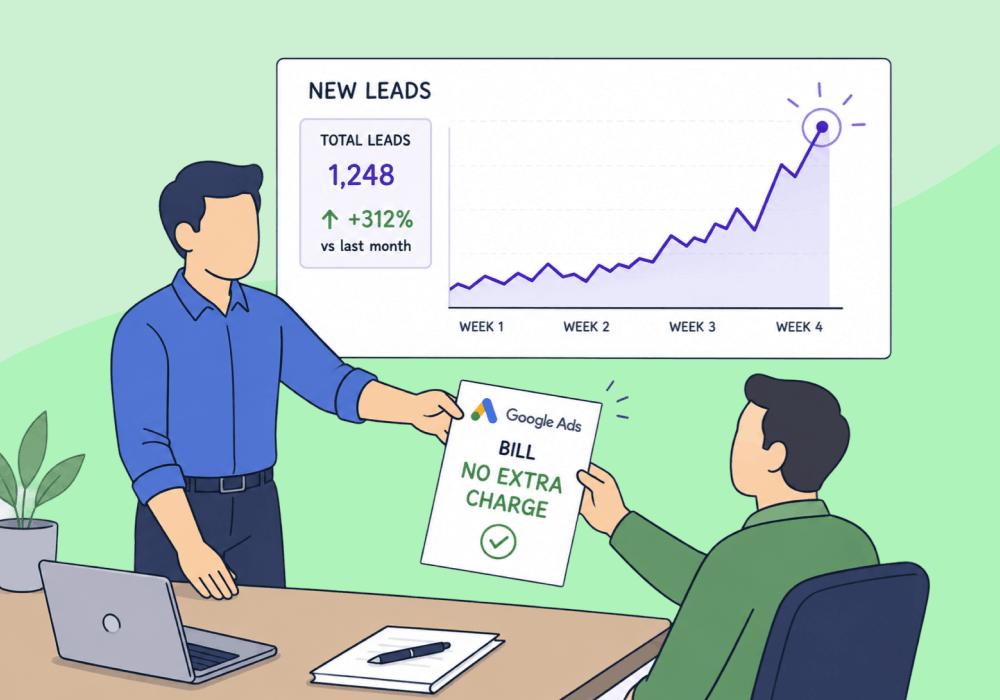
Every agency has a client who wants more. More leads, more revenue, more market share. But they won't approve a single extra dollar in ad spend.
Unreasonable? Not really. The client doesn’t want more for less; they just want you to do more with the budget they’ve already given you.
When you lower a client's cost per conversion on existing spend, you create the headroom to scale without asking for a single extra dollar. The same budget pulls in more revenue, and the case for increasing it builds itself.
This article shows how to find the waste hiding inside a "performing" account, cut it with granular attribution, and turn efficiency gains into a real growth conversation.
Note: Not a WhatConverts user yet? Start your free 14-day trial of WhatConverts today or book a demo with a product expert to see how we help prove and grow your ROI.
Why "Spend More" Lands Flat
When you ask a client to increase the ad budget, you're asking them to take a bet. If the current spend is producing fuzzy results, the bet looks bad, no matter how confident your pitch is.
Clients hear "spend more" and translate it as:
- More risk on top of unproven returns
- A bigger bill with no clearer line to revenue
- An agency optimizing for its own retainer, not their bottom line
This is the efficiency-first problem. Until the existing budget proves itself in dollars, the next dollar isn't coming.
Dollars Earned > Vanity Metrics
Most accounts look efficient at the surface level. Click-through rates are healthy. Cost per click is reasonable. Conversions are coming in.
But conversions aren't dollars. And when you can't see which conversions actually earned revenue, you can't cut the ones that didn't.
Here's what that gap looks like on a $10,000/month account:
| Reported View | Dollars-Earned View | |
| Monthly spend | $10,000 | $10,000 |
| Total conversions | 200 | 200 |
| Cost per conversion | $50 | $50 |
| Revenue-generating conversions | ? | 80 |
| Cost per revenue-earning conversion | — | $125 |
| Wasted spend | — | $6,000 |
The reported view says the account is humming. The dollars-earned view shows 60% of spend is producing conversions that earn nothing. That $6,000 isn't a budget problem. It's a visibility problem.
Cut the spend feeding the dead conversions, and CPL drops on the leads that actually matter.
Lead-Level Attribution Is How You Cut Waste
You can't trim what you can't see. Reducing cost per conversion means tracing each lead back to the exact keyword, campaign, landing page, and channel that produced it. Then valuing those leads by the revenue they generate, not the conversion count they add.
WhatConverts does that automatically:
- Source and medium attribution ties every call, form, and chat to Google Ads, Bing Ads, organic, or social.
- Keyword-level data shows which search terms drive revenue versus which fill the pipeline with $0 leads.
- Landing page and campaign breakdowns make it obvious which assets are pulling weight and which are dead weight.
- Quote and sales value reporting lets you sort every campaign by revenue earned, not just leads counted.
Once you can see which slice of spend is producing dollars, the cuts are easy. Pause the underperforming keywords. Reallocate to the campaigns earning revenue. Watch cost per conversion drop on the leads that matter without changing the budget.
Proof: Digilatics Reduced Cost per Conversion by 90% and Grew Client Revenue 22%
Digilatics, a home services marketing agency, took on a client who wanted a partner, not a lead vendor. The client had budget, but wanted proof their dollars were producing returns before scaling.
Using WhatConverts, Digilatics:
- Tracked every call and form back to the source, medium, keyword, landing page, and location that drove it
- Reported on each campaign in revenue earned, not clicks or impressions
- Identified low-value spend and reallocated budget toward the keywords, channels, and locations producing actual sales
- Built location-level reports the client could use to match ad spend to job capacity
The result: a 90% reduction in cost per conversion on the same account.
That efficiency gain was the unlock. With CPA collapsing, the client had room to scale confidently. And they did. Their business grew 22%, crossed $1M in monthly recurring revenue for the first time, and they hired 8 home service techs and 10 customer service reps to keep up with demand.
The budget conversation took care of itself.
Read More: Advanced Reporting and Clear Attribution Powers 22% Growth [Case Study]
The Growth Unlock
Growth doesn't require a bigger budget. It requires a clearer view of the one you already have.
Here's the workflow:
- Capture every lead with full attribution (source, medium, keyword, landing page, campaign).
- Assign revenue values so each lead is measured by what it earns, not just that it converted.
- Sort campaigns by dollars earned to expose the waste hiding behind healthy-looking conversion counts.
- Cut or pause low-value spend and reallocate to revenue-generating keywords and channels.
- Report cost per conversion against revenue earned, then bring the efficiency story to the client.
- Make the case to scale on a budget the client now trusts.
When CPA drops, the budget conversation flips. The client stops asking why they should spend more and starts asking how fast they can.
Ready to grow client revenue without growing the ad bill?
Start your free 14-day trial of WhatConverts today or book a demo with a product expert to see how we help prove and grow your ROI.
Get a FREE presentation of WhatConverts
One of our marketing experts will give you a full presentation of how WhatConverts can help you grow your business.
Schedule a DemoGrow your business with WhatConverts







