
















































Jobber is a Field Service Management (FSM) software tailored to home service businesses. It also includes strong CRM (Customer Relationship Management) features.
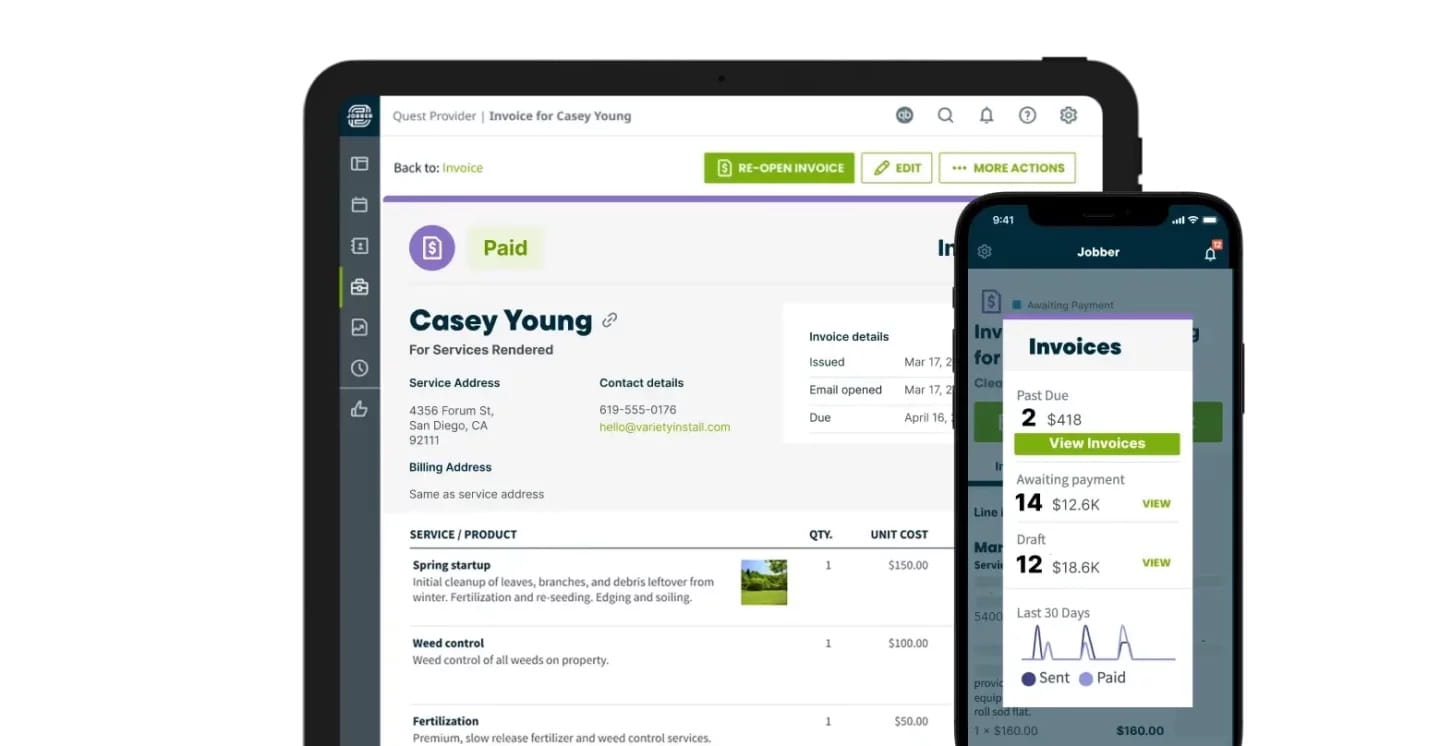
Integrating Jobber with WhatConverts lets marketers and agencies automatically connect appointments and invoice value to the marketing that generated them.
Close the Loop: WhatConverts + Jobber Native Integration
For home service agencies and pros, the biggest hurdle is the "Data Black Hole." You know which ads got the phone to ring, but you don’t know which call resulted in a $5,000 install and which one was a $50 repair.
The WhatConverts + Jobber integration eliminates the guesswork. By connecting your marketing lead data with your field service outcomes, you can finally optimize your budget for actual revenue, not just lead volume.
Why This Integration Is a Game Changer
- Automated Revenue Reporting: No more manual data entry or bothering clients for sales numbers. When a job is booked and the invoice is paid in Jobber, the job type and sales value sync back to WhatConverts automatically.
- Prove Your ROI: Stop reporting on "impressions." Show your clients exactly how many dollars in Jobber revenue were generated by each specific campaign, keyword, and ad.
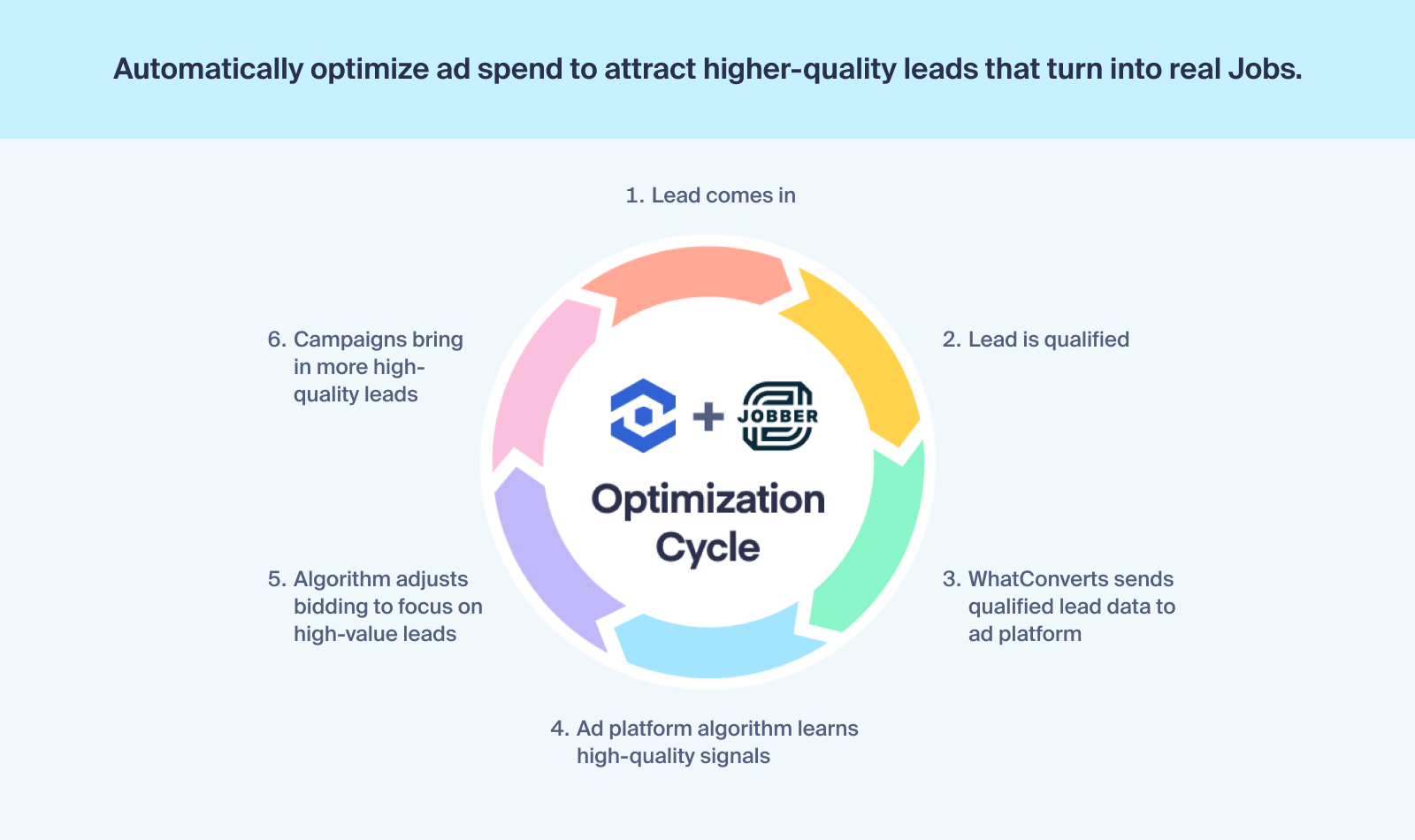
- Optimize Automatically: Connecting earned revenue to your marketing lets you send lead value back to ad platforms automatically and in real-time. That means faster optimization, more effective ads, and a stronger ROI.
Built for Home Services
- HVAC: Identify the keywords driving high-value system installs vs. low-margin repairs.
- Plumbing: See which Facebook Ads generate the highest-value emergency invoices.
- Electrical & Landscaping: Connect every phone call directly to jobs scheduled and revenue collected.
Set Up in Under 30 Seconds
This is a direct, native integration. There are no complex "If-Then" recipes to build and no third-party subscription costs like Zapier.
- Connect: In WhatConverts, go to Tracking > Integrations > CRMs and select Jobber.
- Authorize: Click Connect and + Add Connection to link your Jobber account.
- Sync: Select whether you want to sync Jobs (appointments), Invoices (sales value), or both.
- Save: Click Save and watch your revenue data flow.
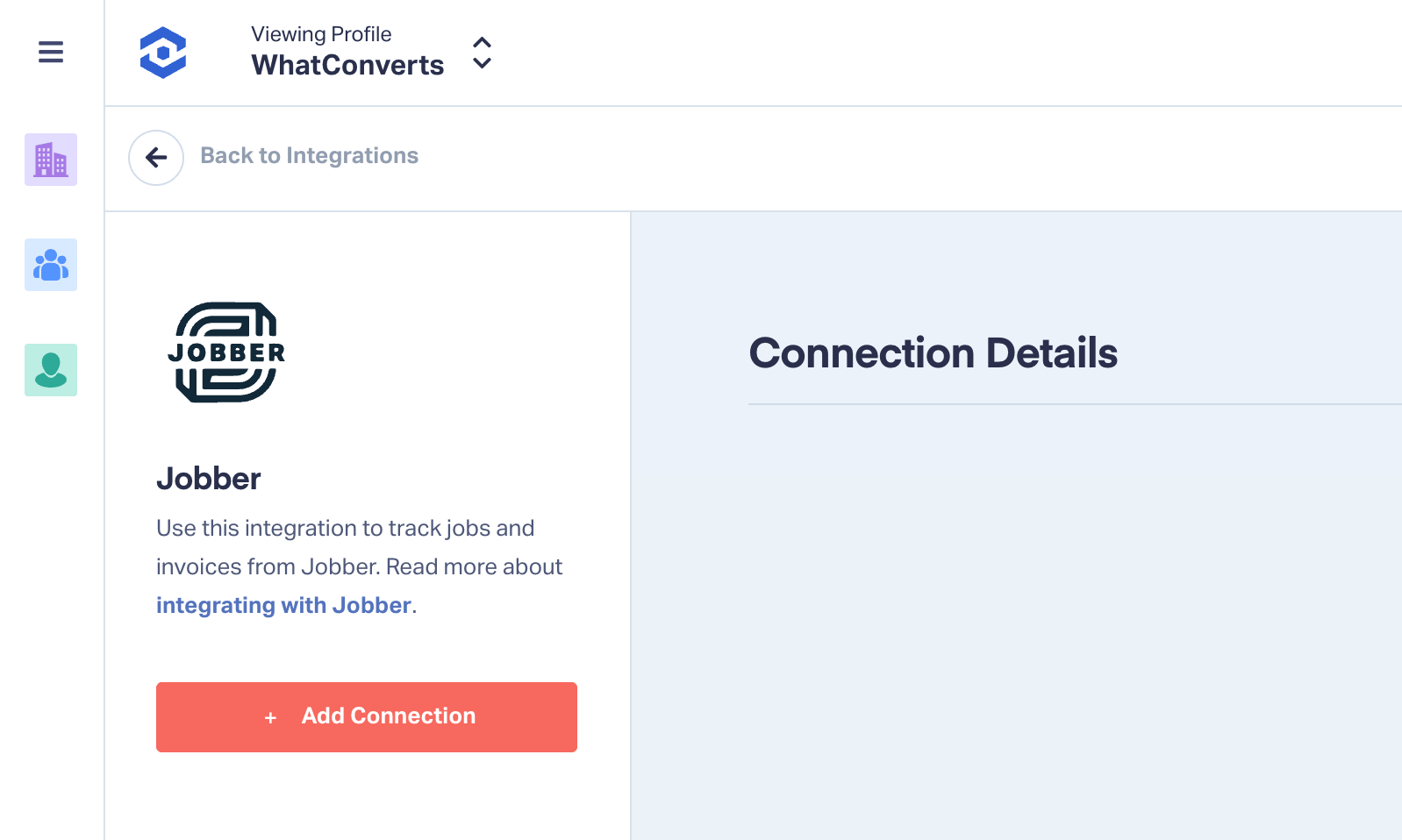
Once connected, any job or invoice created in Jobber will automatically appear in WhatConverts, tied to the original marketing source that drove the lead.
Ready to connect appointments and invoices to the marketing that drove them?
Start your free 14-day trial of WhatConverts today or book a demo with a product expert to see how we help prove and grow your ROI.
Get a FREE presentation of WhatConverts
One of our marketing experts will give you a full presentation of how WhatConverts can help you grow your business.
Schedule a Demo






