



JobNimbus is a CRM and project management platform built for contractors and home service businesses.
Integrating JobNimbus with WhatConverts lets marketers and agencies automatically connect jobs and invoice revenue to the marketing that generated them.
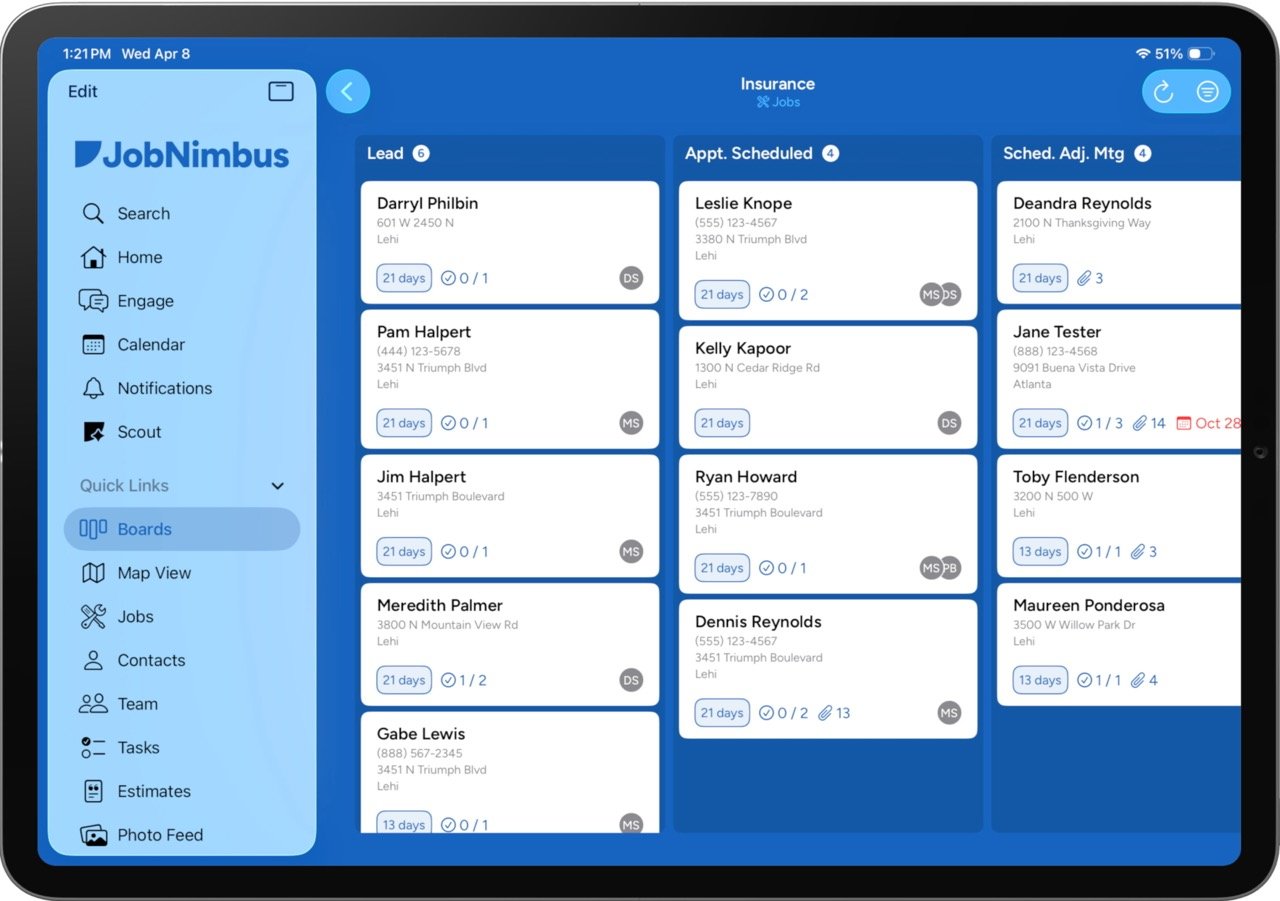
Close the Loop: WhatConverts + JobNimbus Native Integration
For home service agencies and contractors, the hardest question to answer is what happened after the lead. You can see which ads made the phone ring — but you can't see whether that call turned into a $400 repair or a $15,000 roof replacement.
The WhatConverts + JobNimbus integration changes that. By linking your marketing data to your field service outcomes, you can optimize spend based on actual revenue, not just lead volume.
Why This Integration Matters
- Revenue Reporting Without the Manual Work: When a job is created or an invoice is recorded in JobNimbus, the revenue data syncs to WhatConverts automatically — tied to the lead and campaign that started it all. No spreadsheets, no chasing clients for numbers.
- Prove ROI with Real Numbers: Stop reporting on impressions and lead counts. Show exactly how many dollars in JobNimbus revenue each campaign, keyword, and channel produced.
- Optimize for What Actually Drives Growth: Connect revenue data to your ad platforms automatically so algorithms can optimize toward the leads most likely to turn into high-value jobs — not just any conversion.
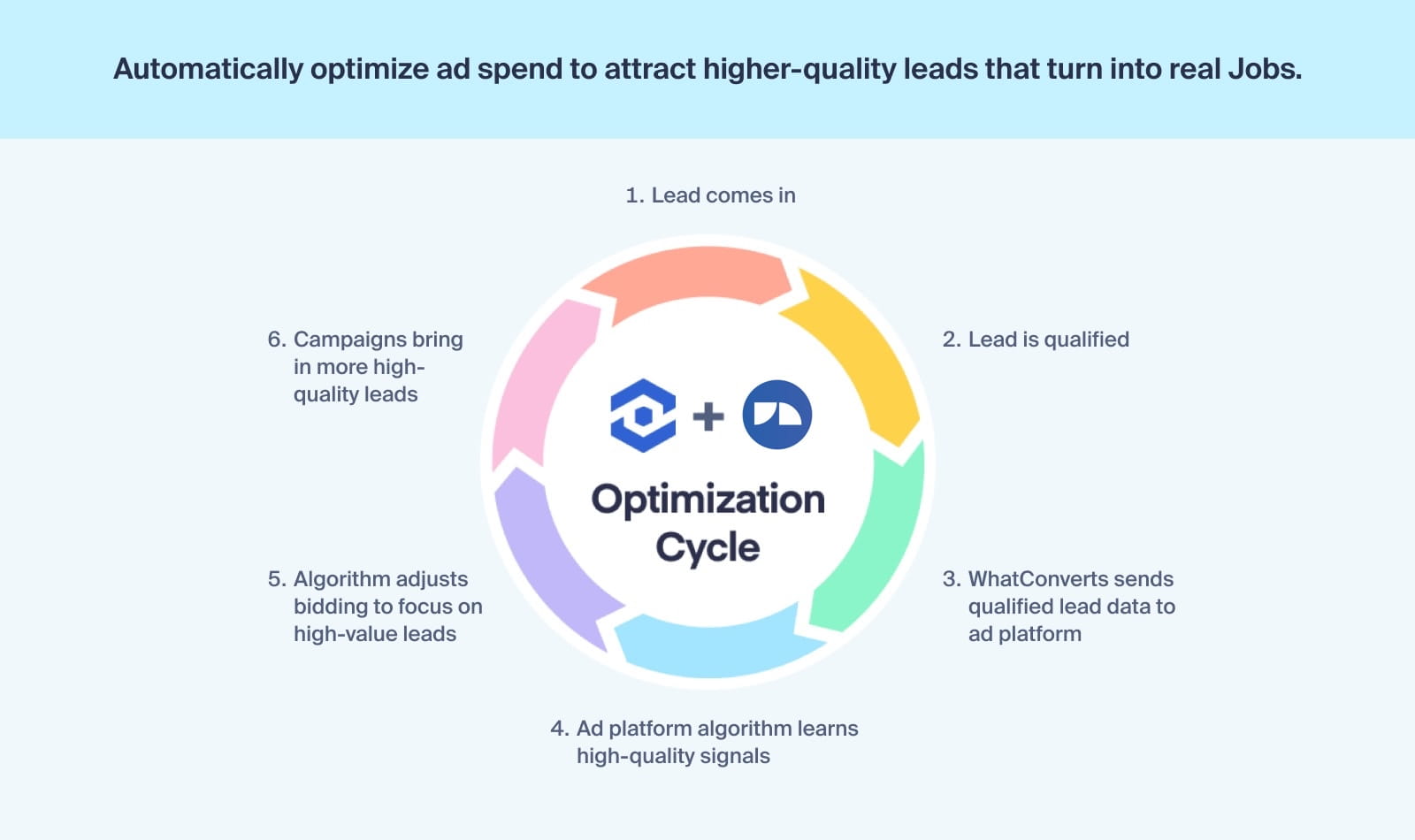
Built for Contractors
- HVAC: Identify which campaigns drive high-value system installs versus low-margin service calls — and budget accordingly.
- Roofing & Restoration: Tie storm response ads directly to project revenue and demonstrate real marketing impact behind every job won.
- General Contracting: Attribute project revenue to the exact keyword or ad that brought in the inquiry, so you can focus on winning better work.
Connect in Minutes
This is a direct, native integration. No third-party automation tools, no middleware subscriptions, no complex setup.
- Connect: In WhatConverts, go to Tracking > Integrations > CRM and select JobNimbus.
- Generate your API key: In JobNimbus, navigate to Settings > Integrations API to create your key.
- Paste and assign: Enter the API key in WhatConverts and assign the integration at the profile level.
- Choose what to track: Select jobs, invoices, or both — then click Update.
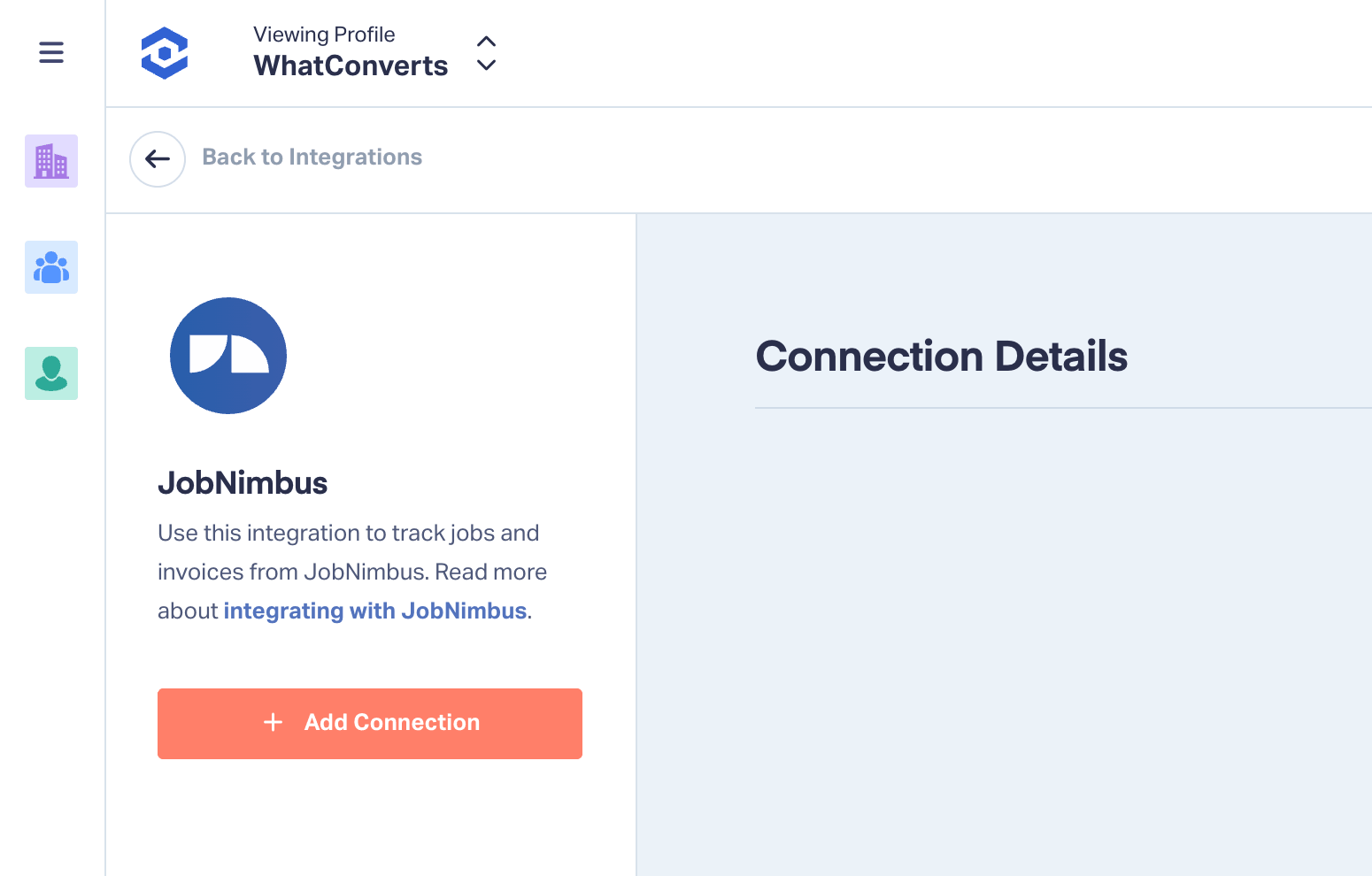
Once connected, job and invoice data will begin syncing automatically to your lead records.
For more on connecting JobNimbus with WhatConverts, see the Help Center article below:
Not a WhatConverts User?
If you're using JobNimbus and want to connect your CRM data to your marketing reporting, we can help.
Start your free 14-day trial of WhatConverts today or book a demo with a product expert to see how we help prove and grow your ROI.
Get a FREE presentation of WhatConverts
One of our marketing experts will give you a full presentation of how WhatConverts can help you grow your business.
Schedule a Demo






