















































Access the Lead Manager
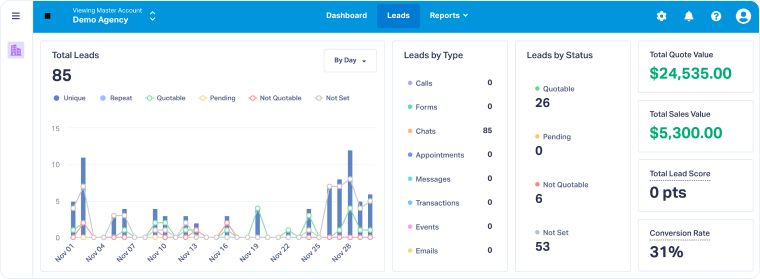
The Lead Manager is available from anywhere in WhatConverts. You can open it from the Master Account, Account, or Profile level.
If you access it at the Master Account level, you’ll see all leads across all Accounts and Profiles. At the Account or Profile level, you’ll only see the leads for that level.
View Your Leads
To open the Lead Manager at any level:
- From the top navigation bar, click “Leads”.
- The Lead Manager will open, showing all leads for the level (Master Account, Account, or Profile) you are currently in.
Tip: To see leads for a specific website or location, switch to the Profile in the Account Navigator and then open the Lead Manager.
Related Topics
Was this page helpful?
Get a FREE presentation of WhatConverts
One of our marketing experts will give you a full presentation of how WhatConverts can help you grow your business.
Schedule a Demo






