


Change or Reset Your Password
You can reset your password to regain access to your WhatConverts account if you’ve forgotten it, or change it at any time.
Change Your Password
To change your password while logged into your account:
- Click the User icon in the top right and select “User Settings”.
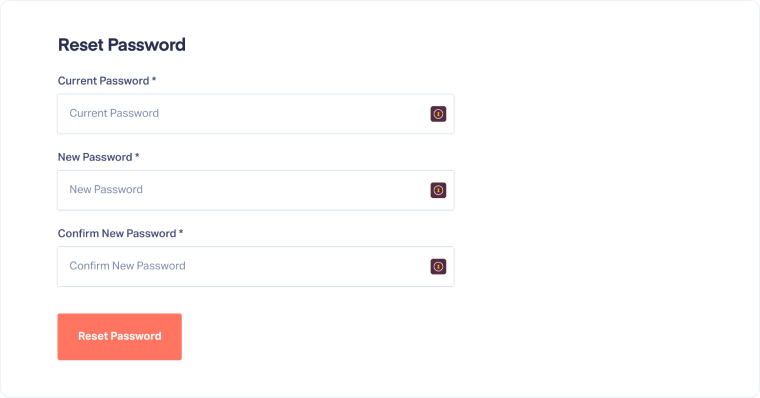
- Under Security Settings, open the Reset Password tab.
- Confirm your current password and enter the new one.
- Click “Reset Password” to save changes.
Reset Your Password
If you’ve forgotten your password, you can reset it from the login page:
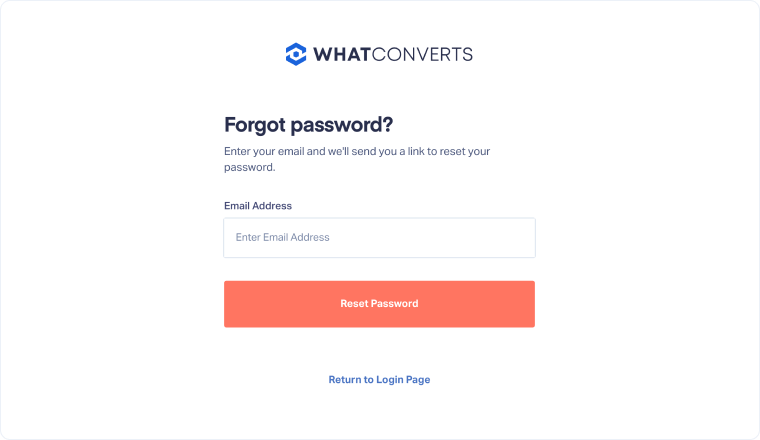
- On the login page, click “Forgot Password?”.
- Enter the email address associated with your WhatConverts account, then click “Reset Password”.
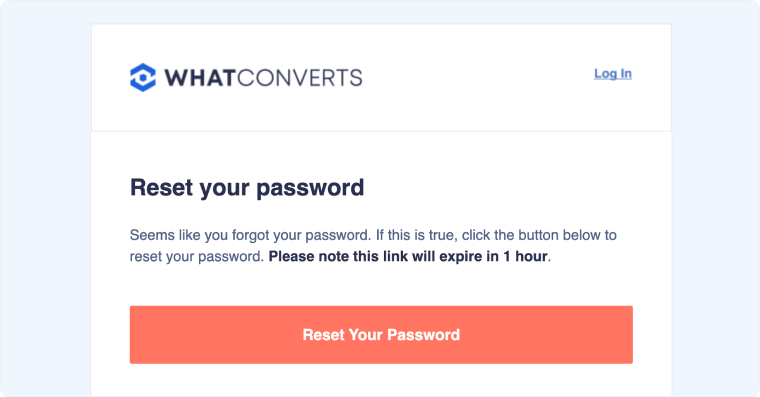
- Go to your email inbox and find the email from WhatConverts titled “Password Reset”.
- Click the “Reset Your Password” link in the email.
- Enter your new password and click “Reset Password” to finalize.
Related Topics
Was this page helpful?
Get a FREE presentation of WhatConverts
One of our marketing experts will give you a full presentation of how WhatConverts can help you grow your business.
Schedule a Demo






