















































Access the Additional Information Section
The Additional Information section lets you view lead metadata (e.g., Lead ID, Call SiD) and manually mark a lead as spam or duplicate. You’ll find it inside the Lead Details page.
How to Access the Additional Information Section
To review additional lead information:
- Open the Lead Details page for the lead you want to review.
- Scroll down the Lead Details page until you reach the Additional Information section.
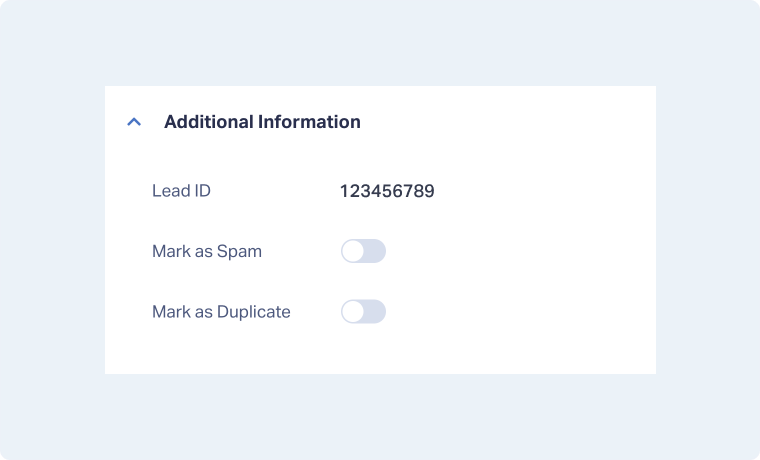
Note: Details in this section can vary depending on the lead type.
Related Topics
Was this page helpful?
Get a FREE presentation of WhatConverts
One of our marketing experts will give you a full presentation of how WhatConverts can help you grow your business.
Schedule a Demo






