















































Access the Lead Details
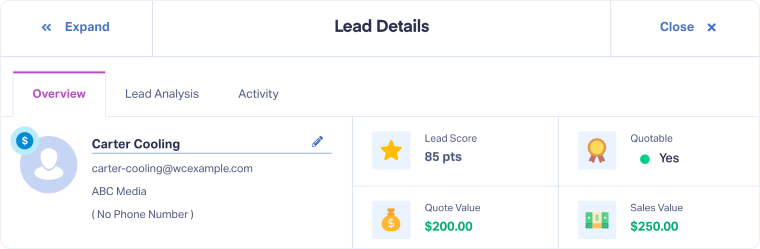
The Lead Details page lets you drill deeper into individual leads from the Lead Manager. Here you can review context like the customer journey, conversion details, and AI-powered insights to evaluate and qualify leads.
Open the Lead Details
To access the Lead Details:
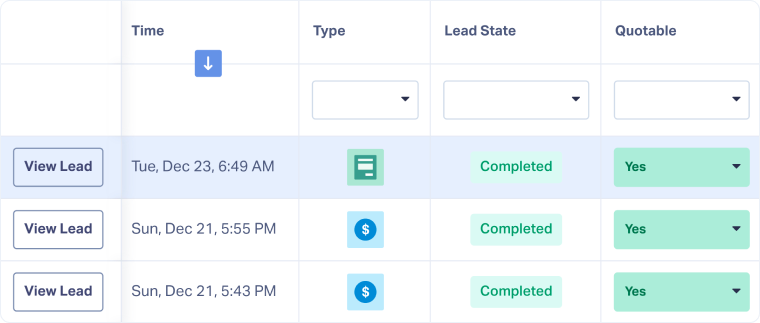
- Open the Lead Manager.
- Click “View Lead” next to any lead in the table to open the Lead Details page.
- Use the tabs at the top to navigate between the Overview, Lead Analysis, and Activity details.
- Use “Next Lead” or “Previous Lead” at the bottom to move through leads without going back to the Lead Manager.
Related Topics
Was this page helpful?
Get a FREE presentation of WhatConverts
One of our marketing experts will give you a full presentation of how WhatConverts can help you grow your business.
Schedule a Demo






