















































Use the Lead Activity
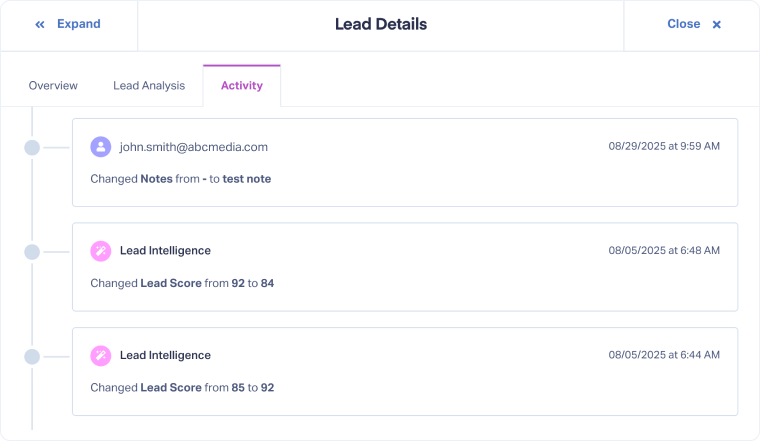
The Lead Activity tab gives you a detailed timeline of everything that has happened to a lead, including manual updates and automations.
It helps you understand when, how, and by whom each field was updated, giving you a full audit trail of both manual actions and automated updates.
Access the Lead Activity Tab
To review the lead history:
- Access the Lead Details page for the lead you want to review.
- In the Lead Details page, open the Activity tab at the top.
- This view shows all recorded actions in chronological order, including:
- Manual edits made by users
- Updates triggered by Lead Intelligence rules or integrations
Related Topics
Was this page helpful?
Get a FREE presentation of WhatConverts
One of our marketing experts will give you a full presentation of how WhatConverts can help you grow your business.
Schedule a Demo






