















































Export and Share Reports
Your Standard Reports don’t just help you analyze performance; they’re also easy to share. You can export them as a PDF for quick reference or presentations, email them directly to teammates or clients, or set up an automatic schedule so they are delivered regularly.
Schedule a Report
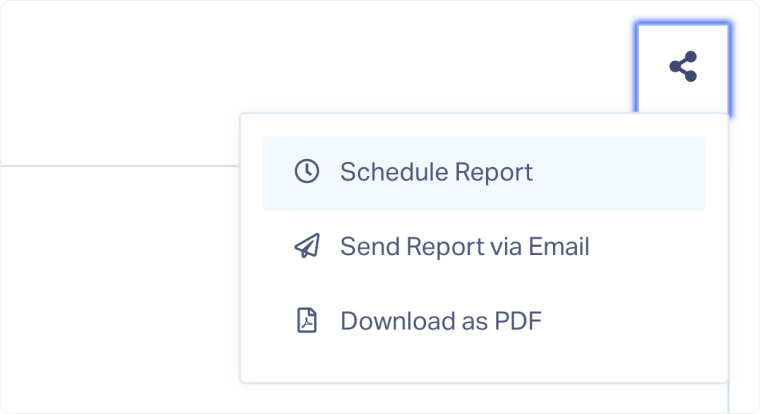
You can set up your reports to be sent automatically. From the Standard Report you want to share:
- Click “Share” and select “Schedule Report”.
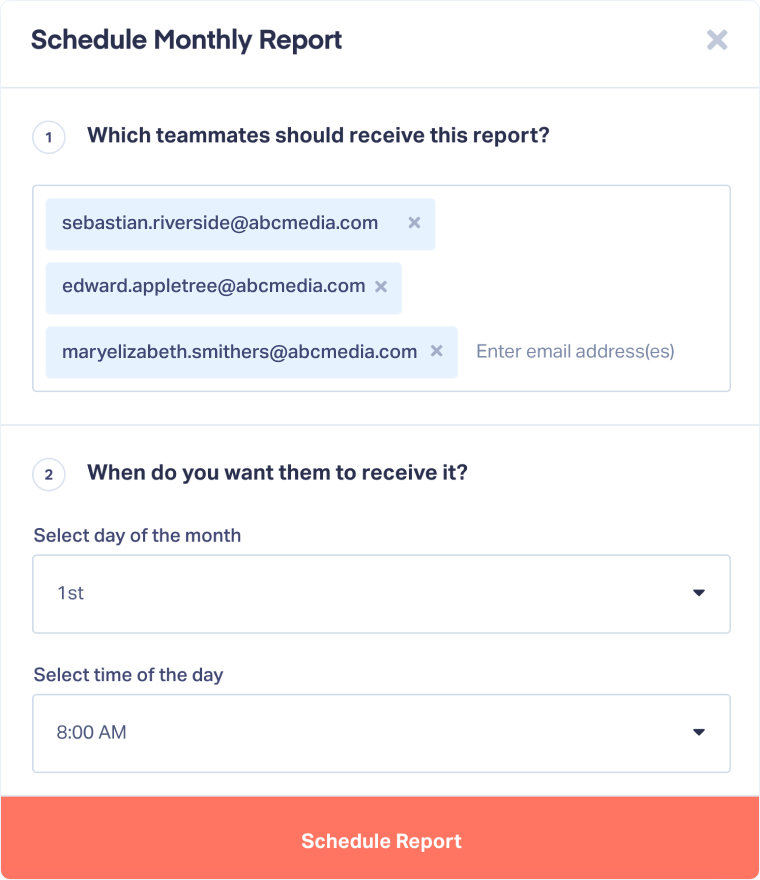
- Under “Which teammates should receive this report?”, enter the email addresses of the recipients.
- Under “When do you want them to receive it?”, choose:
a. The day of the month when the report should be sent.
b. The time of day for delivery. - Click “Schedule Report” to confirm.
Note: Reports can be shared with any Master Account or Account user. Master Account users can always receive the report, regardless of which account it’s generated from. Account users will only receive reports for the account(s) they have access to.
Send a Report via Email
You can send reports directly by email, so your team or clients can review the latest performance insights without needing to log in. From the Report you want to share:
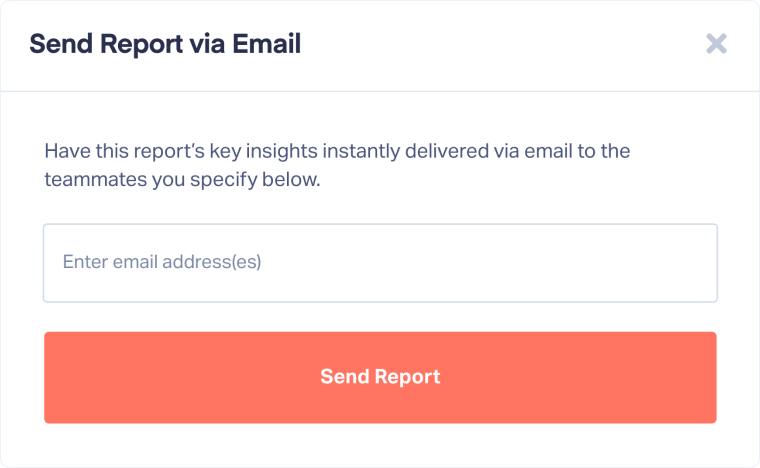
- Click “Share” and select “Send Report via Email”.
- Enter the email addresses of the recipients.
- Click “Send Report”.
Download a Report as PDF
You can download reports as a PDF. From the Report you want to export:
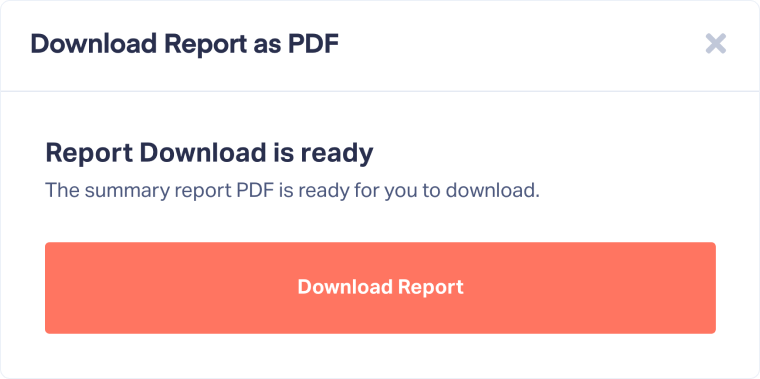
- Click “Share” and select “Download as PDF”.
- Click “Download Report”.
Related Topics
Get a FREE presentation of WhatConverts
One of our marketing experts will give you a full presentation of how WhatConverts can help you grow your business.
Schedule a Demo






