















































Sort Leads in the Lead Manager
Sorting helps you quickly organize your leads to find the information you need. You can sort any column in the Lead Manager table in ascending or descending order with just a click.
Sort a Column
To sort leads in the Lead Manager table view:
- Open the Lead Manager.
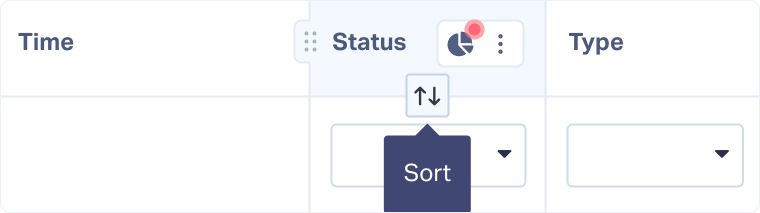
- Hover over the column header you want to sort.
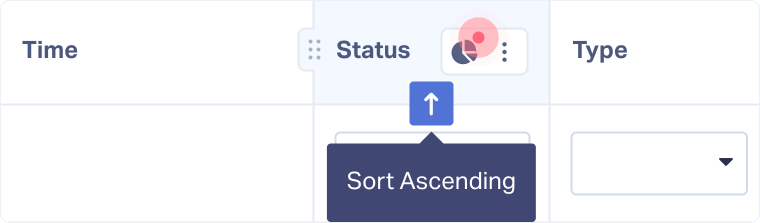
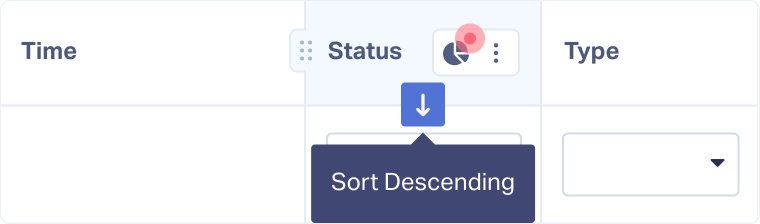
- Click the sort icon (⇅) to sort:
- One click: Sort Ascending.
- Second click: Sort Descending.
- Third click: Remove sorting.
Related Topics
Was this page helpful?
Get a FREE presentation of WhatConverts
One of our marketing experts will give you a full presentation of how WhatConverts can help you grow your business.
Schedule a Demo






