















































Enable Spam Prevention for Web Forms
Spam Prevention automatically blocks spam submissions from bots on your tracked web forms. When enabled, a hidden honeypot field is added to each form to help keep your lead data clean and accurate.
Enable Spam Prevention
To enable Spam Prevention for your web forms, follow these steps:
- Go to "Tracking" in your WhatConverts account.
- Select "Forms", then "Spam Prevention".
- Toggle the "Enable Spam Prevention" option on.
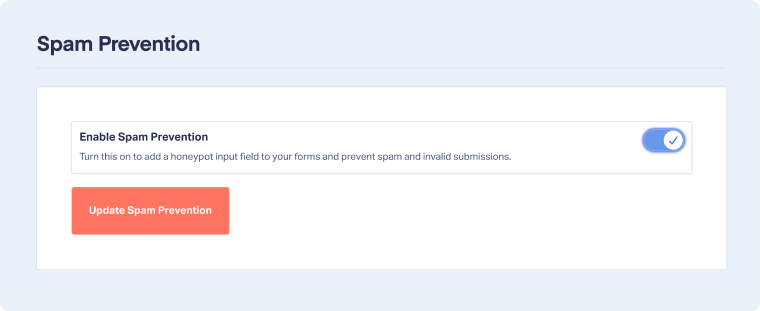
Once enabled, a honeypot field is automatically added to all tracked web forms to help prevent spam and invalid submissions.
Note: The honeypot field is invisible to real users and does not affect the form experience. This feature helps reduce spam, but it does not replace other security tools such as CAPTCHA or third-party spam filters.
Related Topics
Was this page helpful?
Get a FREE presentation of WhatConverts
One of our marketing experts will give you a full presentation of how WhatConverts can help you grow your business.
Schedule a Demo






