















































Organize the Lead Manager with Dimension Groupings
Once you’ve created Dimension Groupings, you can apply them directly in the Lead Manager to view lead values grouped by service line, campaign, or keyword category. This provides you with cleaner data for faster insights and better decisions.
Use Dimension Groupings in the Lead Manager
To organize your leads using Dimension Groupings:
- Open the Lead Manager.
- Make sure the Dimension Grouping column is available. If it isn’t, add it.
- Use the Dimension Grouping column to filter or group your leads.
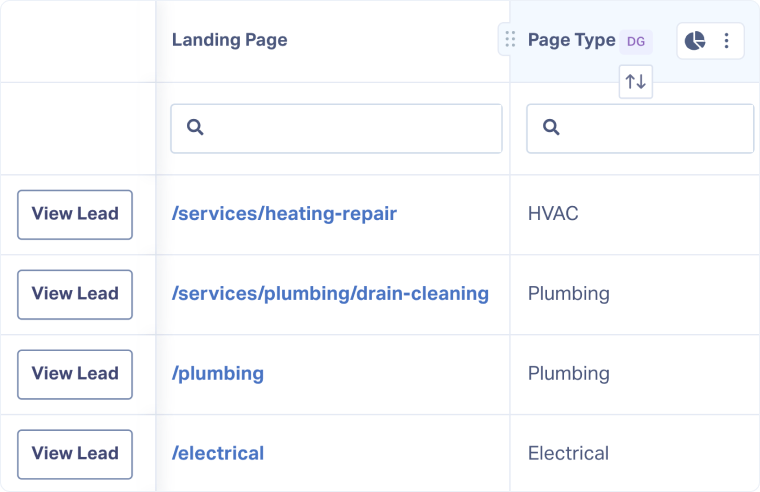
Note: Dimension Grouping columns in the Lead Manager include the label “DG” next to the name.
Related Topics
Was this page helpful?
Get a FREE presentation of WhatConverts
One of our marketing experts will give you a full presentation of how WhatConverts can help you grow your business.
Schedule a Demo






