















































Add a Phone Number to Track Google Local Service Ads Calls
Setting up Google Local Service Ads tracking allows you to monitor conversions from these ads in WhatConverts. You'll need to set up a dedicated phone number that customers will call through your ads. These calls will be tracked in WhatConverts, though conversions won't be sent back to Google Ads unless you're using Enhanced Conversions. Learn more about Call Tracking.
Add a Phone Number for Google Local Service Ads
Follow these steps to set up a tracking number for Google Local Service Ads.
- In your WhatConverts profile, select "Tracking" from the top menu.
- Choose "Calls", then "Phone Numbers".
- Click "+ Add Phone Number".
- Select "Advanced Setup".
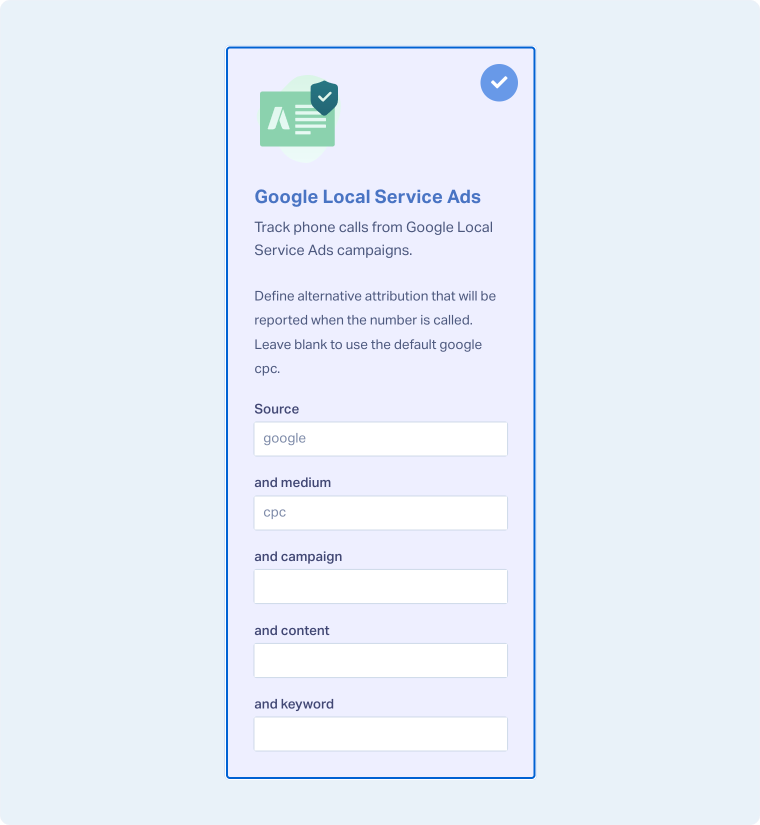
- Choose "Google Local Services Ads" as the tracking type and click "Next Step".
- Move the slider to "1".
- Choose the country, phone number type (local or toll-free), and area code.
- Click "Find Numbers".
- Review the selected number and click "Next Step".
- Enter the Destination Number (the number calls will forward to) and give your phone number a descriptive name, such as Google Call Extension. Click "Next Step".
- Review and adjust optional features such as Call Recording, Call Greeting, or Call Whisper.
- Once satisfied with your selections, click "Finish".
- Contact Google Support to have the new tracking number added to the Google Local Services Ads.
Related Topics
Was this page helpful?
Get a FREE presentation of WhatConverts
One of our marketing experts will give you a full presentation of how WhatConverts can help you grow your business.
Schedule a Demo






