















































Configure a Set Lead Data Step in a Call Flow
A Set Lead Data Step automatically assigns a specific value to a lead field during the call. This allows you to tag, categorize, or update lead information based on which path callers take through your Call Flow, making it easier to segment and analyze leads later.
Add and Configure a Set Lead Data Step
To add and configure a Set Lead Data Step in an existing Call Flow:
- Open the Call Flow and add a new step.
- Select "Set Lead Data" from the available step options.
- Enter a descriptive name for the step (e.g., Mark as High Priority, Set Quote Status, Tag VIP Caller).
- Under "Choose lead value type", select which type of field you want to set:
- System Value: Built-in WhatConverts fields (Quotable, Quote Value, Sales Value, Spam Lead, Duplicate Lead)
- Custom Field: Custom fields you've created in your profile
- Other: Any custom value name you specify
- Configure the value settings based on your selection.
- Click "Save Changes" to apply the Set Lead Data Step.
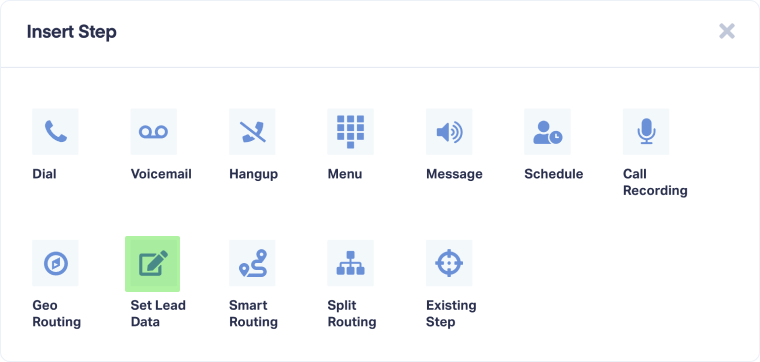
Once configured, any call that reaches this step will have the specified field automatically updated with the value you set.
Tip: Use Set Lead Data after routing steps to automatically tag leads based on their path. For example, after a Schedule Step for business hours, set "Priority = High" for after-hours callers who need urgent attention.
Note: Set Lead Data updates happen immediately when the call reaches this step. You can use multiple Set Lead Data steps in the same Call Flow to update different fields at different points.
Related Topics
Get a FREE presentation of WhatConverts
One of our marketing experts will give you a full presentation of how WhatConverts can help you grow your business.
Schedule a Demo






