















































Configure a Hangup Step in a Call Flow
A Hangup Step ends the call and disconnects the caller. This is typically used as the final step in a Call Flow when no further routing or actions are needed.
Add a Hangup Step
To add a Hangup Step in an existing Call Flow:
- Open the Call Flow and add a new step.
- Select "Hangup" from the available step options.
- The Hangup Step is added to your Call Flow immediately. No additional configuration is required.
- Click "Save Changes" to apply your changes to the Call Flow.
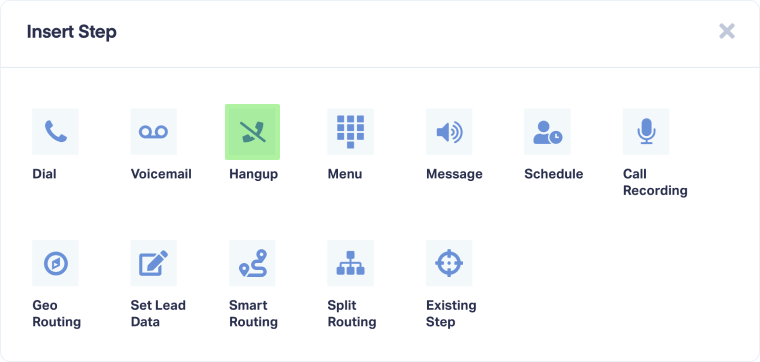
Once a caller reaches the Hangup Step, the call ends automatically and the caller is disconnected.
Tip: Use a Hangup Step after voicemail, message playback, or at the end of menu paths where no further action is needed. This ensures calls don't continue to unintended steps.
Note: The Hangup Step has no configuration options. It simply terminates the call when reached.
Related Topics
Was this page helpful?
Get a FREE presentation of WhatConverts
One of our marketing experts will give you a full presentation of how WhatConverts can help you grow your business.
Schedule a Demo






