


Send Conversions from WhatConverts to Unbounce
WhatConverts can send conversion data back to Unbounce so you can see which landing pages are generating the most qualified leads. By passing conversion data from WhatConverts to Unbounce, you'll have better visibility into which pages drive real business results.
Before You Begin
Before you can send conversions to Unbounce, you'll need:
- An active WhatConverts account
- An Unbounce account
- The WhatConverts tracking code installed on your Unbounce pages
For instructions on installing the WhatConverts tracking code on Unbounce pages, see Set Up Unbounce Call Tracking.
Connect WhatConverts to Unbounce
Follow these steps to set up the Unbounce integration:
- Log in to your WhatConverts profile.
- Navigate to “Tracking, then “Integrations”.
- Select the “Page Builders” tab.
- In the Unbounce module, click "Connect".
- Click "+ Add Connection".
- When prompted, click "Authorize" to connect your Unbounce account.
- Select which lead types you want to send to Unbounce as conversions.
- Select your trigger type:
- New Lead Received: Triggers when a new lead is received in WhatConverts
- Sales Value Received or Added: Triggers when a sales value is received with a new lead (for eCommerce) or when a sales value is added after the lead is received; the sales value will be sent along with the conversion
- Set as Quotable Lead: Only passes conversions to Unbounce when a lead is marked as "Quotable" in WhatConverts
- Click "Finish".
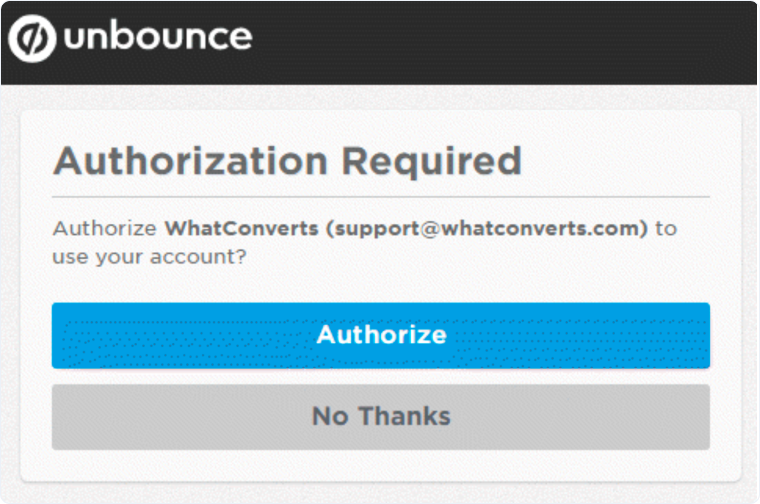
Once connected, WhatConverts will begin sending conversion data to Unbounce based on your selected triggers.
Note: It may take up to 72 hours for conversions to begin appearing in Unbounce reporting.
Related Topics
Get a FREE presentation of WhatConverts
One of our marketing experts will give you a full presentation of how WhatConverts can help you grow your business.
Schedule a Demo






