


Generate a Profile API Key
A Profile API Key allows you to connect WhatConverts to third-party tools or build custom integrations. Each profile has its own unique API key for secure access to your lead data and reporting.
Generate a Profile API Key
To create a Profile API Key:
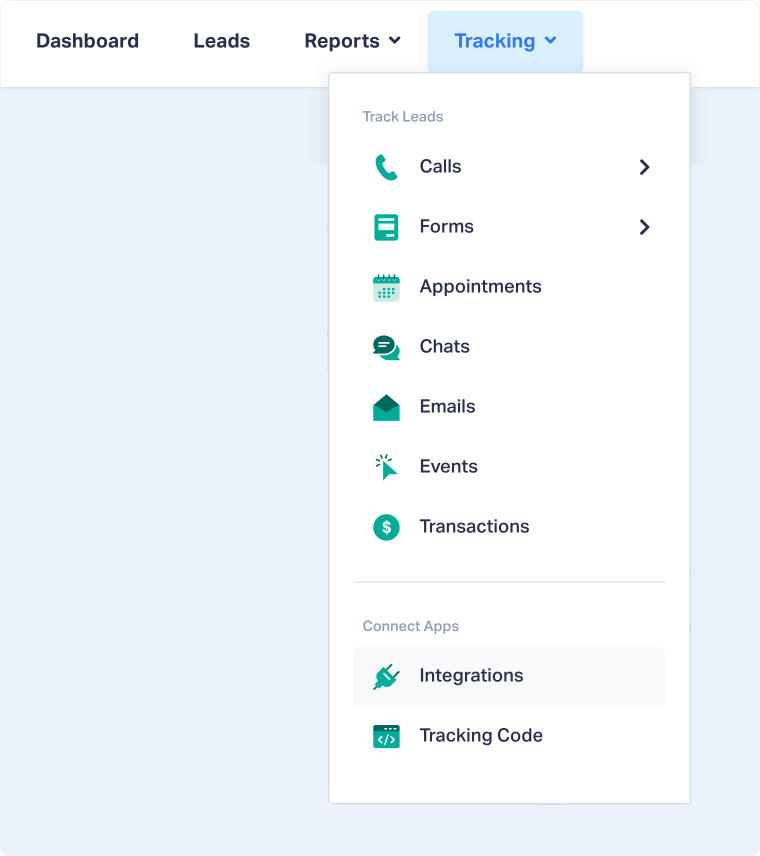
- From your Profile, go to "Tracking" from the top navigation.
- Select "Integrations" from the dropdown menu.
- Scroll to the API Key section and click “View Details”.
- Click "Generate API Key".
- Copy the generated key and store it securely.
Once generated, you can use this API key to authenticate API requests or connect third-party integrations that require WhatConverts data.
Note: Each profile has its own unique API key. If you need to access data from multiple profiles, you'll need to generate an API key for each one.
Related Topics
Was this page helpful?
Get a FREE presentation of WhatConverts
One of our marketing experts will give you a full presentation of how WhatConverts can help you grow your business.
Schedule a Demo






